Free Download Agenda PowerPoint & Google Slides Slides
| Key Feature | Business Advantage of Agenda Presentation Slide |
|---|---|
| Visual Structure | Establish clear roadmaps that maintain audience engagement throughout the session. |
| Customization | Utilize 100% editable elements to align with corporate branding effortlessly. |
| Asset Library | Access over 14,500 slides to ensure maximum variety and professional quality. |
| Time Efficiency | Deploy ready-to-use templates to significantly reduce preparation lead times. |
| Professionalism | Deliver high-impact visuals that enhance executive credibility during pitches. |
| Information Flow | Organize complex data into logical sequences for better stakeholder retention. |
An agenda slide acts as the foundational roadmap for your audience, serving as a structural bridge between your opening hook and the substantive data of your deck. Far from being a mere list, it is a cognitive steering mechanism that helps participants organize upcoming information into manageable mental compartments. By presenting a clear sequence, you reduce intellectual friction, allowing listeners to focus on your narrative rather than wondering about the session’s duration. This slide formalizes the strategic commitment you are making to your stakeholders, detailing the high-level milestones you intend to reach together. In a professional landscape, it signals that you are a disciplined communicator who respects the time and attention of every person in the room.
Presenting your agenda requires a nuanced narrative touch that avoids the common trap of simply reading text aloud from the screen. Your verbal delivery should focus on the interconnectivity of topics, explaining how one point naturally flows into the next to build a complete picture. Instead of a mechanical recitation, frame the agenda as a logical progression toward a specific solution or organizational goal. You want to evoke curiosity by hinting at the value hidden within each section, keeping the energy high and ensuring the audience remains actively engaged throughout the transition into your core content.
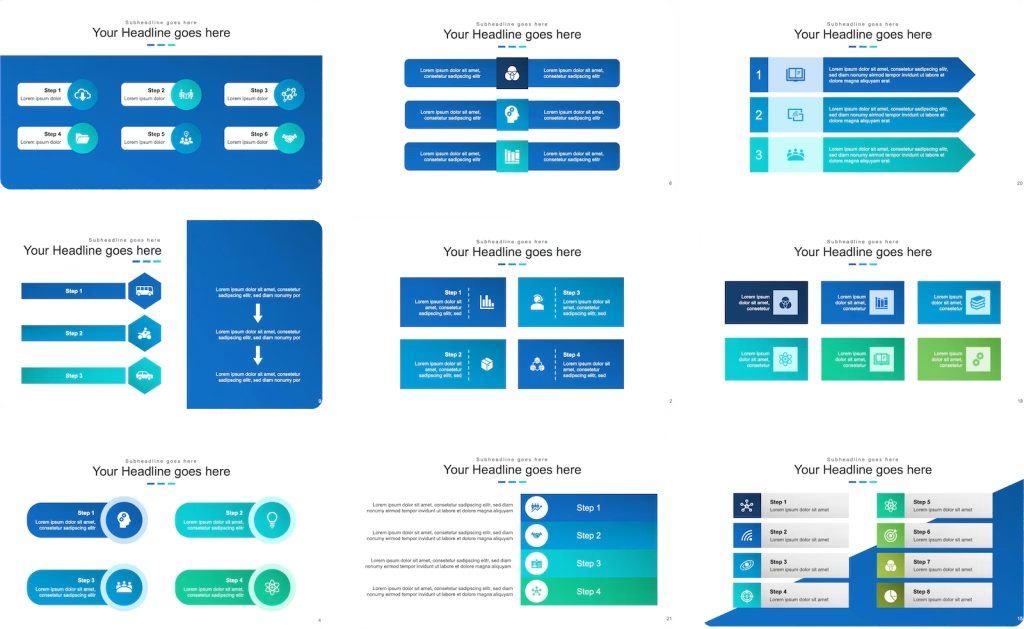
Making an agenda slide is an exercise in visual information design that prioritizes clarity over decorative clutter. You must balance the need for comprehensive detail with the aesthetic requirements of a clean, modern layout that doesn’t overwhelm the viewer. Start with a structured grid or a vertical timeline that guides the eye naturally from top to bottom. Incorporate icons that act as visual anchors, providing a non-verbal cue for each topic that significantly aids in long-term memory retention. Ensure your branding elements, such as colors and typography, remain consistent to build professional trust with your audience.
Writing an agenda involves distilling complex themes into punchy, action-oriented phrases that promise results. Instead of using passive nouns, employ dynamic action verbs that suggest movement and achievement toward a goal. For example, change “Sales Data” to “Evaluating Sales Performance” to create a more engaging mental image for your participants. Each point should represent a strategic milestone that contributes directly to the overall objective of the meeting. You must also consider the intellectual hierarchy of your points, ensuring that the most critical information is discussed while the audience’s attention is peaking.
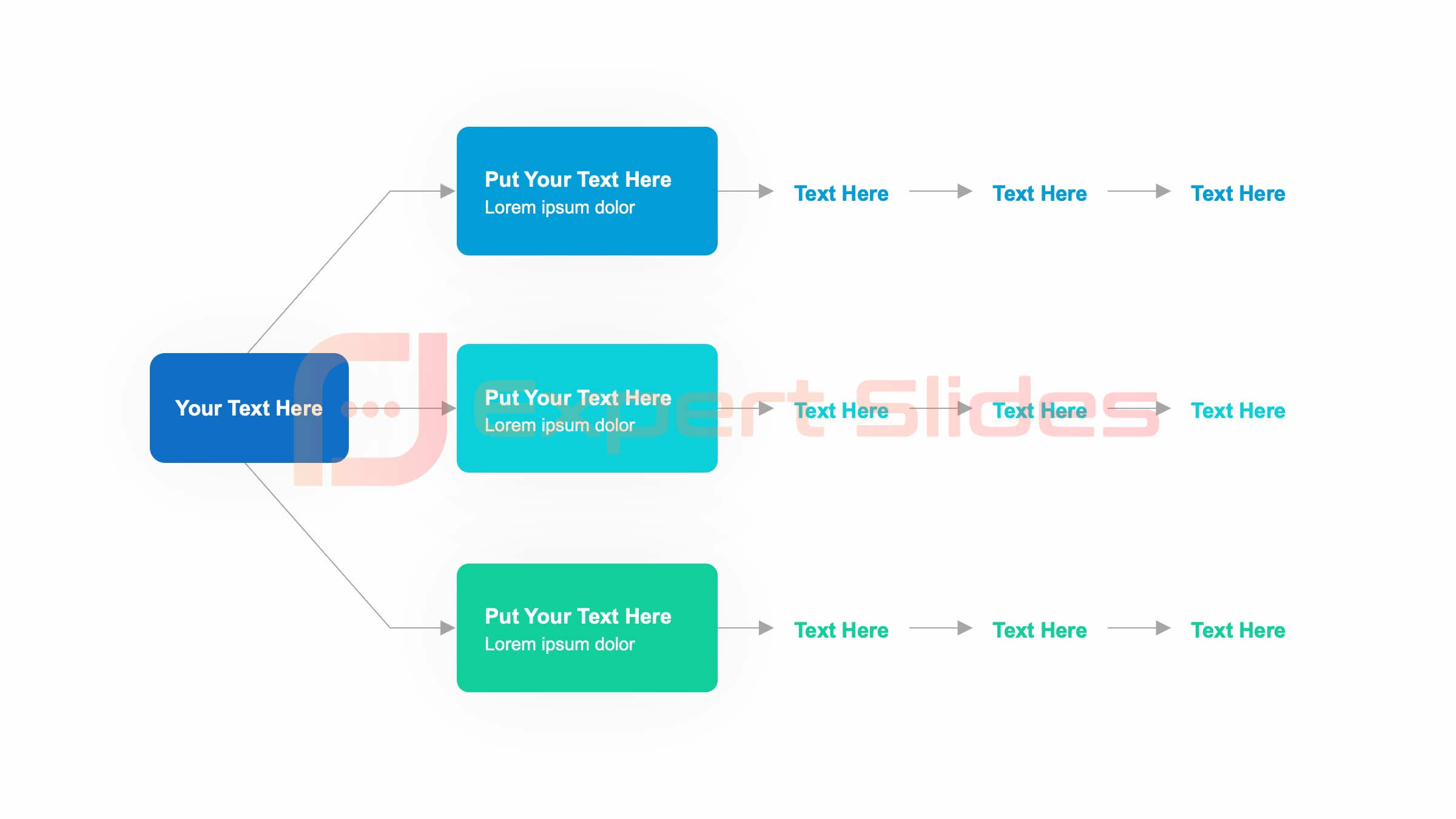
A simple agenda is designed for immediate comprehension, stripping away secondary details to focus on the “big rocks” of the discussion. This format is particularly effective for agile stand-ups or quick team synchronizations where brevity is a primary virtue. Focus on the three core pillars of the conversation: the current status, the obstacles, and the immediate path forward. By keeping the word count low and the impact high, you ensure that every participant leaves the room with a crystal-clear understanding of their specific responsibilities and the project’s timeline.
At its core, an agenda is a sequential roadmap for collective thought and professional interaction. It provides a standardized structure for gatherings ranging from informal huddles to high-stakes board meetings. For example, a “Product Launch” agenda might include: Market Opportunity, Feature Set, and Risk Mitigation. A “Technical Audit” might focus on: System Architecture, Performance Bottlenecks, and Security Compliance. These examples demonstrate how the agenda adapts to the specific needs of the group, providing a custom-fit framework that ensures the most important questions are answered in a disciplined manner.
A good agenda is realistic, prioritized, and purposeful. It acknowledges the limitations of human concentration by allocating more time to complex topics and leaving buffer room for unexpected tangents. A good agenda also identifies the decision-makers needed for each point, ensuring that the meeting doesn’t stall due to a lack of authority. It is distributed well in advance to allow for thorough preparation, transforming the meeting from a passive lecture into an active, collaborative session where everyone contributes to the final outcome.
Understanding the different archetypes of agendas allows you to tailor your presentation style to the specific requirements of the room. Different goals require different structures to be successful.
The most common mistake is over-packing the schedule, which leads to a rushed delivery and a frustrated audience. When you try to cover too much ground, you end up skimming the surface of everything and resolving nothing. Another significant error is a lack of time management, where early topics consume the entire slot, leaving the most important points for a five-minute scramble at the end. Additionally, failing to include action items or a wrap-up section can leave participants feeling like the meeting was a waste of time, as there is no clear path forward once the slides close.
Your commentary on the agenda slide should serve as a verbal executive summary. You should emphasize the “milestones of value” that the audience will reach. Use directional language like, “Our journey begins with a deep dive into the data, moving through the strategic response, and culminating in a concrete action plan.” This framing makes the agenda feel like a pathway to success rather than a list of chores. It also allows you to highlight which parts of the presentation are most critical for specific stakeholders, ensuring they pay maximum attention at the right moments.
While “agenda” is the industry standard, using context-aware terminology can elevate the perceived value of your session. In a creative pitch, call it a “Storyboard” to imply narrative flow. In a project management update, use “Milestone Roadmap” to emphasize tangible progress. For high-level leadership meetings, “Executive Priorities” or “Strategic Pillars” often carries more professional weight. Other strong alternatives include “Discussion Framework,” “Path to Resolution,” “Session Itinerary,” or “Core Objectives.” Choosing the right synonym helps align your tone with the specific culture of your organization.
In almost every professional scenario, an agenda is absolutely mandatory. It provides the essential structure that prevents a presentation from devolving into an aimless monologue. Even for short talks, a “mental agenda” shared at the beginning helps anchor the audience. The only exception might be a high-concept keynote where intentional mystery is part of the theatrical experience. However, for business, education, or technical fields, the absence of an agenda is often viewed as a lack of preparation and can severely damage your credibility as an expert.
The transition into your agenda should be seamless and purposeful. Once you have established the “why” of your presentation through a compelling hook, the agenda provides the “how.” You should start by saying, “To address these critical challenges, I have structured our time today into four key phases.” This connects the agenda’s utility directly to the problem the audience is eager to solve. It transforms the slide from a dry list into a strategic solution, ensuring that everyone is motivated to follow your lead through each subsequent point.
The 5 5 5 rule is a design constraint intended to maximize visual impact and minimize viewer fatigue. It suggests that you should have no more than five words per line, five lines of text per slide, and no more than five dense slides in a row. Applying this to your agenda ensures that it remains scannable and clean. By forcing yourself to summarize complex ideas into five-word phrases, you create a more powerful and memorable roadmap. This discipline prevents the agenda slide from looking like a daunted wall of text, which would otherwise discourage the audience before you’ve even begun.
An agenda slide is the visual anchor for a presentation’s structure, typically positioned immediately following the title and introduction. It serves as a navigational compass for the audience, mapping out the topics, themes, and goals of the session. Beyond its functional role as a table of contents, it is a branding opportunity that sets the visual tone for the rest of the deck. A high-quality agenda slide utilizes iconography and whitespace to make the meeting’s plan feel manageable, professional, and well-thought-out. It is the first true impression of your organizational skills.
Organizing an agenda requires a deep understanding of your audience’s priorities and the logical dependencies of your data. You must decide whether to lead with the most important news or build a case that leads to a climactic conclusion. Group related topics into thematic clusters to avoid disjointed transitions. Ensure that you have logical sequences—for instance, don’t discuss budget allocations before you have agreed on the project scope. Proper organization ensures the narrative flow feels natural, leading the audience toward your desired conclusion without causing confusion or repetitive questioning.
Microsoft Word provides a robust selection of formal agenda templates that are excellent for creating detailed handouts or meeting minutes. While these are great for documentation purposes, they often contain too much detail for a presentation slide. If you are using a Word template as your starting point, you must ruthlessly edit the content for your PowerPoint or Google Slides deck. The goal for a slide is visual clarity, whereas the Word document is designed for comprehensive reading. Use the Word version for pre-meeting preparation and the slide version for live storytelling.
The 5 P’s framework is a comprehensive planning tool that ensures no aspect of your meeting structure is overlooked. By addressing these five areas, you create a highly effective environment for professional collaboration.
Trusted by Teams at