Your Favourite AI Presentation Maker

Built by Senior Presentation Designers -
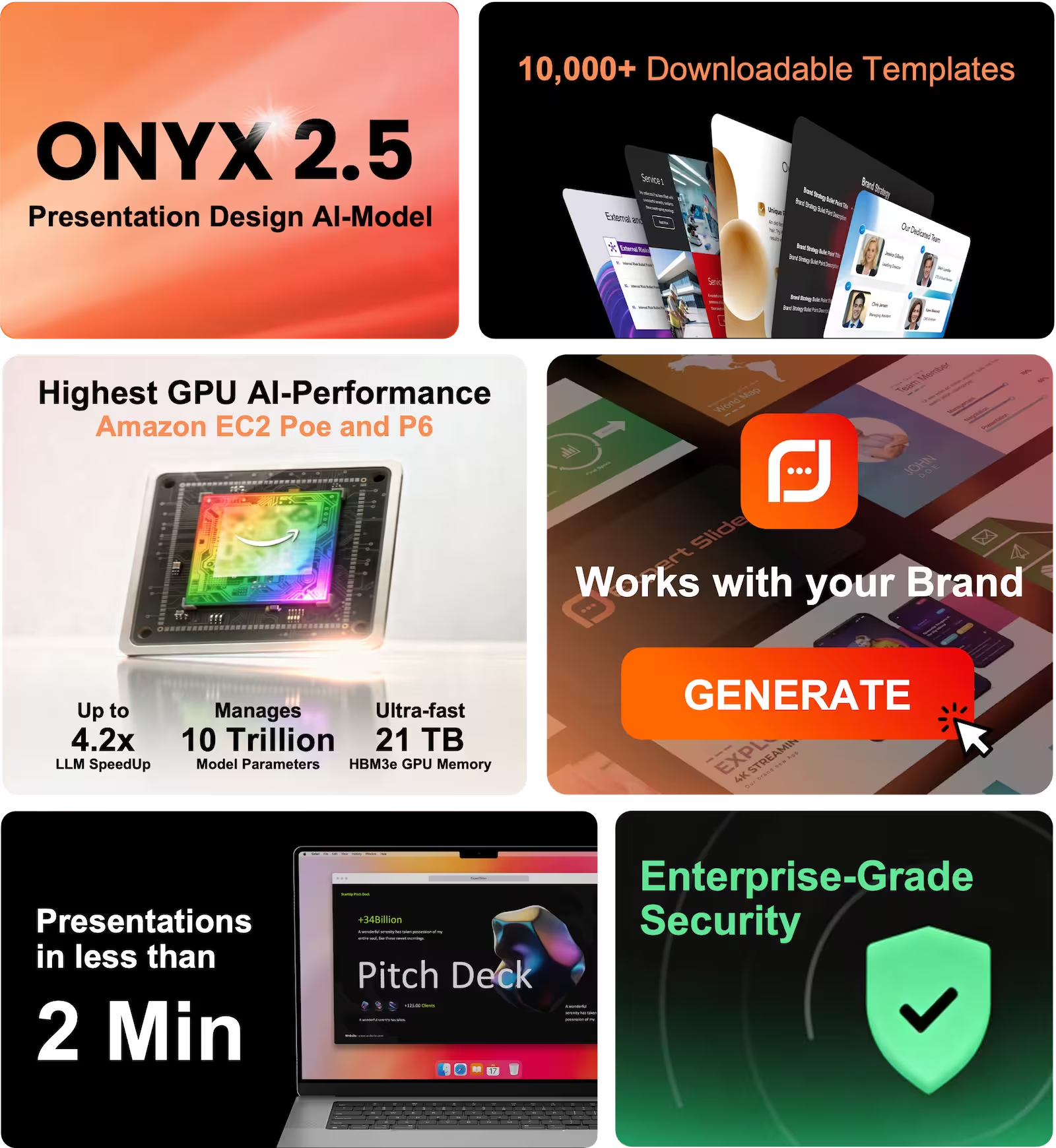
Transform Text into Presentations

Built by Senior Presentation Designers - Transform Text into Presentations

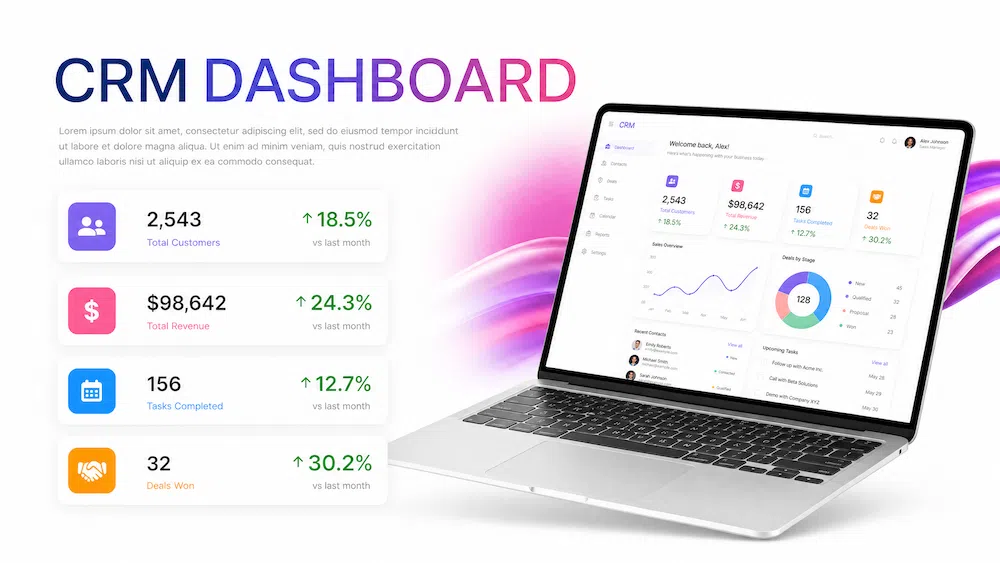
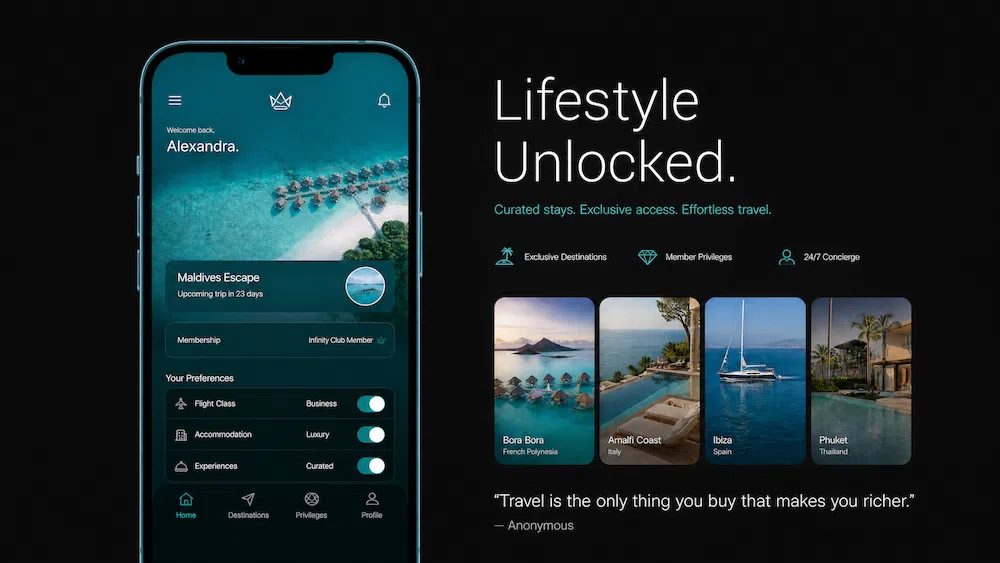
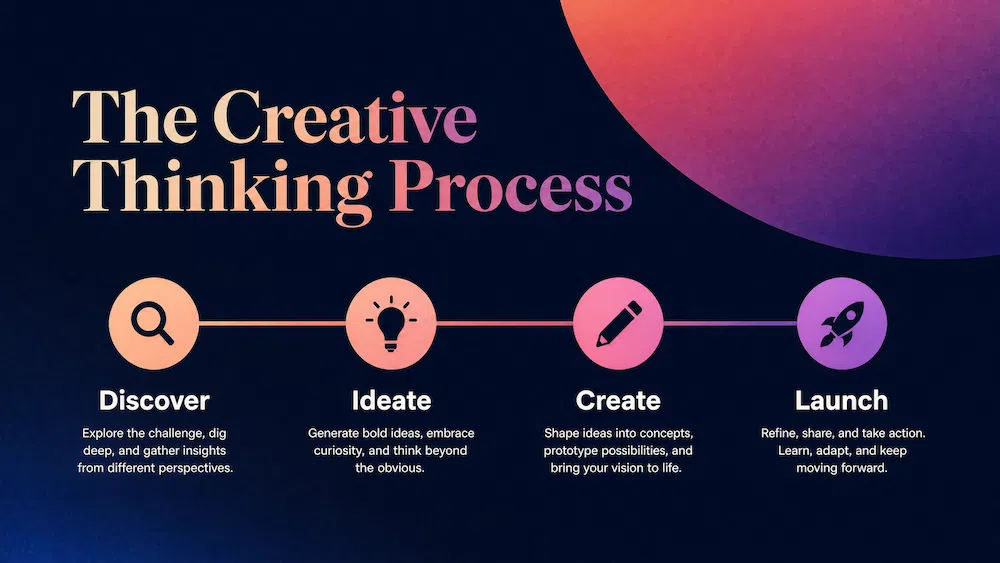
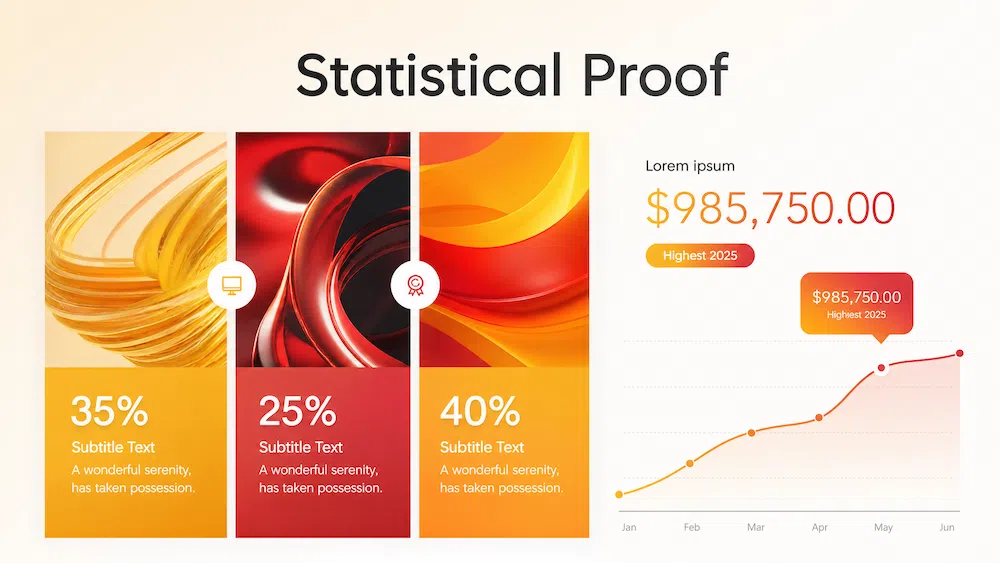
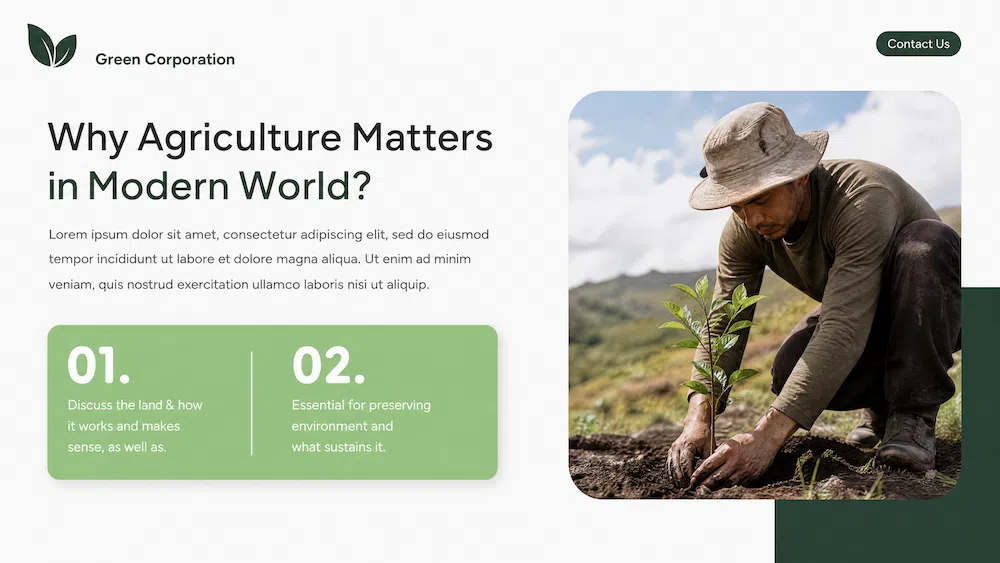
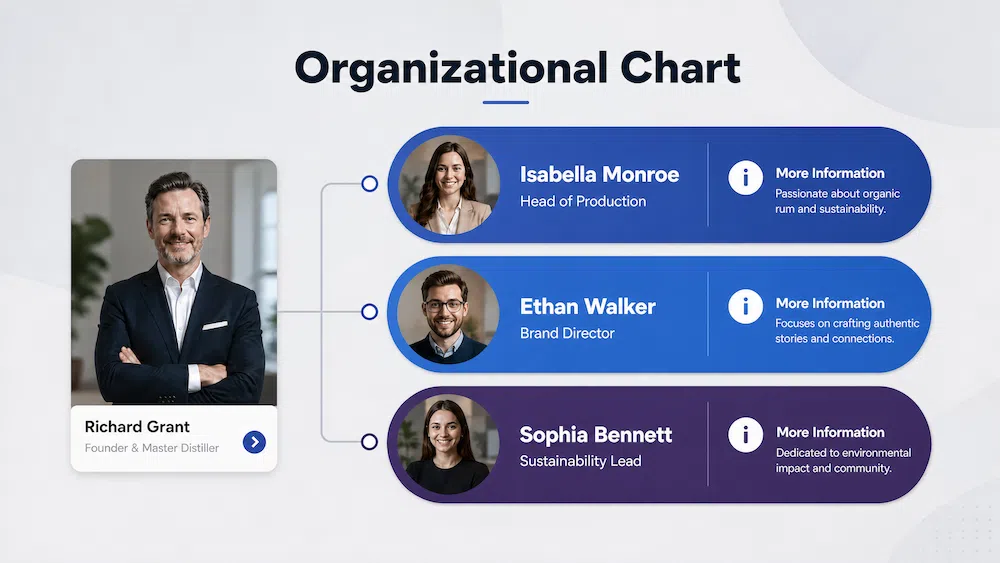
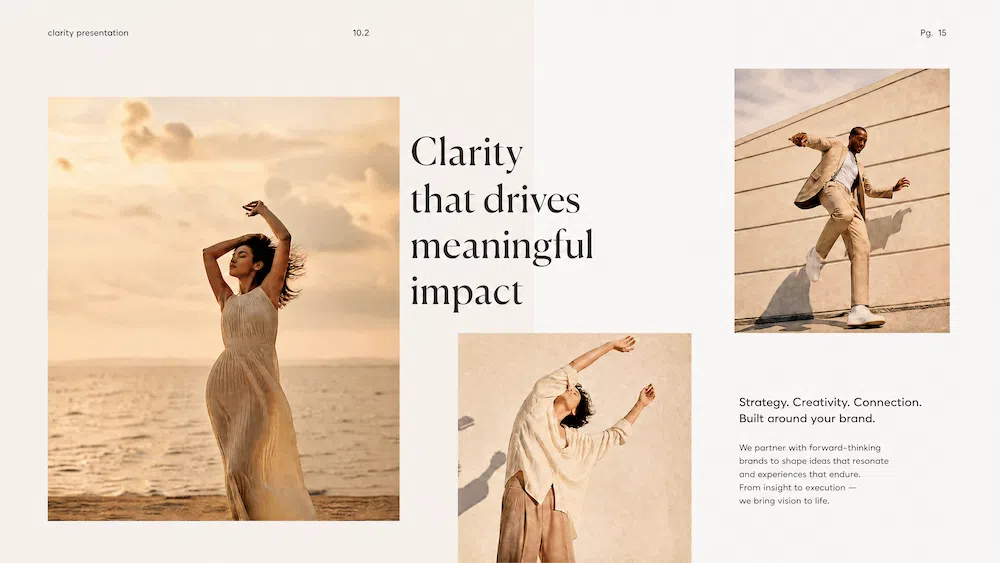
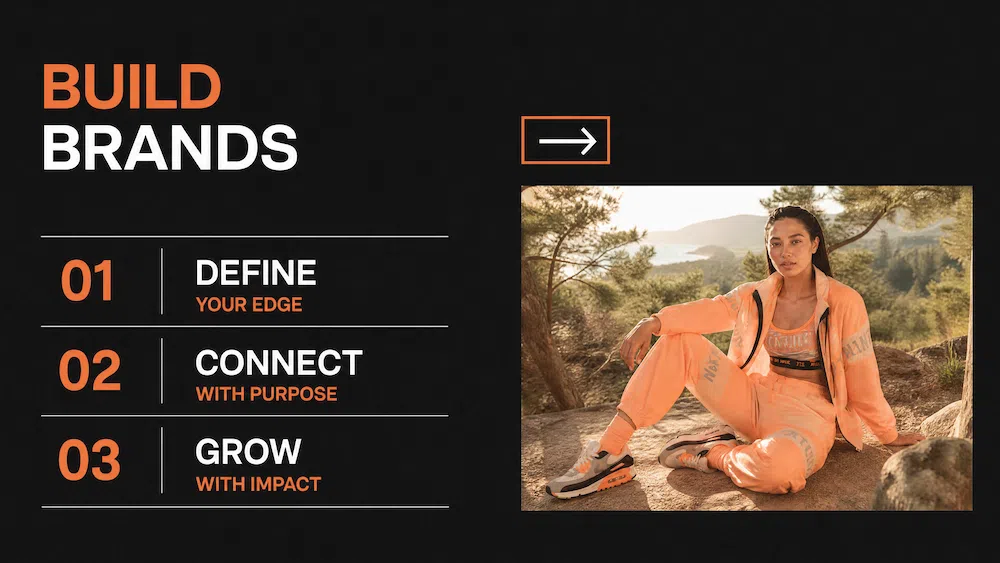
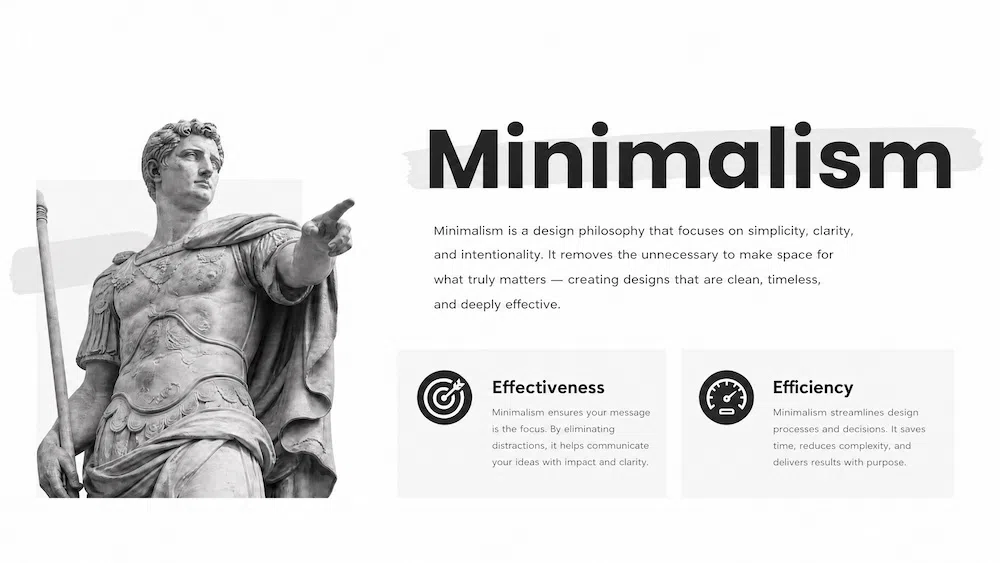
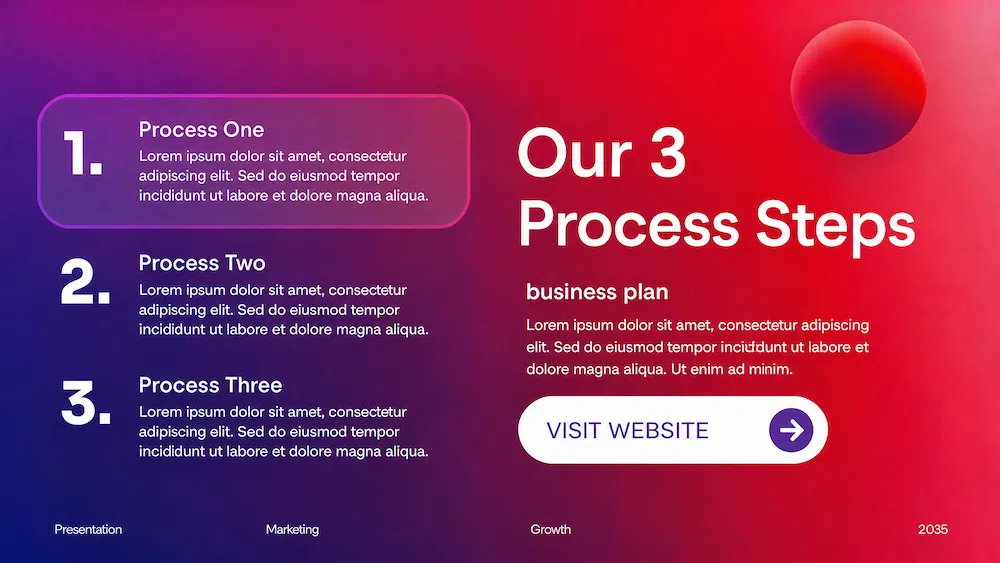
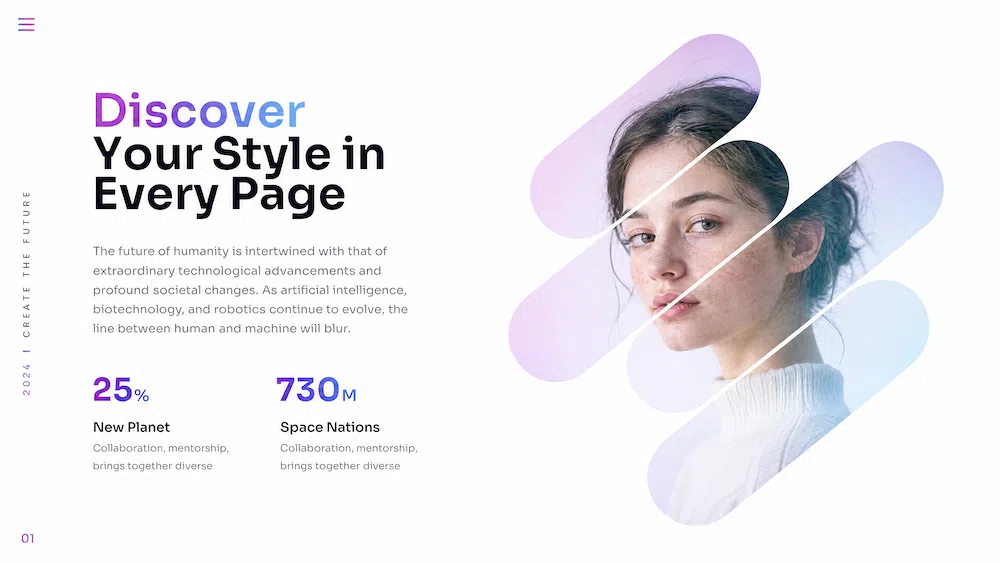
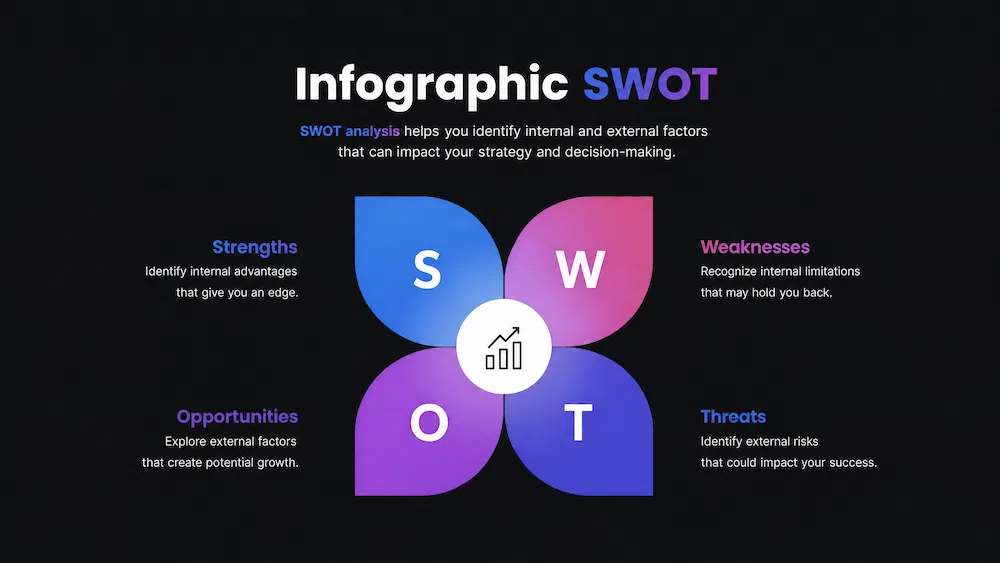
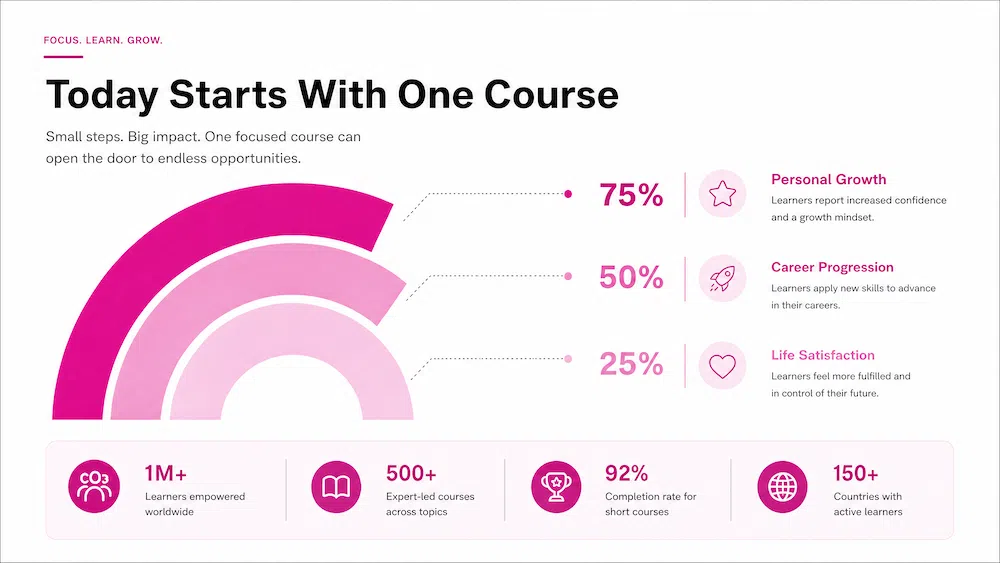
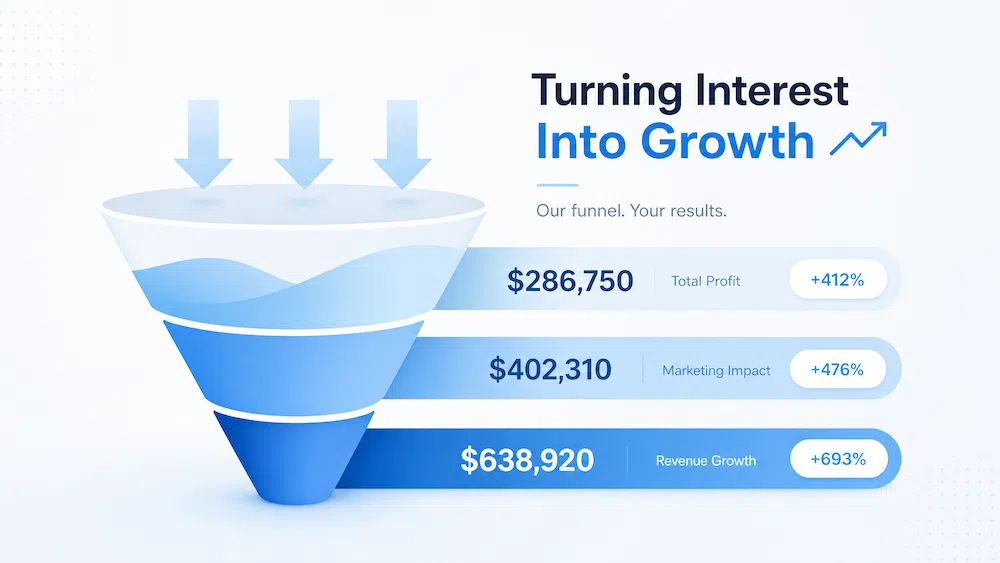
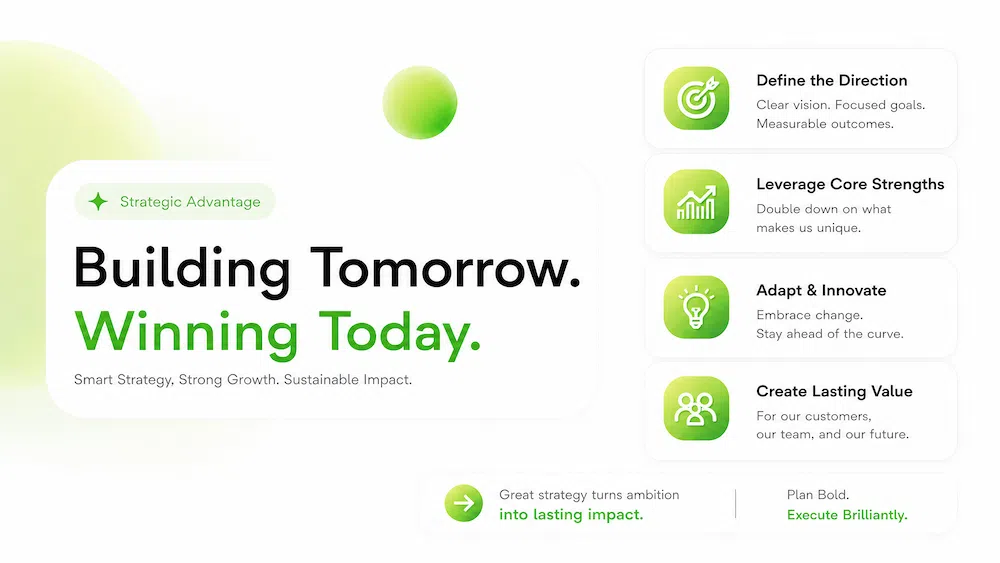
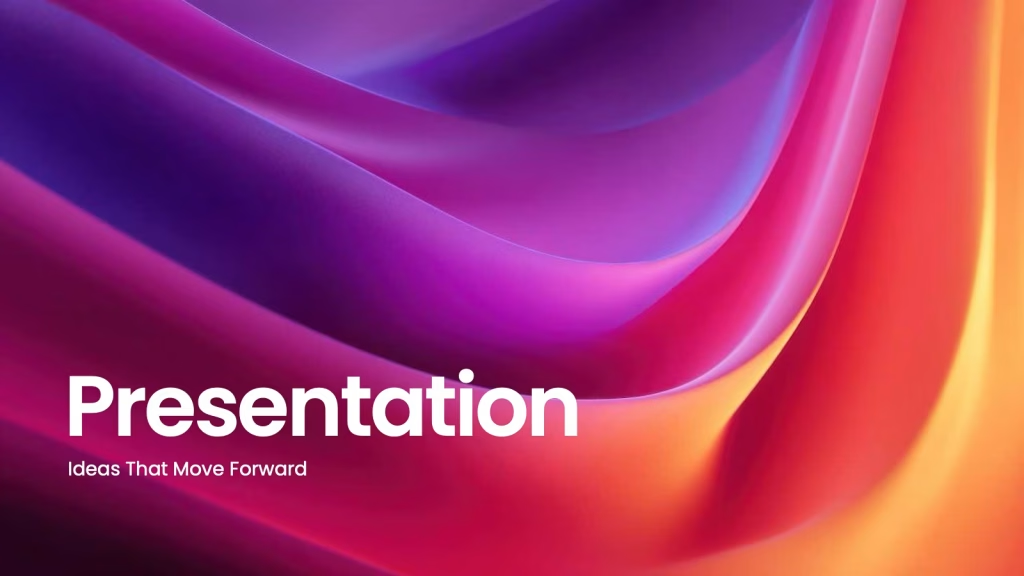
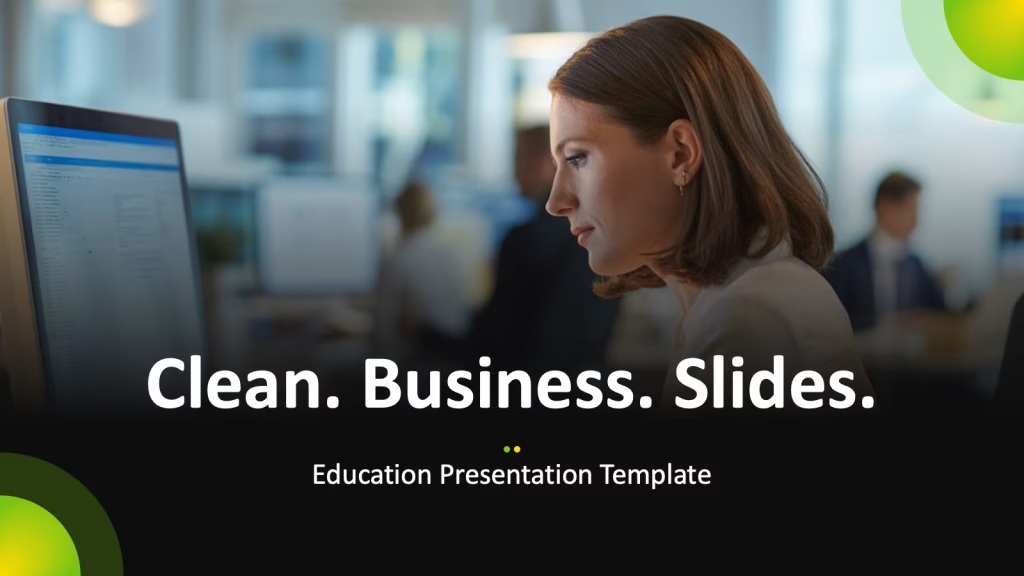
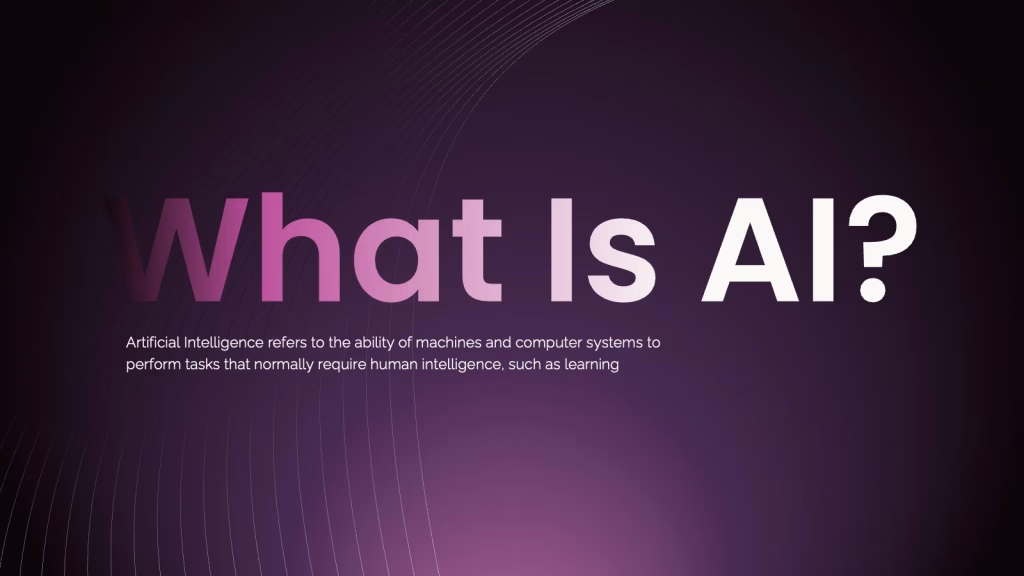
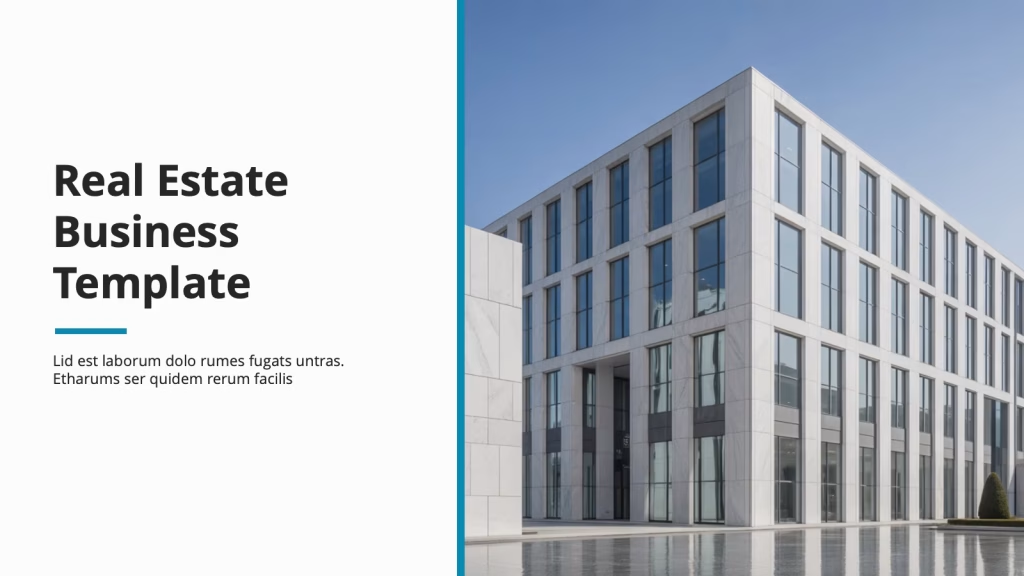
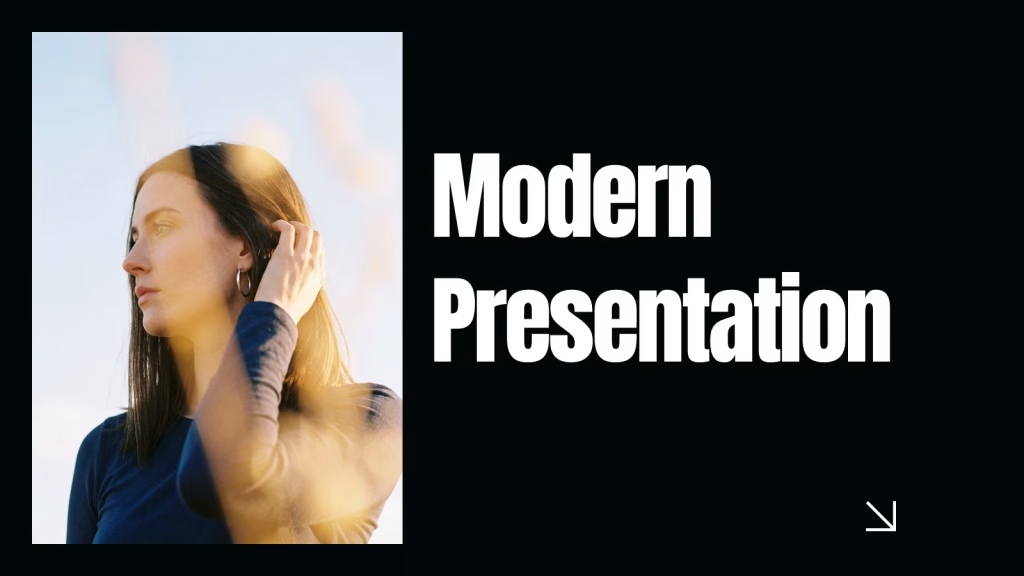
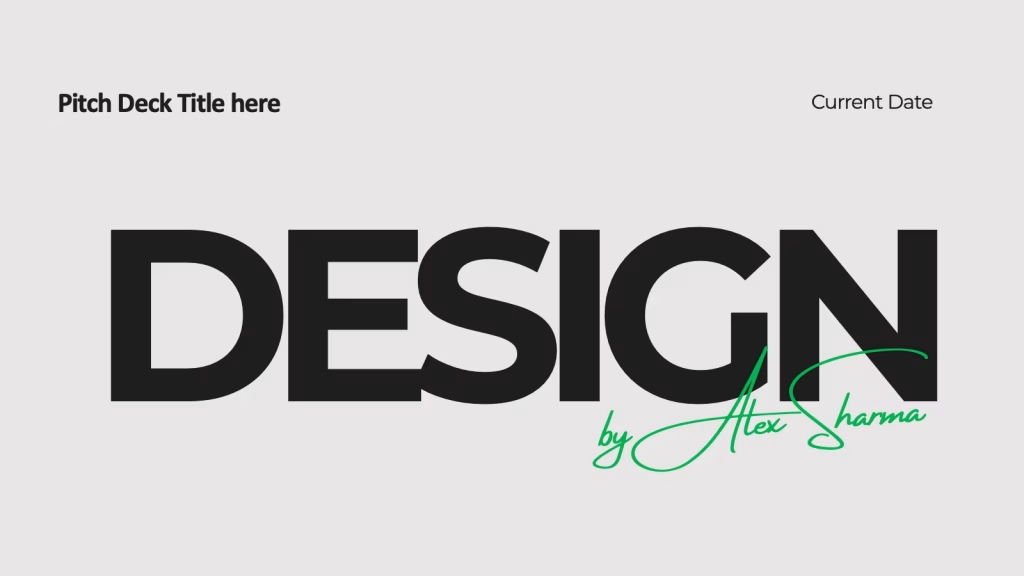
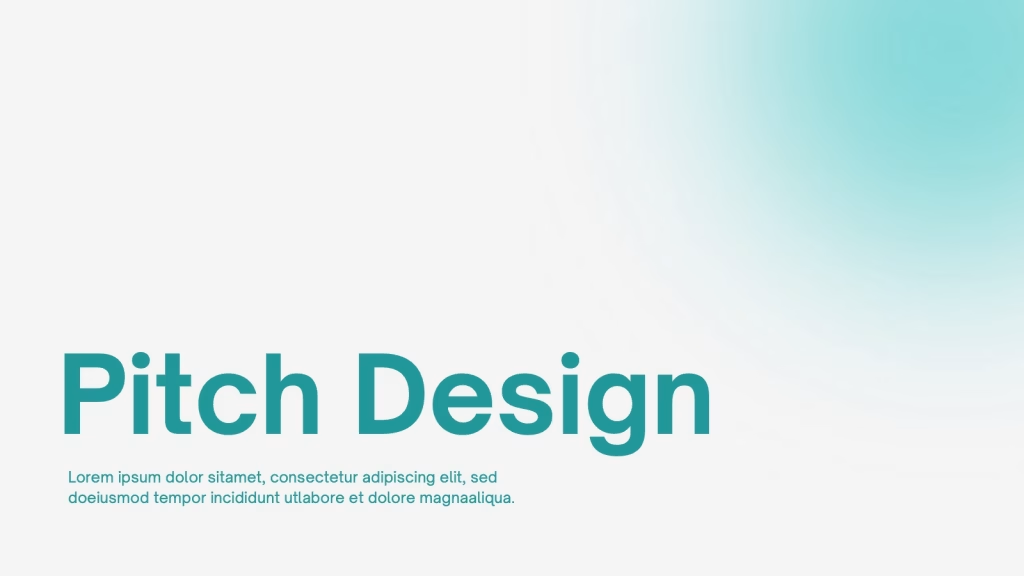
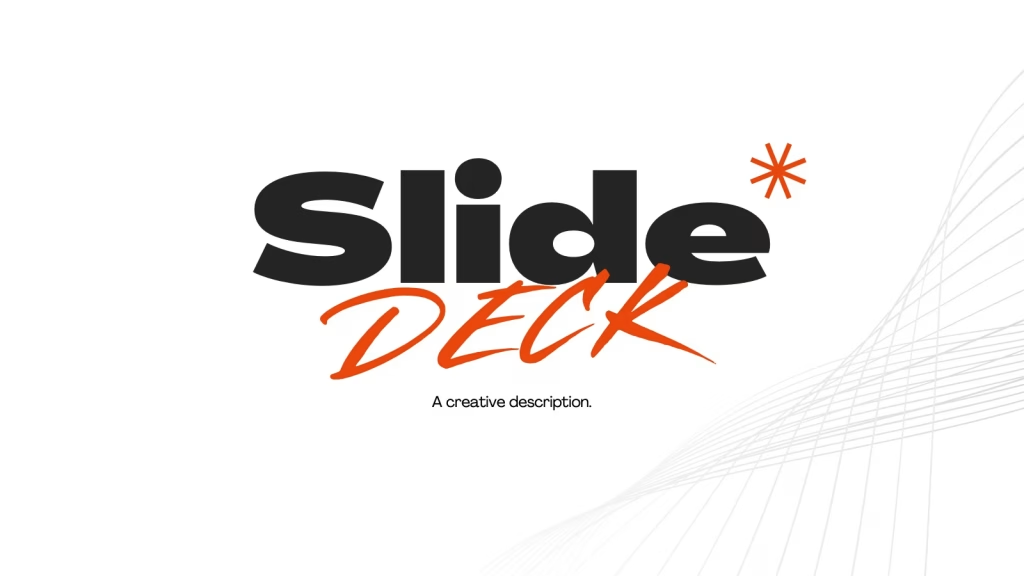
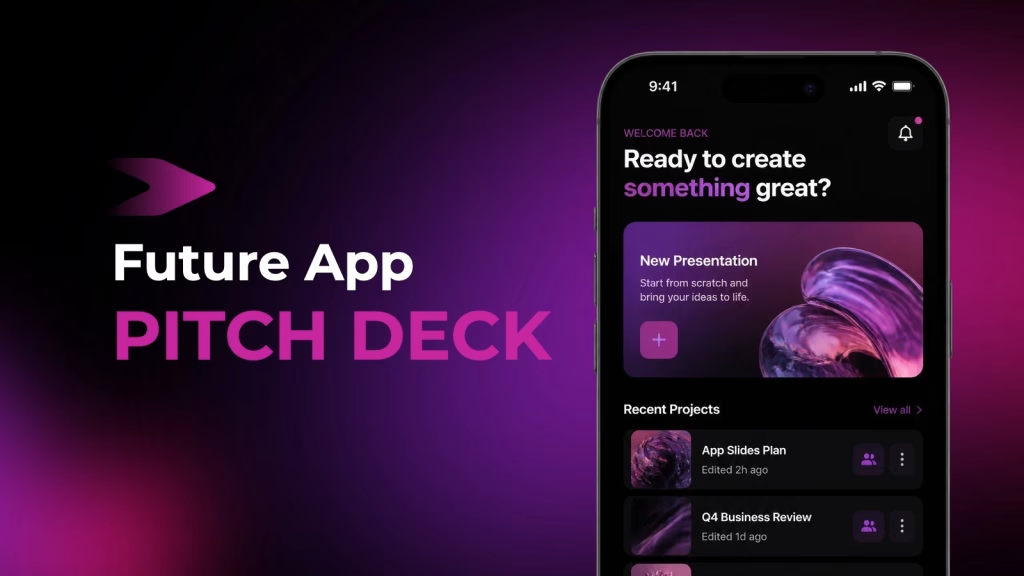
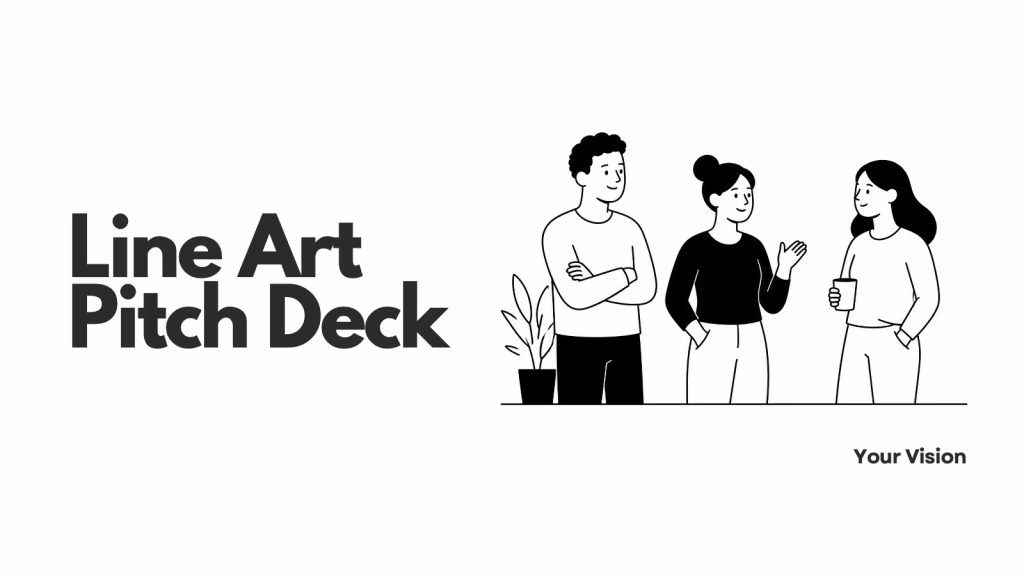
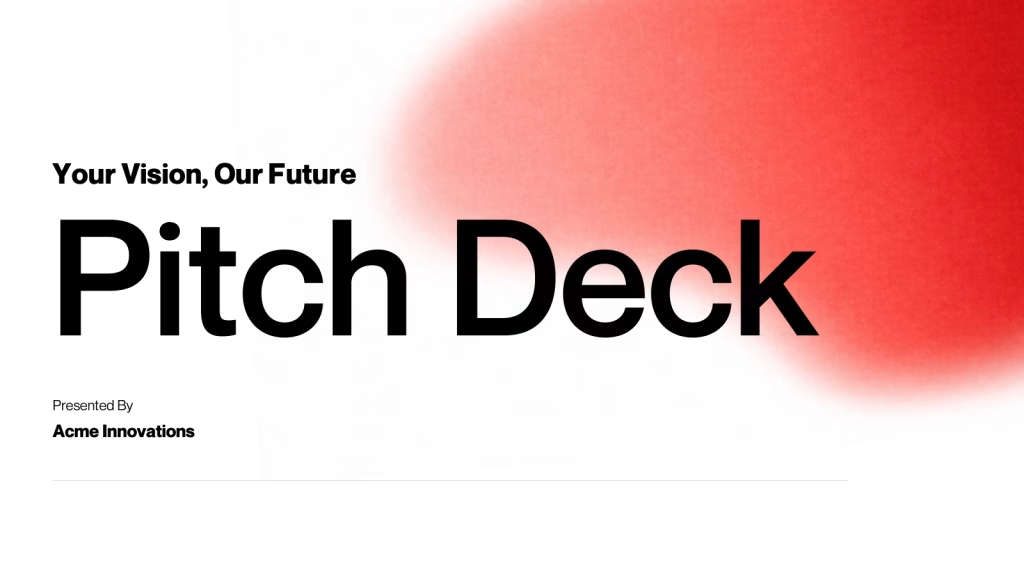
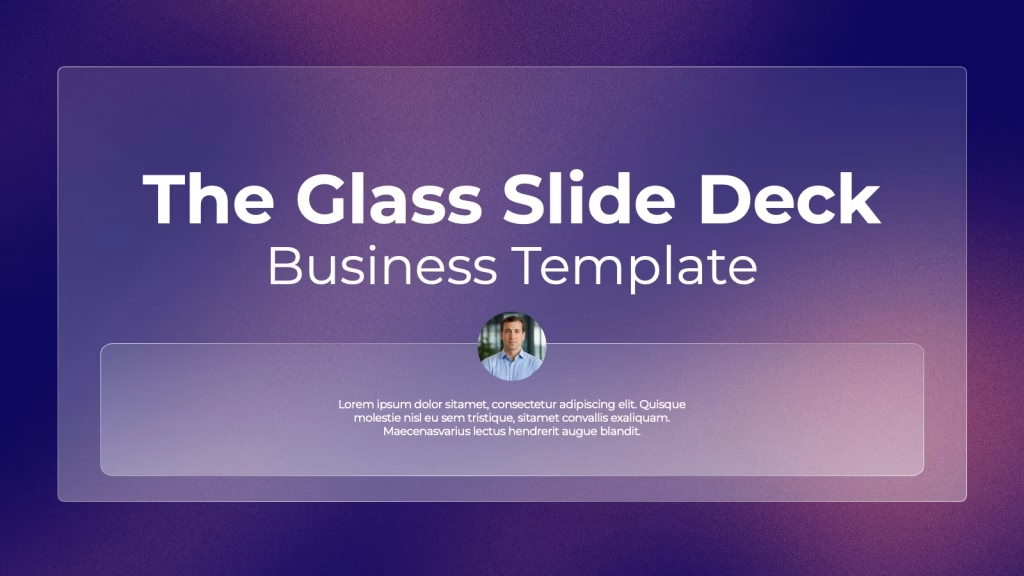
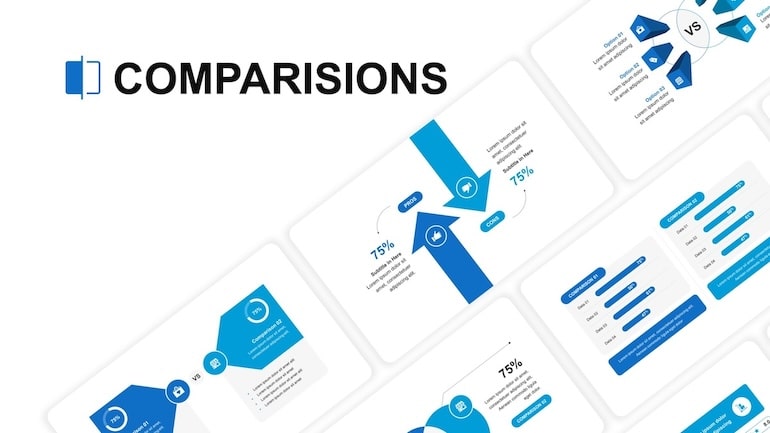
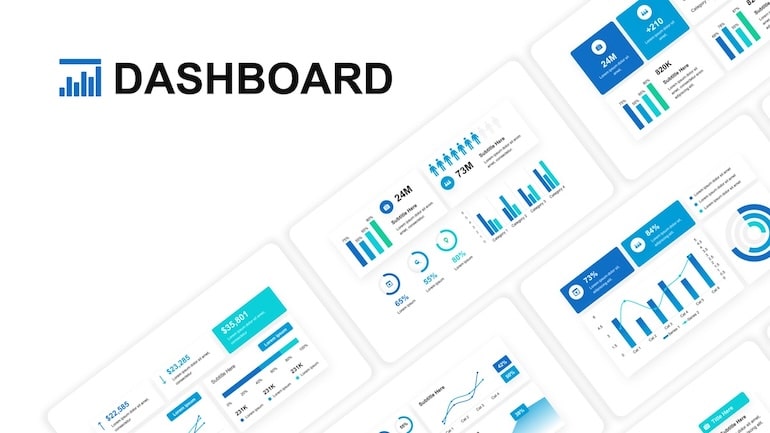
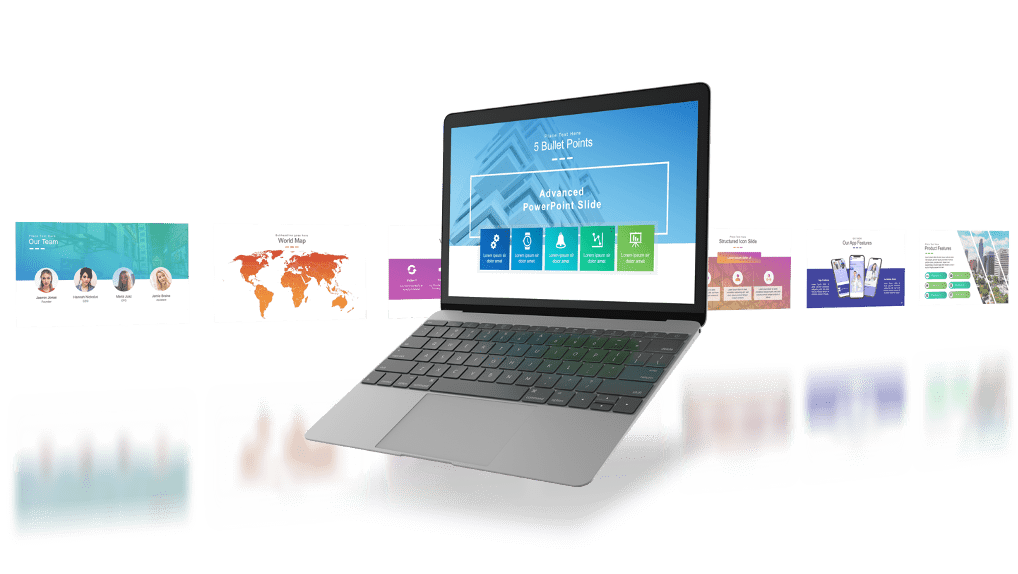
Real Presentation outputs created by ExpertSlides AI.

AI Presentations in 2 Clicks:

Add Content. Pick a Style. Get Your Slide Deck.

  • Use your own text and documents
  • Select your brand-specific colors and styles
  • Train the AI on your corporate identity (Brand Kits)
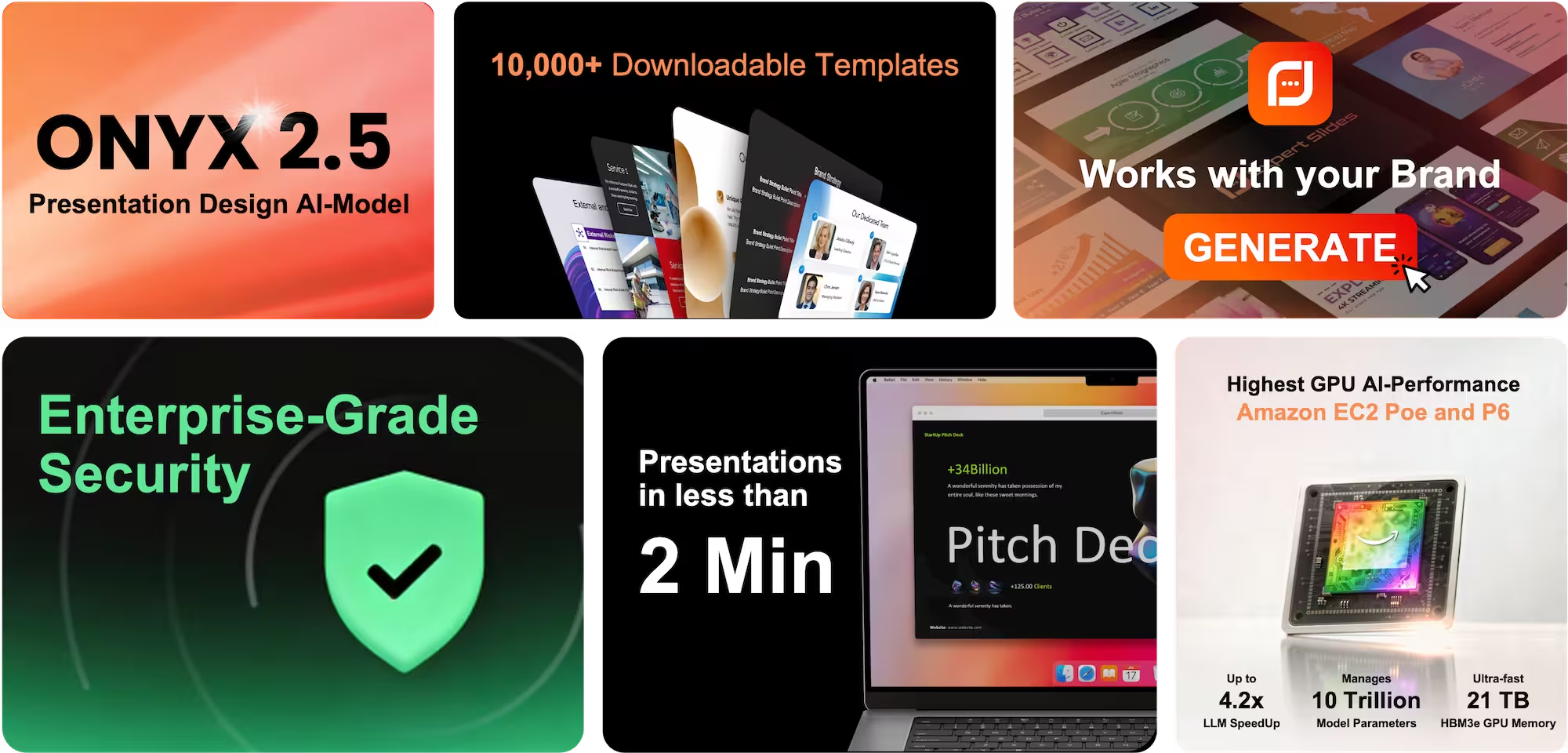
  • Structured, usable slides in about 2 minutes
  • Picture, table, and infographic integration

World-Class Brand Customization:

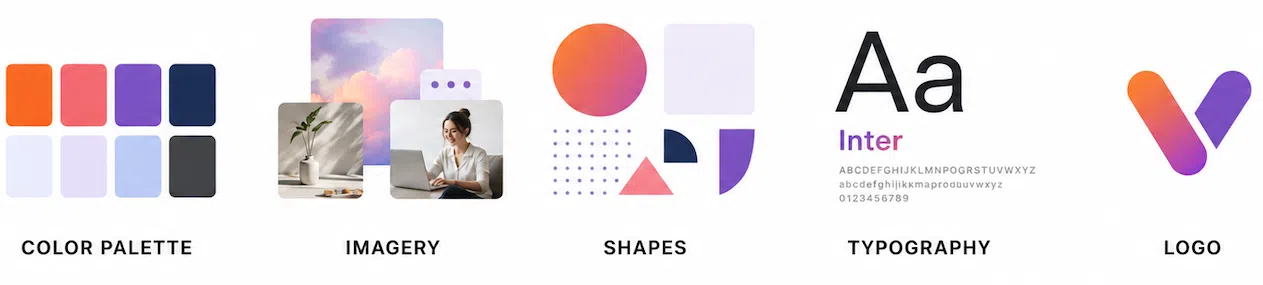
Your Colours, Shapes & Logo on Every Slide.

Your presentations should look unmistakably yours — and now they do, every single time. Define your exact brand colors, fonts, and logo once, and every slide inherits them automatically. 

Edit Slides Without Limits:

Change Your Deck.
Exactly How You Need It.

With the ExpertSlides AI Presentation Maker Editor you can make any adjustment you like for your presentation deck. It has never been easier or faster to edit slides.

Click to Record Revisions

Learn how to use ExpertSlides in 2 Minutes

ExpertSlides - AI Presentation Maker Demo

Abstract and Creative Template

Investment Business Deck

Clean business slides

AI presentation slides

Real Estate Business Template

Modern Presentation

Business Presentation Deck

Abstract modern slide deck

Minimalistic Colorful Slide Deck

Modern presentation style

Pitch Deck Design Template

Pitch design deck

Creative slide deck

Future app pitch deck

Journey Adventure Deck

Traveler Presentation

Line Art Pitch Deck

Vision Pitch Deck

Green pitch deck

Glass Slide stick

ExpertSlides Pricing

“ExpertSlides pays for itself 10x over” -Marc Schippke, CEO & Founder Schippke & Partner

Free

Create a free account

$19/mo

billed annually

$199/mo

billed annually

Get a special discount if you are a nonprofit organization or an educational institution, such as a school or university. The discount will be applied after verification.

Save 4 Hours Every
Week in PowerPoint, Google Slides, Canva or Keynote.

ExpertSlides AI Presentation Maker

Frequently Asked Questions

What is ExpertSlides?

ExpertSlides is an AI presentation maker that turns your ideas into polished, on-brand decks in minutes. It comes in two products: the ExpertSlides AI Slides web app at expertslides.ai, which transforms a topic, your notes, or an imported document into a complete presentation, and a PowerPoint Add-In that installs directly inside PowerPoint with a huge library of professional slides, images, and icons. Whether you want AI to design an entire deck from scratch or you prefer to build inside PowerPoint, ExpertSlides covers the full presentation design process.

How fast can the ExpertSlides AI presentation maker create a deck?

Most decks go from topic to finished AI Slides in under about two minutes. You input your content, select a style, and the ExpertSlides AI presentation maker structures, designs, and fills every slide for you. Because ExpertSlides runs on fast, lean infrastructure and always uses top-tier models, you get high-quality results in the shortest possible time — no manual formatting, no starting from a blank page.

What can I use as input for the AI presentation maker?

You can start the ExpertSlides AI presentation maker from a simple topic or your own notes, or import a document — PDF, DOCX, PPTX, XLSX, CSV, or TXT. You can also add up to 20 images in JPG, PNG, WebP, or HEIC format, and ExpertSlides will integrate them into your AI Slides. There's even voice input, so you can speak your content and dictate edits, making it effortless to go from raw material to a finished, designed deck.


Can ExpertSlides match my own branding?

Yes. ExpertSlides lets you apply custom color palettes, fonts, and logos, and train the AI presentation maker on your corporate identity using Brand Kits. Style locking keeps every slide consistent across the full deck, so your AI Slides always look like your in-house design team built them. This makes ExpertSlides ideal for teams and agencies that need every presentation to stay perfectly on-brand.

What kinds of content can the AI presentation maker generate?

The ExpertSlides AI presentation maker produces full decks with text, images, tables, sections, and infographics — everything a complete presentation needs. There are three modes: Presentation Designer for AI Slides, Social Media Creator for posts, and Infographic Builder for standalone graphics. That means ExpertSlides isn't just a slide generator; it's a complete visual content engine for presentations, social media, and data visuals alike.

How long can my ExpertSlides AI Slides decks be?

ExpertSlides is built for long-form work and can generate AI Slides decks of 50+ slides with design-native layout, typography, and color. Its multi-agent section generation keeps long presentations coherent from start to finish, so even large decks stay structured and consistent. Few AI presentation makers handle long-form decks this well, which makes ExpertSlides a strong fit for detailed reports, training material, and comprehensive pitches.

Can the AI presentation maker pull in live, up-to-date information?

Yes. Built-in web search lets the ExpertSlides AI presentation maker pull live internet data directly into your slides, so your AI Slides can reflect current facts, statistics, and figures rather than only the information you typed in. This keeps your presentations accurate and up to date without you having to research and copy data over manually.

What formats and resolution can I export my AI Slides in?

ExpertSlides lets you export to PDF and at crisp 4K resolution. The PowerPoint Add-In produces native, fully editable .pptx files, and your AI Slides also work seamlessly with Google Slides, Canva, and Keynote. That flexibility means you can generate a deck in the ExpertSlides AI presentation maker and then finish, present, or share it in whatever tool your workflow already uses.

Does the ExpertSlides AI presentation maker support multiple languages?

Yes, the ExpertSlides AI presentation maker is fully multi-language, so you can generate and edit AI Slides in a wide range of languages. Whether you're presenting to a local audience or a global one, ExpertSlides can build your deck in the language you need, with the same on-brand design quality throughout.

Can I edit the AI Slides after they're generated?

Absolutely. Your AI Slides are fully editable, and you can refine them by typing or by voice inside the ExpertSlides AI presentation maker. The PowerPoint Add-In gives you native editable .pptx files you can adjust like any normal PowerPoint deck. So ExpertSlides gives you the speed of AI generation plus complete creative control to fine-tune every slide.
What does ExpertSlides cost?

The ExpertSlides AI presentation maker has three plans: Starter at $29/mo with 100 credits, Pro at $99/mo with 500 credits (the most popular choice), and Premium at $399/mo with 2,500 credits. Annual billing is also available for additional savings. Every plan gives you access to the AI Slides generator, so you can pick the tier that matches how many presentations you create each month.

How do credits work in the AI presentation maker?

Credits in the ExpertSlides AI presentation maker are spent per action: 2 credits generate one slide, 1 credit edits a slide, and 5 credits generate a full design. Each plan includes a monthly credit allowance — 100 on Starter, 500 on Pro, and 2,500 on Premium — so you always know exactly how many AI Slides and edits your subscription covers.

Can I use my ExpertSlides presentations commercially?

Yes. Every ExpertSlides plan includes a full commercial license, so you can use your AI Slides for client work, sales, and business presentations without restriction. The Premium plan adds a dedicated Teams & Agencies license, making ExpertSlides a great fit for organizations that create presentations at scale or on behalf of clients.

Is the ExpertSlides AI presentation maker secure and compliant?

ExpertSlides meets major security and compliance standards, including ISO 27001, SOC 2, PCI DSS, HIPAA, GDPR, and CSA STAR. That means the ExpertSlides AI presentation maker is built to enterprise-grade requirements, so you can create AI Slides with confidence that your data and your clients' data are handled responsibly.

What's the difference between the web app and the PowerPoint Add-In?

The ExpertSlides AI presentation maker at expertslides.ai generates complete AI Slides decks from scratch using AI. The PowerPoint Add-In installs directly inside PowerPoint and gives you a library of 14,500+ professional slides, millions of stock images, 60,000+ icons, GIFs, and automatic color sync — ideal if you prefer to build within PowerPoint, Google Slides, Canva, or Keynote. Together they give you two ways to work with ExpertSlides: full AI generation, or AI-assisted design inside the tools you already know.

ExpertSlides PowerPoint Add-In Pricing

FREE Plan

$0

/ MONTHLY

PER USER – PERFECT TO TRY OUT THE TOOL

PRO PLAN MONTHLY

$19

/ MONTHLY

PER USER / MONTHLY BILLING 

LIFETIME PRO PLAN

$999 $579

/ ONE-TIME

PER USER / LIFETIME ACCESS

ExpertSlides is available worldwide

At ExpertSlides, we are proud to announce that our worldwide PowerPoint Add-In servers are powered entirely by renewable energy sources. Read more about our net zero commitment.

ExpertSlides Frequently Asked Questions

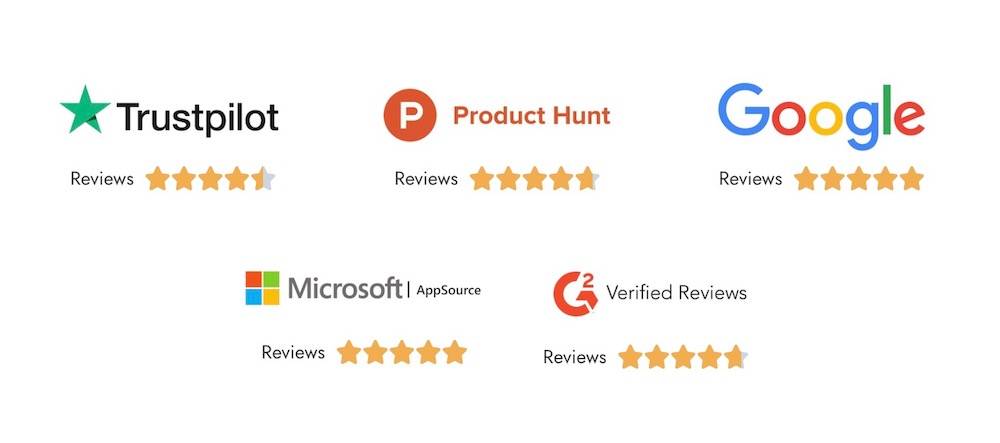
Rated 4.7 out of 5

TrustScore 4.7/5

Rated 5 out of 5

App Rating: 5/5

Rated 5 out of 5

User Rating: 4.9/5

Rated 5 out of 5

Customer Rating: 4.9/5

Become a Presentation Insider

Join the ExpertSlides Insider Club for free!