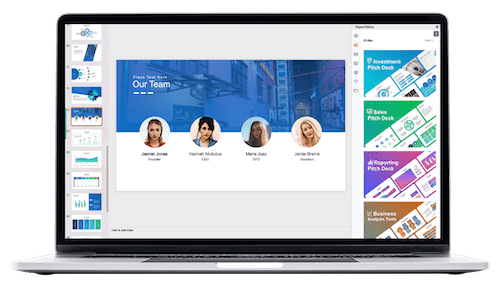
PowerPoint animations are a powerful tool that can transform your presentations from static slideshows into dynamic, engaging stories. Whether you’re a designer, business professional, entrepreneur, instructor, speaker, teacher, or student, mastering PowerPoint animations can elevate your presentations to a whole new level. This comprehensive guide will introduce you to the essentials of creating breathtaking PowerPoint animations, inspired by the PowerPoint Animation Mastery course by One Skill PPT.
In this article, you’ll learn everything you need to know—from basic animation fundamentals to advanced techniques like animating text, photos, videos, GIFs, and creating animated intros, illustrations, infographics, and draw animations. By the end, you’ll be equipped to become a PowerPoint animation pro, capable of crafting any animation you envision.
Table of Contents
- Introduction to PowerPoint Animation Mastery
- Why Master PowerPoint Animations?
- Course Overview and Structure
- PowerPoint Animation Fundamentals
- Advanced Animation Techniques
- Tools and Software Recommendations
- Who Can Benefit from This Course?
- How to Get the Most Out of the Course
- Frequently Asked Questions
- Conclusion
Introduction to PowerPoint Animation Mastery
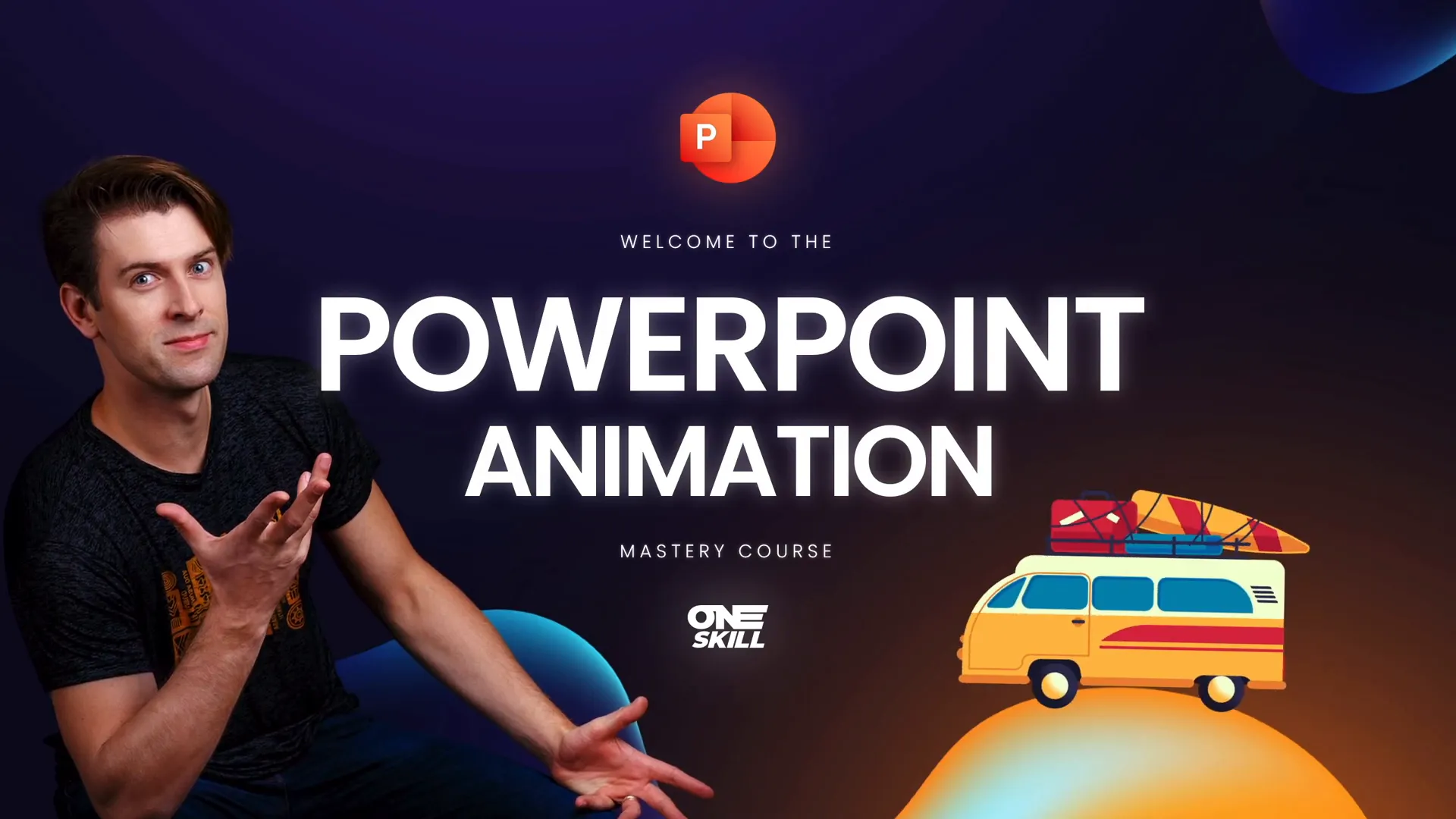
The PowerPoint Animation Mastery course, created by One Skill PPT, is designed to help anyone—from beginners to advanced users—become proficient in creating stunning animations in PowerPoint. The course is a curated journey that begins with the basics and gradually moves into more complex animation techniques.
As the course creator puts it, “The PowerPoint Animation Mastery course is a course I wish I had when I started my PowerPoint animation journey.” This sentiment highlights the course’s focus on practical skills and step-by-step guidance, making it accessible and highly valuable for learners.
Why Master PowerPoint Animations?
Animations in PowerPoint are not just about making your slides look flashy; they serve several important purposes:
- Enhance Audience Engagement: Well-crafted animations capture attention and keep your audience interested throughout your presentation.
- Clarify Complex Information: Animations can help break down complicated ideas, processes, or data into digestible, step-by-step visuals.
- Improve Storytelling: Animations allow you to control the flow of information, guiding your audience’s focus and reinforcing key points.
- Boost Professionalism: Mastering animations reflects your expertise and attention to detail, making your presentations stand out.
Whether you are preparing a business pitch, educational lecture, marketing presentation, or creative showcase, PowerPoint animations can significantly improve how your message is received.
Course Overview and Structure
The course is thoughtfully structured to build your skills progressively. Here’s a breakdown of what you can expect:
| Course Module | Key Learning Points |
|---|---|
| PowerPoint Animation Fundamentals | Understanding the basics of animations, transitions, and timing |
| Animating Text | Techniques for animating headings, bullet points, and dynamic text effects |
| Animating Photos and Videos | How to animate images and embed videos with smooth transitions |
| Creating Animated Intros | Designing captivating introduction slides to hook your audience |
| Animated Illustrations and Infographics | Using animations to bring data and illustrations to life |
| Draw Animations | Creating animations that simulate drawing or writing effects |
| Animating with GIF Images | Incorporating GIFs for quick, looped animations |
| Advanced Animation Techniques | Combining multiple animations, using the animation timeline, and fine-tuning effects |
Each module includes downloadable lesson slides to follow along, ensuring a hands-on learning experience.
PowerPoint Animation Fundamentals
Starting with the basics is crucial—this ensures that you have a strong foundation before tackling advanced animations. The course begins by teaching:
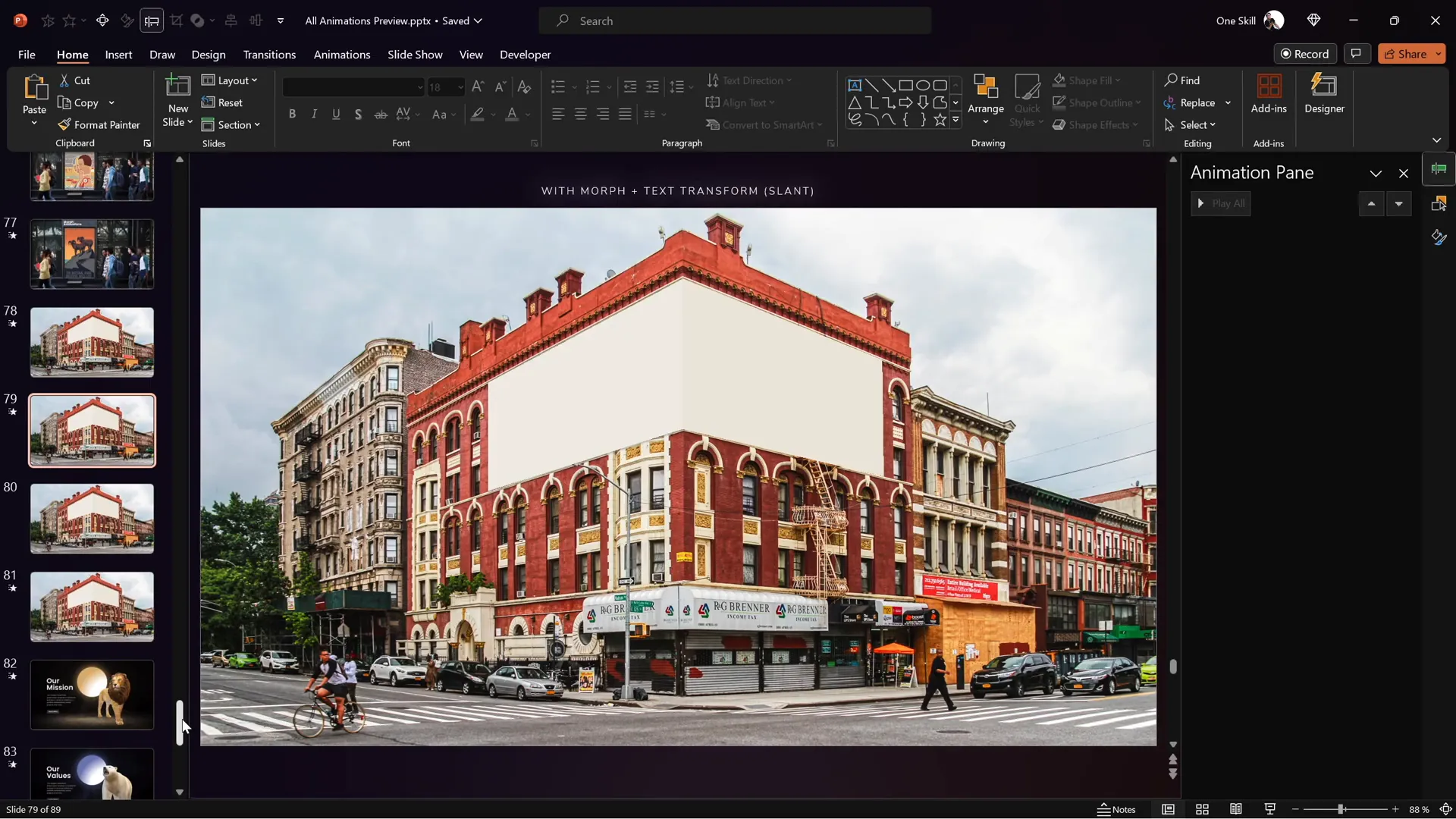
- Animation Pane Overview: Understand how to use the Animation Pane to manage and sequence animations.
- Types of Animations: Get familiar with entrance, exit, emphasis, and motion path animations.
- Transitions: Learn how to apply slide transitions for smooth changes between slides.
- Timing and Triggers: Control when and how animations start, including on-click, with previous, or after previous options.
These fundamentals will prepare you to apply animations confidently and creatively in your slides.
Essential Tips for Beginners
- Start simple: Use subtle animations to avoid overwhelming your audience.
- Use the Animation Pane: This tool is key to managing complex animation sequences.
- Practice timing: Ensure animations flow naturally with your speech or presentation pace.
Advanced Animation Techniques
Once you master the basics, the course guides you through more sophisticated animation techniques, including:
1. Animating Text
Text animations can make your message more impactful. Learn how to:
- Create dynamic bullet point reveals
- Animate headings with emphasis effects
- Use motion paths for creative text movement
2. Animating Photos and Videos
Bring your visuals to life with animations:
- Apply fade-ins, zooms, and spins to images
- Embed and animate videos for seamless playback
- Use layering to create depth and focus
3. Creating Animated Intros
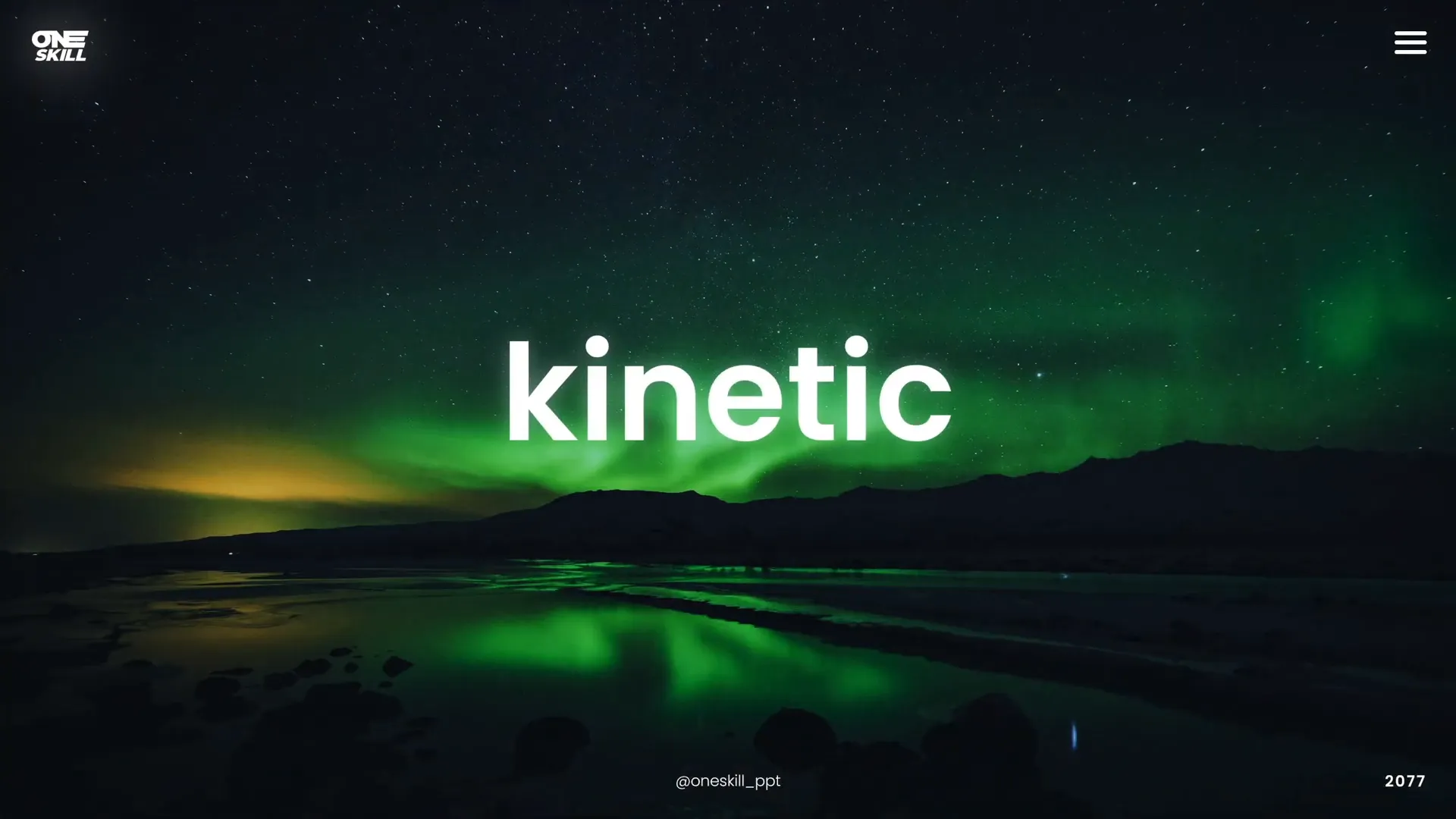
First impressions matter. Learn how to design captivating animated introductions that grab attention immediately.
4. Animated Illustrations and Infographics
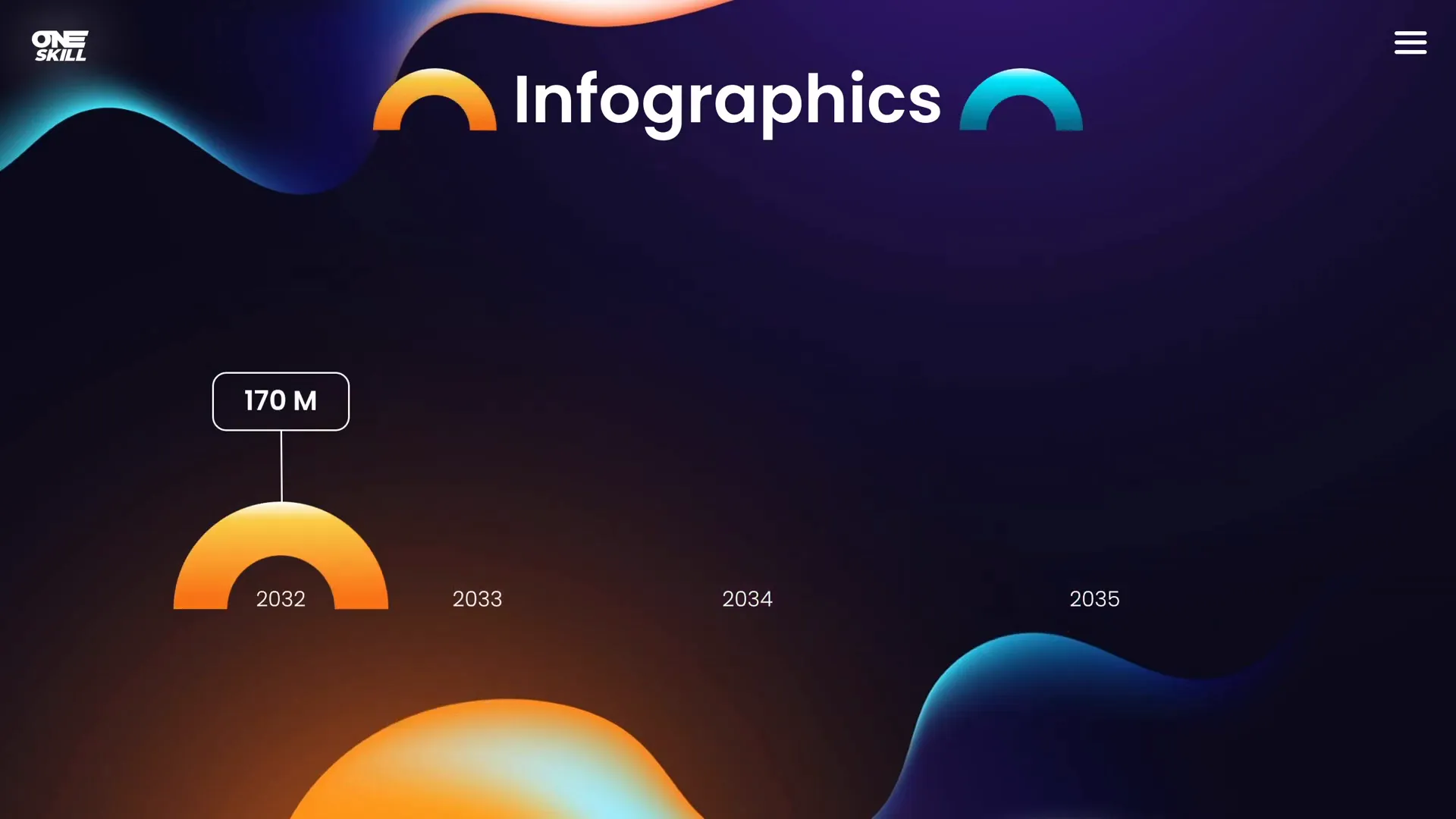
Make data engaging by animating charts, graphs, and illustrations. Techniques include:
- Animating individual infographic elements sequentially
- Using draw animations to simulate hand-drawn effects
- Highlighting key data points with emphasis animations
5. Draw Animations
Simulate writing or drawing on your slides to add a personal and creative touch. This technique is excellent for tutorials and storytelling.
6. Animating with GIF Images
Incorporate GIFs to add looping animations that can quickly convey moods, ideas, or demonstrate processes without complex setups.
Tools and Software Recommendations
For the best experience creating PowerPoint animations, the course recommends the following:
- PowerPoint Versions: PowerPoint 2019, PowerPoint 2021, or Microsoft 365 offer the best features for animations.
- Operating System: PowerPoint for Windows is preferred, especially because it includes the advanced animation timeline that is essential for complex animations.
- Mac Users: While you can work on a Mac, be aware that PowerPoint for Mac lacks some of the advanced animation features found in the Windows version.
Having the right tools helps you unlock the full potential of PowerPoint animations and create professional-quality presentations.
Who Can Benefit from This Course?
The PowerPoint Animation Mastery course is designed for a wide audience, including:
- Designers: Enhance your design presentations with smooth and creative animations.
- Business Professionals: Deliver compelling pitches and reports that engage stakeholders.
- Entrepreneurs: Create persuasive investor presentations with dynamic visuals.
- Instructors and Teachers: Make lessons more interactive and easier to follow.
- Speakers and Trainers: Keep your audience captivated with animated storytelling.
- Students: Stand out in class projects and presentations.
Whether you’re a beginner or an advanced user, this course adapts to your skill level and helps you grow.
How to Get the Most Out of the Course
Here are some tips to maximize your learning experience:
- Download Lesson Slides: Each chapter includes downloadable slides that allow you to follow along and practice hands-on.
- Engage in Discussions: If you have questions, post them in the discussion sections beside each lesson—help is available.
- Practice Regularly: Animation skills improve with practice, so experiment with different effects and timings.
- Request Additional Content: The course is updated based on feedback. If you want more lessons on animated slide design or illustrations, let the instructor know.
By actively participating, you’ll accelerate your mastery and be able to create impressive animations confidently.

Frequently Asked Questions
Q1: Do I need to be an advanced PowerPoint user to take this course?
No, the course is designed for both beginners and advanced users. It starts with fundamentals and gradually builds up to advanced techniques.
Q2: Can I use PowerPoint animations on a Mac?
Yes, but with limitations. PowerPoint for Windows has the advanced animation timeline feature, which is very useful for complex animations. Mac users can still create animations but may find some features missing.
Q3: What version of PowerPoint is recommended?
PowerPoint 2019, 2021, or Microsoft 365 versions are recommended for the best animation features.
Q4: Will the course content be updated?
Yes, the course will be constantly updated based on student feedback to include new lessons and improvements.
Q5: Is this course suitable for business presentations?
Absolutely. The course is perfect for anyone looking to enhance business presentations with professional animations.
Q6: Are there free lessons available?
Yes, there are a couple of free lessons available to get you started immediately. Check the course link in the video description.
Conclusion
Mastering PowerPoint animations is a game-changer for anyone who regularly creates presentations. It not only enhances the visual appeal but also helps communicate your message more effectively. The PowerPoint Animation Mastery course by One Skill PPT offers a comprehensive, step-by-step guide that takes you from the basics to advanced animation techniques, making it accessible and valuable for users of all levels.
By investing time in learning these skills, you can create presentations that are not just informative but truly captivating. Remember, the key is to start with fundamentals, practice regularly, and gradually explore more complex animations to keep your audience engaged and impressed.
Ready to take your PowerPoint presentations to the next level? Dive into the course, practice the techniques, and become a PowerPoint animation pro today!