Canva Alternative: The Direct Comparison
Before the details, here is the at-a-glance verdict. Both tools let you create presentations in your browser, but they take very different routes: Canva hands you a drag-and-drop editor with a library of ready-made templates, while ExpertSlides generates a complete, on-brand deck from a prompt or a document. If you are shopping for a Canva alternative — specifically a smarter way to build presentations — the two profiles below are the fastest way to decide.
Choose Canva if…
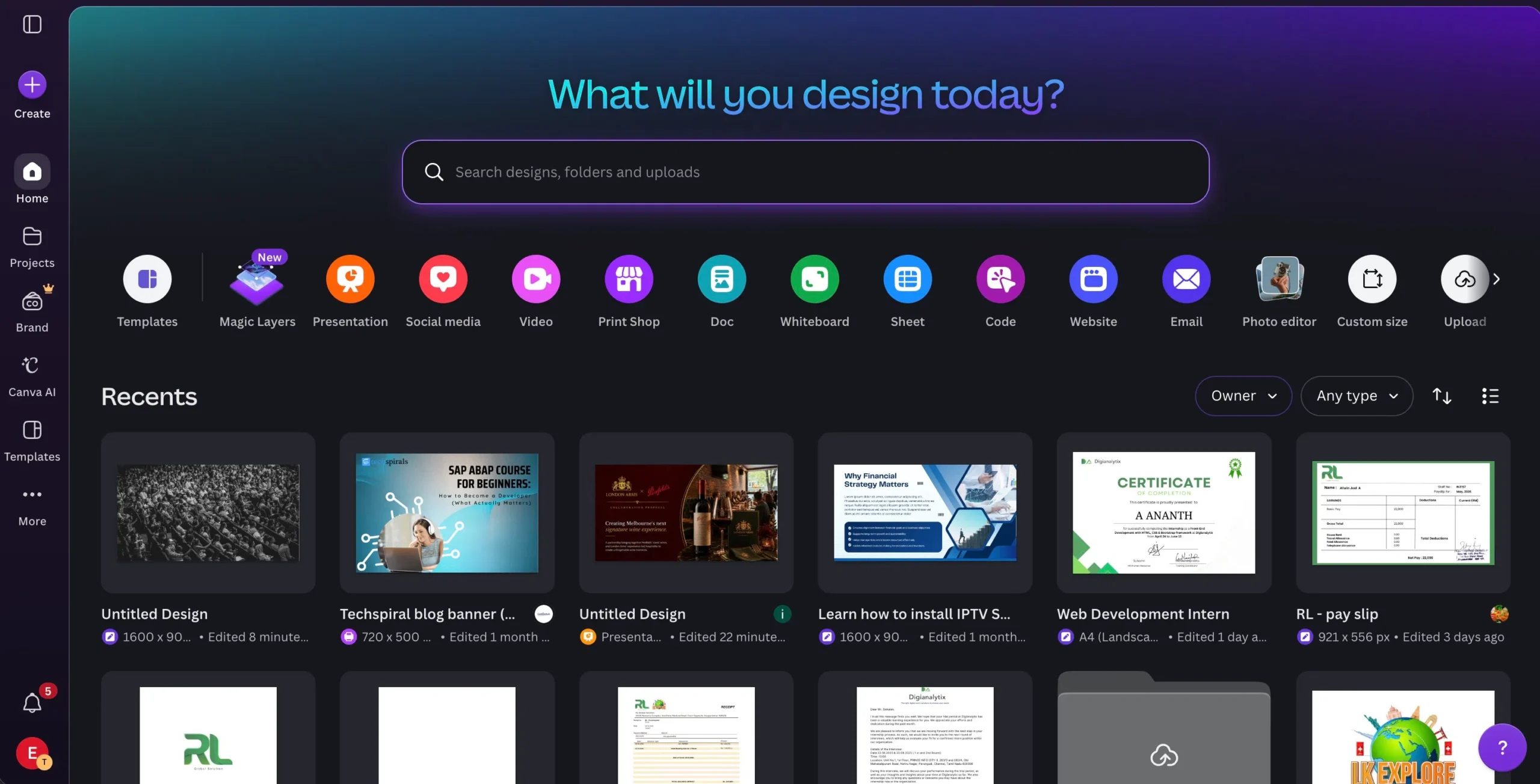
You want a flexible drag-and-drop design suite for everything from social posts to flyers, and you are happy to pick a template and arrange slides yourself. Hobbyists, social creators, and teams that already live in Canva will enjoy the breadth and the manual control.
Choose ExpertSlides if…
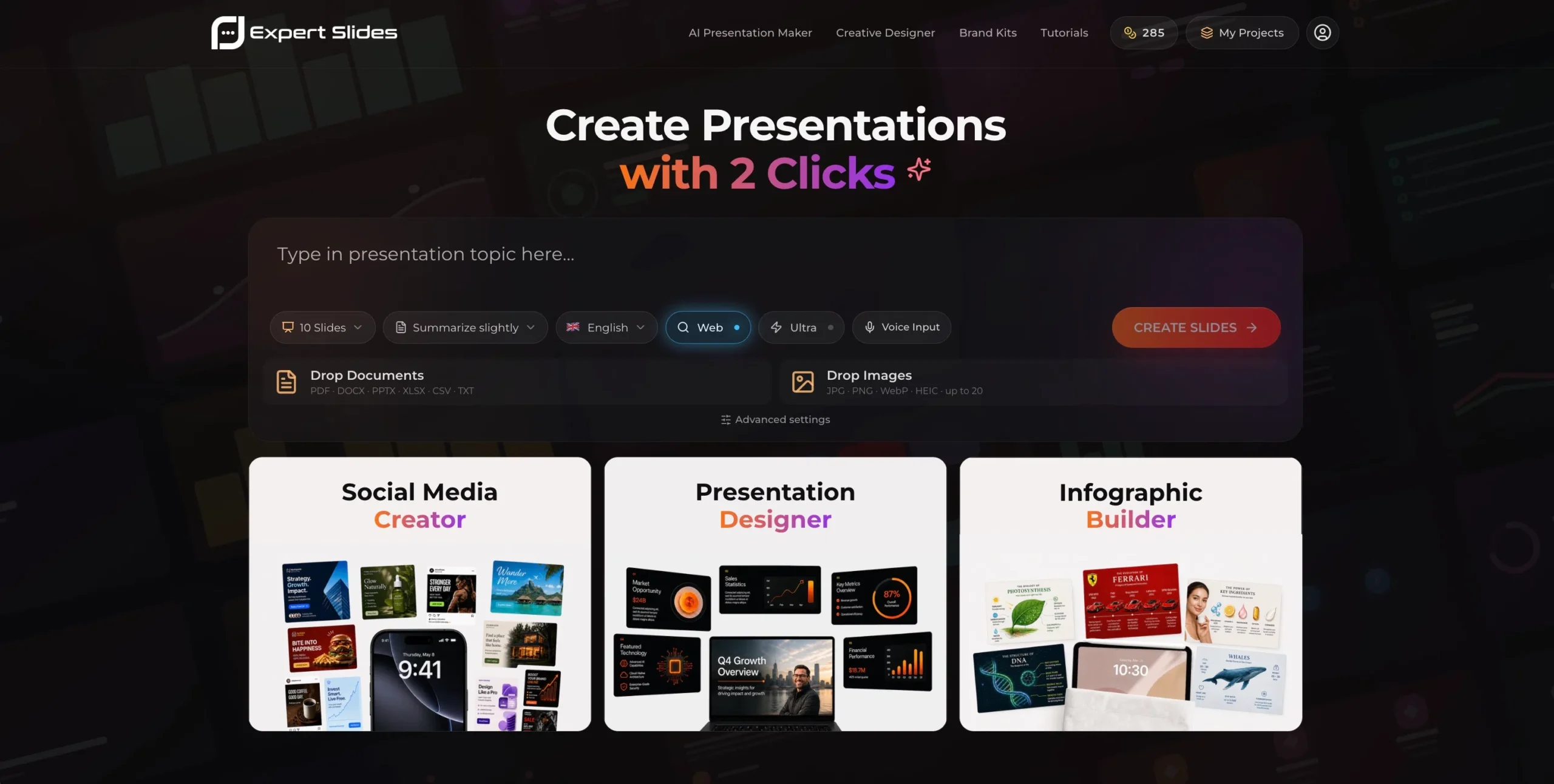
You want the best all-rounder for presentations: studio-quality, on-brand decks — images, tables, text, sections, and infographics — generated by top-tier AI in under two minutes, with unlimited layouts built live around your brand instead of a fixed pack of templates.
Canva vs. ExpertSlides: Head-to-Head
The fastest way to see the difference is side by side. The table below focuses on Canva's Presentations feature — not the whole Canva suite — and compares it to ExpertSlides on the things that matter when you present to clients, leadership, or investors. It is the quickest way to judge ExpertSlides as a Canva alternative for slides.
| Feature comparison |  |
 |
|---|---|---|
| How decks are built | Manual drag-and-drop editing | AI generates the whole deck from a prompt |
| Templates & layouts | Fixed packs — often 5–20 slides each | Unlimited layouts generated live per brand |
| AI engine | Magic Design assist tools | Claude Opus 4.8 + ExpertSlides Onyx 2.5 |
| Brand control | Brand Kit on paid tiers | Brand kits, logo & style locking on every plan |
| Document import | Limited | PDF, DOCX, PPTX, XLSX, CSV, TXT + images |
| Content in one run | You assemble each element | Images, tables, text, sections & infographics |
| Export | PDF / PPTX / PNG | One-click PDF, up to 4K, presentation-ready |
| Best for | Hands-on, multi-purpose design | The best all-rounder for polished, on-brand decks |
| Feature comparison | |
|---|---|
| How decks are built | Manual drag-and-drop |
| Templates | Fixed packs — 5–20 slides |
| AI engine | Magic Design assist |
| Brand control | Brand Kit on paid tiers |
| Doc import | Limited |
| Content | You assemble each element |
| Export | PDF / PPTX / PNG |
| Best for | Hands-on design |
| Feature comparison | |
|---|---|
| How decks are built | AI builds the full deck |
| Templates | Unlimited, generated live |
| AI engine | Claude Opus 4.8 + Onyx 2.5 |
| Brand control | Brand kits & style lock — all plans |
| Doc import | PDF, DOCX, PPTX, XLSX, CSV, TXT |
| Content | Images, tables, text, infographics |
| Export | One-click PDF, up to 4K |
| Best for | Best all-rounder, on-brand |
Takeaway: Canva gives you a great manual editor and a fixed library of templates. ExpertSlides removes the manual work entirely — top-tier AI generates unlimited, on-brand layouts live, so the first draft already looks studio-made.
Canva Alternative: Which Tool Should You Choose for Presentations?
Canva is one of the most popular design tools on the planet, and its Canva Presentation feature is a natural starting point for slides. But more and more teams are looking for a Canva alternative built specifically for presentations — one where the AI does the design work instead of leaving you to drag, drop, and align every element by hand. That is exactly where ExpertSlides comes in: an AI Presentation Maker that turns a topic or a document into a finished, on-brand deck in under two minutes.
The core difference is templates versus generation. In Canva you pick from a template pack — often just five, ten, or twenty slides per set — and adapt them manually. With ExpertSlides there is no fixed pack at all: every layout is generated live around your brand identity, so you effectively have unlimited templates that already match your colors, fonts, and logo. If you have been searching for the best Canva alternative for decks, that single shift is why this guide is worth your time.
What Is Canva?
Canva is a hugely popular online design platform used for everything from social media graphics and flyers to documents, videos, and presentations. Its Canva Presentation feature gives you a drag-and-drop editor and a large catalog of slide templates: you choose a look, drop in your text and images, and rearrange elements until the deck feels right. AI assists such as Magic Design can suggest a starting layout, but the hands-on editing is still very much yours to do.
Its strengths are versatility and approachability. Because Canva covers so many formats in one place, it is a comfortable home base for marketing teams and creators who design lots of different assets. For a quick, casual deck, picking a template and editing it is fast and friendly.
The trade-off shows up when you need presentation depth and consistency at scale. Template packs are finite — frequently only a handful of slide variants per set — so once you have used the layouts in a pack, you are designing the rest manually. Keeping a long, data-heavy deck perfectly on brand across dozens of slides means a lot of nudging, aligning, and recoloring by hand. That manual overhead is the main reason people start hunting for a Canva alternative aimed squarely at presentations.
ExpertSlides AI Presentation Maker
Describe it. Design it. Done — in under two minutes.
Type a prompt or upload a file and top-tier AI builds a structured, on-brand presentation, complete with images, tables, and infographics. The Canva alternative that designs the slides for you — no dragging, no aligning, no design skills required.
Try ExpertSlides Risk-Free!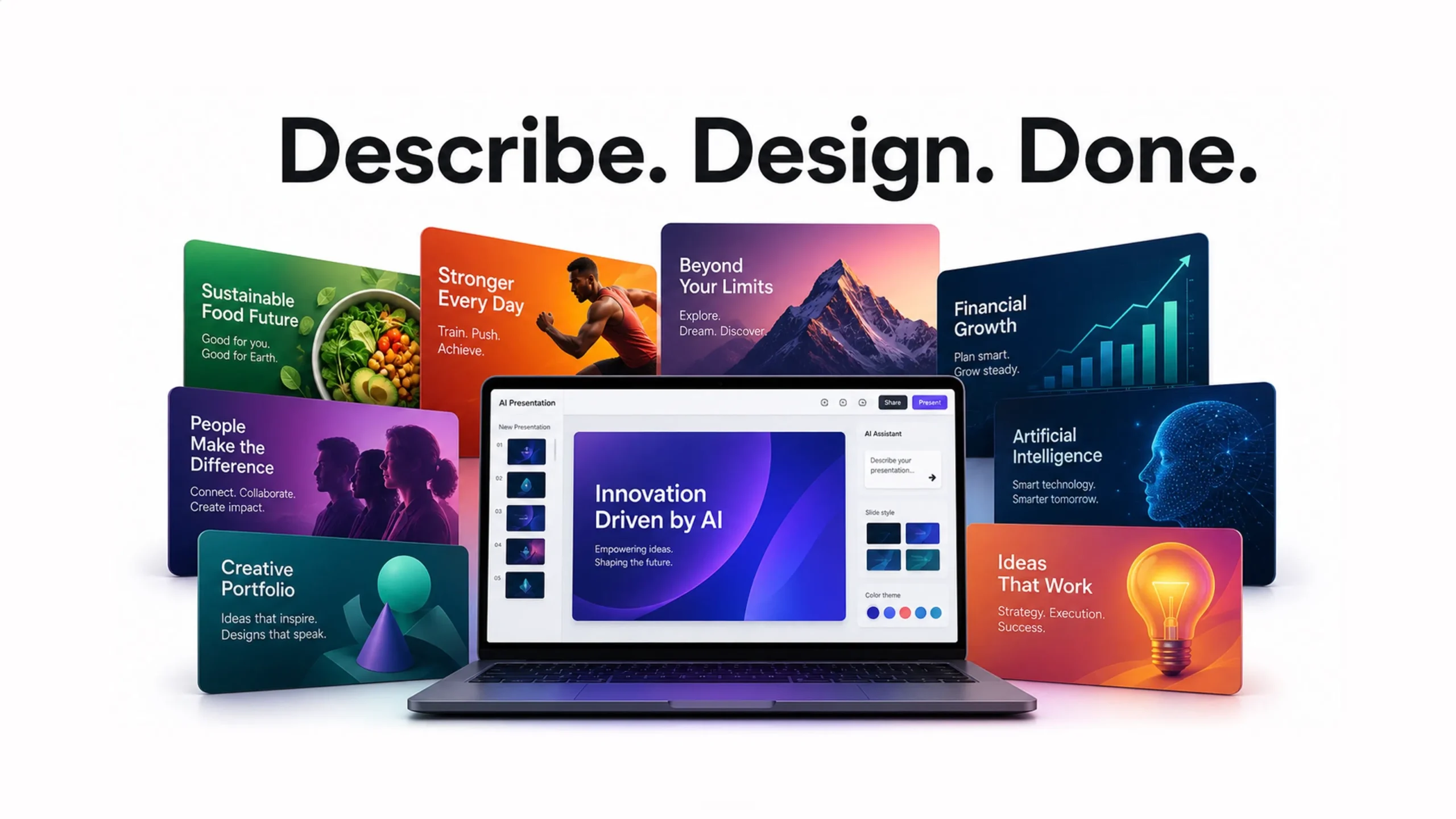
What Is ExpertSlides?
ExpertSlides is an AI Presentation Maker at expertslides.ai — and an increasingly popular Canva alternative — that turns a topic, a few notes, or an uploaded document into a complete, professionally designed deck in under two minutes. It is powered by Claude Opus 4.8 and the in-house ExpertSlides Onyx 2.5 model, and every design is crafted by senior human designers first, then rendered at scale by AI — so you get studio quality without picking, editing, or aligning a single template.
The defining difference from a Canva Presentation is unlimited, live layouts. Instead of choosing from a fixed pack of five, ten, or twenty slides, ExpertSlides generates every layout on the fly around your brand identity — colors, fonts, and logo locked in from the first slide. One run produces images, tables, text, structured sections, and infographics, and you can switch between the Presentation Designer, Social Media Creator, and Infographic Builder.
Brand control is built in on every plan — brand kits, logos, and style locking keep each slide on identity — and you can refine with voice, search live data, work in multiple languages, and export a presentation-ready PDF in up to 4K. It runs on infrastructure built to enterprise security standards (ISO 27001, SOC 2, HIPAA, GDPR). For teams that also live in PowerPoint, a separate ExpertSlides Add-In brings a 14,500+ slide library right inside the app. Together they make ExpertSlides a complete Canva alternative for anyone who cares about polished, on-brand presentations.
Feature Deep Dive: Why ExpertSlides Is a Better Canva Alternative
Here is a closer look at the ExpertSlides capabilities that decide whether a deck lands — ordered by day-to-day impact, with the single most important one flagged. The throughline: top-tier AI plus designer-crafted styles, generated live around your brand, so you skip the manual work that a Canva Presentation still demands.
Unlimited Layouts, Generated Live
No fixed template packs. Where a Canva Presentation gives you a handful of slides per set, ExpertSlides generates every layout on the fly around your brand identity — so you effectively have unlimited, always-on-brand designs and never run out of fresh slides mid-deck.
AI Generation Quality
Powered by Claude Opus 4.8 and the ExpertSlides Onyx 2.5 model, ExpertSlides writes clearer narratives and picks stronger layouts — generating complete, structured decks (50+ slides) with consistent storytelling from intro to close. The first draft already feels finished.
Brand & Identity Control
Brand kits, logos, and style locking keep your colors, fonts, and identity consistent on every slide — on every plan. You can even train the AI on your own images so generated visuals match your world, not a generic stock look.
All-in-One Content & Import
One run produces images, tables, text, sections, and infographics — plus dedicated Social Media and Infographic modes. Import a PDF, Word, PowerPoint, Excel, CSV, or text file and the AI turns it into a clean, persuasive deck automatically.
Export, Speed & Security
A fast, lean infrastructure delivers a polished deck in under two minutes, with one-click PDF export up to 4K. Refine with voice, search live data, work in multiple languages, and rely on enterprise-grade security: ISO 27001, SOC 2, HIPAA, and GDPR.
Full Commercial License
Every plan includes a full commercial license, so the decks, posts, and infographics you generate are ready to use in real client and business work — no extra rights to chase before you present or publish.
Canva vs. ExpertSlides: Pricing
Weigh pricing against what you actually get — model quality, brand control, unlimited live layouts, and the range of content each plan produces all factor into real value. ExpertSlides figures are current at the time of writing; Canva figures should be confirmed against their pricing page before publishing, as plans and regional prices change. On value for presentations, ExpertSlides holds up strongly as a Canva alternative.
| Pricing | |
|
|---|---|---|
| Free / trial | Free plan available | Start free — no credit card |
| Entry plan | Canva Pro — confirm current price | Starter — $15/mo (with discount code) · 100 credits |
| Team plan | Canva Teams — per-user pricing | Pro — $99/mo · 500 credits |
| Top plan | Enterprise — custom | Premium — $399/mo · 2,500 credits |
| Presentation templates | Fixed packs (often 5–20 each) | Unlimited — generated live per brand |
| Commercial license | Varies by asset / plan | Included on every plan |
| Pricing | |
|---|---|
| Free / trial | Free plan available |
| Entry plan | Canva Pro — confirm price |
| Team plan | Canva Teams — per user |
| Top plan | Enterprise — custom |
| Templates | Fixed packs (5–20) |
| Commercial license | Varies by asset / plan |
| Pricing | |
|---|---|
| Free / trial | Start free — no credit card |
| Entry plan | Starter — $15/mo (with discount) · 100 credits |
| Team plan | Pro — $99/mo · 500 credits |
| Top plan | Premium — $399/mo · 2,500 credits |
| Templates | Unlimited — generated live |
| Commercial license | Included on every plan |
Value note: Look past the sticker price to what each plan generates. With Canva you pay for an editor and a finite set of templates; with ExpertSlides you pay for unlimited, on-brand decks built by top-tier AI — so what you are really buying is the quality and polish of the finished output.
Pros and Cons
Canva
Pros- Versatile all-purpose design suite
- Friendly drag-and-drop editor
- Large catalog of starting templates
- Familiar to many teams already
- Template packs are finite — often just 5–20 slides each
- Long, branded decks need lots of manual editing
- Staying perfectly on brand is hands-on work
- Not purpose-built for end-to-end deck generation
ExpertSlides
Pros- Unlimited layouts generated live per brand
- Incredible, human-like slides that actually sell
- Top-tier models: Claude Opus 4.8 + Onyx 2.5
- Designer-crafted styles, rendered by AI
- All-rounder: images, tables & infographics
- Brand kits, logos & style locking on every plan
- Full document import (PDF, DOCX, PPTX, XLSX…)
- One-click PDF export, up to 4K · full commercial license
- Subscription / credit-based pricing
- Focused on presentations, not a full design suite

Never run out of templates again
Unlimited layouts. Always on brand.
Instead of a fixed pack of slides, ExpertSlides generates every layout live around your colors, fonts, and logo — so each deck looks fresh and stays on identity.
Try ExpertSlides Risk-Free!Real-World Scenarios
Specs are abstract until you map them onto a real Tuesday. Here is how the two tools play out in the situations teams face week to week — the moments when "fast," "polished," and "on-brand" stop being buzzwords and start saving you hours. Each one shows ExpertSlides working as a practical Canva alternative for presentations.
The Sales Pitch Under Deadline
A rep needs a tailored deck in an hour. In Canva that means hunting for a template and editing every slide by hand. With ExpertSlides they upload discovery notes, top-tier AI builds a structured pitch, the brand kit snaps colors and logo into place, and it exports a polished, on-brand PDF — ready to present.
The Quarterly Board Review
Board decks must look immaculate and stay consistent across 40+ slides. Rather than recoloring template variants one by one, ExpertSlides keeps fonts, colors, and layout on brand automatically, turns the numbers into clean tables and infographics, and exports cleanly for review.
The Agency Producing at Scale
Agencies produce dozens of branded decks a month and quickly exhaust a template pack. Unlimited live layouts plus a per-client brand kit let a team spin up fresh, on-brand decks in minutes — across presentations, social posts, and infographics — without rebuilding from scratch.
How to Choose: A Quick Checklist
Run through these questions before you commit. The more that point toward polished, on-brand decks built fast, the more ExpertSlides is the right call — and the clearer it becomes that you want a Canva alternative for presentations.
- Do you want the AI to design the whole deck, not just hand you a template?
- Do you keep running out of fresh, on-brand slide layouts?
- Do you need images, tables, and infographics generated in one place?
- Is consistent branding — kits, logo, fonts — important across long decks?
- Do you want one-click, presentation-ready PDF export in high resolution?
- Do you mainly design non-presentation assets and prefer full manual control?
Studio-quality slides, generated for you
Prompt. Design. Finish — without the manual editing.
Skip the drag-and-drop. Describe your deck and let top-tier AI fill it with your content — images, tables, and infographics, all on brand.
Try ExpertSlides Risk-Free!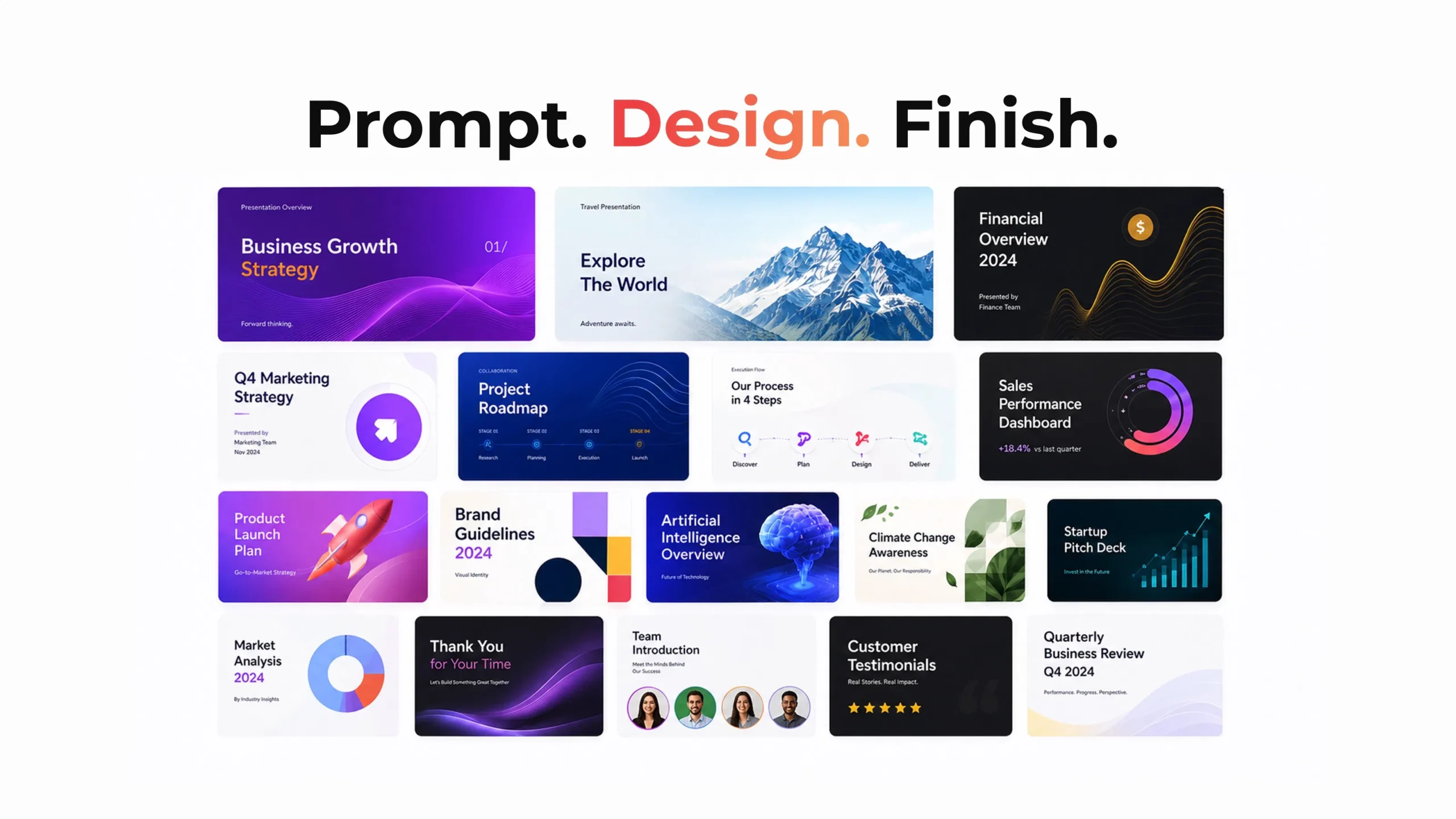
Frequently Asked Questions
Is ExpertSlides a good Canva alternative?
Yes. ExpertSlides is built as a Canva alternative focused on presentations: instead of editing a fixed template pack, top-tier AI generates unlimited, on-brand layouts live around your identity, so the output looks studio-made — not a recycled template.
How is ExpertSlides different from a Canva Presentation?
A Canva Presentation gives you a drag-and-drop editor and template packs you adapt by hand. ExpertSlides generates the whole deck from a prompt or document — images, tables, text, and infographics included — with unlimited layouts created live for your brand.
What AI models does ExpertSlides use?
Top-tier models — Claude Opus 4.8 plus the in-house ExpertSlides Onyx 2.5 — running on a fast, lean infrastructure, so a polished deck is ready in under two minutes.
Which tool keeps my brand more consistent?
ExpertSlides. Brand kits, logos, and style locking carry your colors and fonts across every slide on every plan, and you can train the AI on your own images — no manual recoloring slide by slide.
Is there a free way to try ExpertSlides?
Yes — you can start free with no credit card. Paid plans (Starter, Pro, Premium) add more AI credits, brand kits, faster servers, and a full commercial license.
Do I need design skills to use either tool?
Canva rewards some design comfort because you edit manually. With ExpertSlides every style is crafted by senior designers and rendered by AI, so non-designers get studio-quality, on-brand slides automatically.
The Verdict: The Best Canva Alternative for Presentations?
Canva is a genuinely excellent, versatile design tool, and for casual decks or one-off graphics its drag-and-drop editor is a pleasure to use. If you want full manual control and design lots of different asset types, it earns its place. But the moment presentations become the priority — long, branded, data-rich decks you need fast — the manual editing and finite template packs start to show, and the edge goes to ExpertSlides.
ExpertSlides pairs top-tier AI models (Claude Opus 4.8 + Onyx 2.5) with designer-crafted styles, full brand control, and unlimited layouts generated live around your identity — images, tables, and infographics included, in under two minutes, exportable to a presentation-ready PDF. For teams that want polished, on-brand slides without the manual work, it is the more complete choice. For most people searching for the best Canva alternative for decks, ExpertSlides is the one to try first.
Ready to create presentations the smart way?
Join thousands of professionals who design faster, stay on brand, and never run out of templates again.
Try ExpertSlides Risk-Free!