
Expert Slides
AI Presentation MakerDesign TemplatesPricingSolutionsDesign Kits
Log inGet started freeMy ProjectsGet free credits
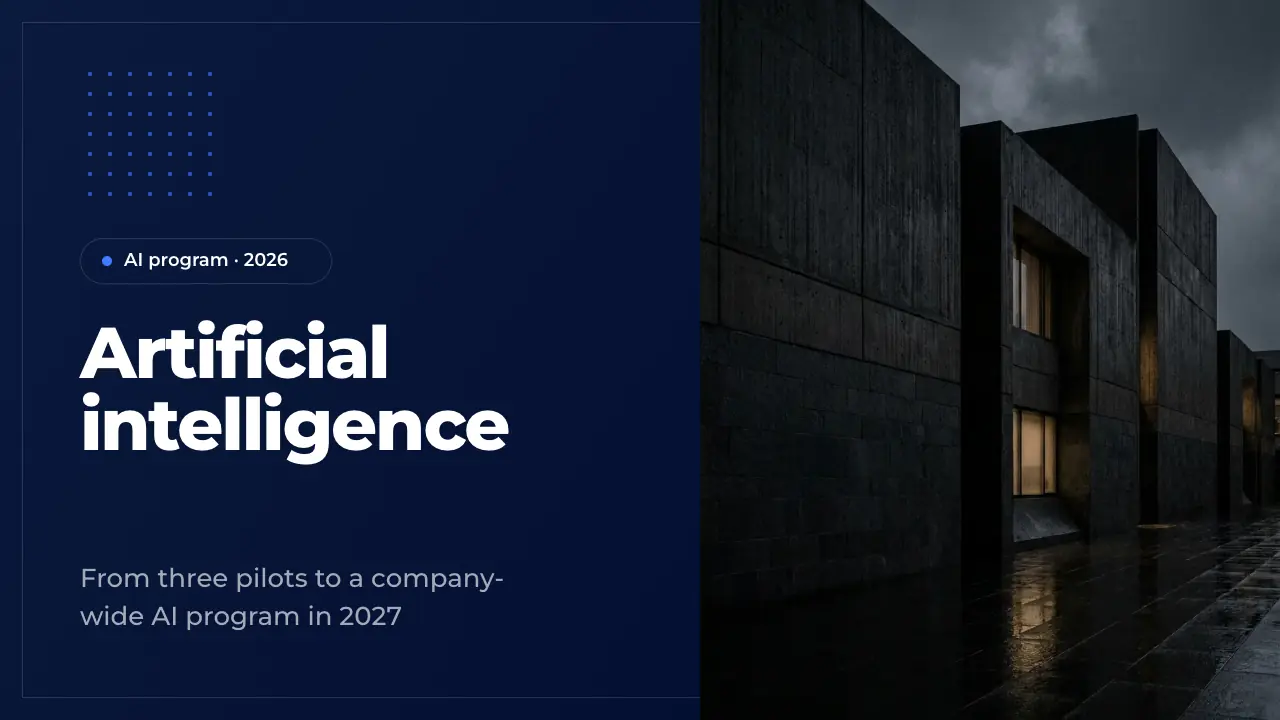
Title slide of Halden Mutual's AI program with a claims adjuster inspecting a damaged car door
1 / 50

Template · Artificial Intelligence

Artificial intelligence PPT: a 50-slide AI presentation, written out, editable

A complete 50-slide AI deck: what AI is, its history and fields, how machines and large language models learn, three pilots with results, costs and benefits, risks, responsible AI, governance, skills and a 2027 roadmap. Fill it with AI or edit it slide by slide.

  • 50 slides
  • 16:9
  • PowerPoint
Edit slides 1:1 in editor

Most AI decks stop at definitions. This presentation on artificial intelligence (PPT and browser) runs to 50 slides and is written for a made-up insurer, Halden Mutual, whose AI Office asks leadership for its 2027 budget. It explains what AI is and how it learns, then shows three pilots with their results, the costs, the risks, the governance and the roadmap.

Use it as a ready artificial intelligence presentation for a class, a board or a team meeting: keep the explainer chapters, replace Halden's pilots and numbers with yours, or let the AI write your own organisation into all 50 slides at once. Every slide comes from the ExpertSlides library and stays editable.

Your AI story, in these 50 slides

Describe your AI programme or attach your strategy paper and pilot results. ExpertSlides writes your use cases, numbers and plan into this deck — the layouts stay, nothing is made up.

The 50 slides of the artificial intelligence deck

Halden Mutual, a regional insurer in Connecticut, asks its leadership to scale three AI pilots in 2027. Replace it with your organisation.

  1. 1 · TitleOpening slide of the AI program deck. Use it to name the program, the year and the audience, and put the presenters in the speaker notes. Replace the picture with a calm photo of your own people at work.
  2. 2 · AgendaAgenda of the deck in five numbered chapters. Use it right after the title so the audience knows where the talk goes. Keep each item to a few words that match the section dividers.
  3. 3 · Executive summaryThe whole deck on one slide: situation, plan and ask. Use it early for readers who only see one page. Keep each part to one headline figure and one supporting line.
  4. 4 · Why AI nowSets the scene for the AI program with three reasons it matters now. Use it after the summary to explain the urgency. Keep each point to a short title and one line of evidence.
  5. 5 · Chapter: What AI isSection divider that opens the first chapter. Use it to signal a change of topic and state the chapter in one line. Keep the body to a single sentence.
  6. 6 · Definition of AIOne sentence that defines artificial intelligence for the whole deck. Use it to give a non-technical audience a single idea to hold on to. Keep the claim short and put the longer definition in the notes.
  7. 7 · History of AIThe history of artificial intelligence in six milestones. Use it to show that today's tools rest on decades of research. Keep each milestone to a year and a few words.
  8. 8 · Rules vs learningRules-based software against machine learning, point by point. Use it to explain what changes when a model learns its rules from data. Keep the points parallel so the checks and crosses read across.
  9. 9 · AI, ML, DL, GenAIHow artificial intelligence, machine learning, deep learning and generative AI relate. Use it to clear up the terms before the technical chapter. Keep each level to a name and one line.
  10. 10 · Fields of AIThe map of the field: artificial intelligence at the center and six branches around it. Use it to show that AI is a family of techniques, not one tool. Name an example from your own business for each branch in the notes.
  11. 11 · Trends for insurersFour shifts in AI that matter to insurers, placed by impact and timing. Use it to show what is changing outside the company. Keep each trend to a few words and explain it in the notes.
  12. 12 · AI glossarySix terms the audience will hear throughout the deck. Use it before the technical chapter so everyone shares the same words. Put each definition in the notes and point to a full glossary.
  13. 13 · Chapter: How AI learnsSection divider that opens the second chapter. Use it to move from definitions to how models are built and trained. Keep the body to a single line.
  14. 14 · Types of learningThe three main ways a machine learns, each with an example from insurance. Use it to explain where models get their knowledge. Keep each card to one definition and one example.
  15. 15 · Neural networkHow a neural network turns the facts of a case into an answer. Use it to demystify deep learning for a non-technical audience. Keep each stage to a name and one line.
  16. 16 · Training a modelHow a machine learning model is trained, shown with a real model of the business. Use it to make the abstract idea of training concrete. Keep each step to a short title and one line.
  17. 17 · Data vs accuracyHow a model improves with more training data, shown as a bar chart. Use it to explain why data volume and quality drive results. Keep the series to one measure and say where the gains flatten.
  18. 18 · How LLMs workHow a large language model works in four points. Use it to explain the technology behind generative AI without jargon. Keep each point to a short title and one line.
  19. 19 · GenAI strengthsFour tasks generative AI does well, each with an example from insurance. Use it to show where language models create value. Keep the cards parallel: a verb as title and one line of example.
  20. 20 · GenAI pros and consWhat speaks for and against generative AI, two points each. Use it to give a balanced view before the pilots. Keep each point to a title and one line of evidence.
  21. 21 · How AI works: recapThe three things to remember from the chapter on how AI learns. Use it to close a technical section before moving to the business case. Keep each takeaway to one sentence with one line of support.
  22. 22 · Chapter: PilotsSection divider that opens the chapter on the company's own AI pilots. Use it to move from explaining AI to showing results. Keep the body to one line and the picture calm.
  23. 23 · Halden Mutual profileWho the company is, in five key facts and one sentence. Use it to remind the audience of the scale the AI program works at. Keep the values short and current.
  24. 24 · Pressure on HaldenThe business pressure the AI program has to relieve and the answer in one line. Use it to tie AI to the company's own numbers. Keep the problem specific and the solution plain.
  25. 25 · Use case matrixCandidate AI use cases placed by business value and feasibility. Use it to show how the pilots were chosen and what waits. Keep three items per field and name the scoring criteria in the notes.
  26. 26 · Three pilotsThe three pilots side by side, each with the problem it solves and how. Use it to introduce the use cases before their results. Keep problem and solution to one line each.
  27. 27 · Claims triage caseThe claims triage pilot as a case study: three results and a quote from the business. Use it as proof that the model works on real claims. Keep the results to three figures and the quote to two sentences.
  28. 28 · Claims cycle timeThe development of one key figure over the pilot months as a bar chart. Use it to show a trend and its size at a glance. Keep the big number and the insight to what the chart proves.
  29. 29 · Underwriting pilotThe pilot's success criteria and how far each was reached. Use it to report a pilot against the targets set before it began. Keep each criterion to a label, a figure and a bar.
  30. 30 · Service copilot KPIsFour figures that sum up the service pilot. Use it to show a pilot's state at a glance. Keep each figure to its value and the comparison with the baseline.
  31. 31 · Pilot voicesWhat the people who used the pilots say, in three short quotes. Use it to add human proof to the figures. Keep each quote to one sentence with name and role.
  32. 32 · Pilot results tableThe results of all pilots in one table against their baselines. Use it as the reference slide for the figures of the chapter. Keep the measures comparable: baseline, result and change.
  33. 33 · AI platformThe platform behind the pilots in four layers. Use it to show what is built once and used by every AI case. Keep each layer to three named parts.
  34. 34 · Chapter: GovernanceSection divider that opens the chapter on money, risk and rules. Use it to move from results to what the program costs and how it is controlled. Keep the picture calm and neutral.
  35. 35 · Costs and benefitsThe money side of the program by year: cost, benefit and the cumulative net. Use it to show when the investment pays back. Keep the figures by year and name the break-even in the notes.
  36. 36 · Business caseThe business case of the program in four big figures. Use it to give decision makers the numbers they will remember. Keep each figure to a short label and put the breakdown in the notes.
  37. 37 · AI risk matrixThe main risks of the program placed by likelihood and impact. Use it to show the audience that risks are known and owned. Keep each risk to two or three words and give the mitigation in the notes.
  38. 38 · Responsible AIThe principles every AI system at the company must keep. Use it to show what the company stands for before the governance details. Keep each principle to one word and one line.
  39. 39 · AI governanceHow AI is governed: who oversees, who approves, who builds and who owns each model. Use it to make accountability visible. Keep each box to a name and a role.
  40. 40 · Regulatory checklistWhat regulators expect of an insurer that uses AI, and how much is done. Use it to show compliance status at a glance. Keep each requirement to a few words and give the status in the notes.
  41. 41 · GenAI rulesThe rules every employee follows when using generative AI. Use it to turn principles into daily behavior. Keep each rule short and concrete, with checks for dos and crosses for don'ts.
  42. 42 · Leadership FAQThe questions decision makers are most likely to ask, each with a short answer. Use it to handle objections before the ask. Keep each answer to one or two plain sentences.
  43. 43 · Chapter: PeopleSection divider that opens the last chapter on skills, the team and the plan. Use it to move from governance to what happens next. Keep the body to one line and the picture calm.
  44. 44 · AI skills programThe training program in four modules, from basics for everyone to an advanced track. Use it to show how the whole workforce is brought along. Keep each module to its audience and its outcome.
  45. 45 · Training progressThe progress of a program as a cumulative bar chart with what it means and why it matters. Use it to show whether a target is on track. Keep the two texts to the reading and the consequence.
  46. 46 · AI Office teamThe team the program needs, by role, with bars for their size. Use it to show where the new hires go. Keep the roles to four groups and give the change in the notes.
  47. 47 · 2027 roadmapWhat is planned in 2027, in four workstreams over the quarters. Use it to show the order of the rollout and who moves when. Keep each stream to its main deliverable and name the dates in the notes.
  48. 48 · 2027 goalsThe program's goals for the year and how far each is reached today. Use it to set targets the leadership can track. Keep each goal to a short label, a share and a bar.
  49. 49 · The askWhat the presenters ask the leadership to decide, and what it buys. Use it as the last content slide before the close. Keep the figure big and the three points short.
  50. 50 · ClosingClosing slide with thanks and the first next step. Use it to end the deck and leave the contacts on screen during questions. Keep the line to one concrete next step.

What is artificial intelligence: a PPT from basics to budget

Title, agenda, an executive summary and why AI matters now; a definition, the history of AI, rules against machine learning, AI, ML, deep learning and generative AI, its fields, trends and a glossary; types of learning, a neural network, model training, data against accuracy, how LLMs work and generative AI's strengths and limits; three pilots with results, staff voices and the platform; costs and benefits, the business case, risks, responsible AI, governance, regulation and usage rules; skills, training, the team, the roadmap, goals and the ask.

How to use this artificial intelligence template

  1. 01

    Open it

    Press Use this template. The artificial intelligence PPT is copied into your account — free, no credit card — and opens in the editor.

  2. 02

    Put in your case

    Replace Halden's pilots, results, costs and benefits with yours, chart by chart. Or ask the AI to rewrite a slide for your organisation.

  3. 03

    Fit it to the room

    Keep the explainer for a general audience, or hide it and lead with the pilots and the business case for a leadership meeting.

  4. 04

    Present or export

    Present it from the browser or export it. On Pro and Business you download an editable PowerPoint file. Every plan exports PDF; on Free a PDF carries the ExpertSlides mark.

What each part of the AI presentation is for

The opening and the first chapter give everyone the same starting point. The executive summary puts the programme on one page, and the slide on why AI matters now explains the timing. Then the deck answers what artificial intelligence is: a plain definition, seventy years of history, rules-based software against machine learning, how AI, machine learning, deep learning and generative AI nest inside each other, the fields of AI and a short glossary of the terms a room needs.

The second chapter explains how AI learns without equations. Supervised, unsupervised and reinforcement learning, the layers of a neural network, the steps of training a model on real claims, why more data improves accuracy and how a large language model predicts the next token. Two slides weigh what generative AI does well against its limits, such as hallucination and bias, and a recap closes the chapter so the audience carries the essentials into the business part.

The last three chapters turn the explainer into a decision. Halden's pilots in claims, underwriting and customer service are shown with their baselines, results, staff voices and the platform behind them. Costs and benefits from 2025 to 2028, the business case, a risk matrix, responsible AI principles, governance roles, a regulatory checklist and rules for generative AI follow. Skills, the team, the 2027 roadmap, its goals and the ask end the deck.

How to adapt it to your organisation

Decide first who you present to. A class or an all-hands meeting needs the first two chapters and a few examples; a board or budget committee needs the pilots, the business case, the risks and the ask. Replace Halden's pilots with your own use cases, put your baselines and results into the charts and tables, and make the cost and benefit slides agree with them before you touch the wording.

Keep the explainer short when your audience already knows the basics. Hide the history, the glossary and the neural network slides, move the strongest pilot result to the front, and keep the governance and regulatory slides as an appendix for questions. A student or a teacher can do the opposite: keep the first two chapters, drop the budget and the ask, and use the pilots as worked examples.

Questions about the template

Is this artificial intelligence PPT template free?

Yes. Opening it costs no credits and needs no credit card, and it stays in your account like any of your presentations. Unlike most templates it comes written out, so you change a working AI deck instead of filling empty boxes. Every plan exports PDF; on Free a PDF carries the ExpertSlides mark.

What slides does an artificial intelligence PPT presentation need?

For a general audience: what AI is, a short history, how machine learning and generative AI work, examples, benefits, limits and risks. For leadership add the use cases, results against a baseline, costs and benefits, governance, regulation, skills and the decision you ask for. This deck holds both in five chapters.

How long should a presentation on AI be?

A talk of 20 minutes carries about 15 to 20 slides; a workshop or a budget review can use more, with the rest as an appendix. Keep all 50 slides in your file and hide the ones a given audience does not need.

What does leadership look for in an AI deck?

Measured results instead of promises: a baseline, the change and what it is worth. Then what the next step costs, when it pays back, which risks it brings and who is accountable. The pilot, business case, risk and governance slides of this deck answer exactly that.

Can I download it as a PowerPoint file?

On Pro and Business you download it as an editable PowerPoint (PPTX) file: its texts, tables and charts stay editable in PowerPoint. On every plan you can present it from the browser or export a PDF.

Can the AI make a deck like this for my own organisation?

Yes. Press Fill with AI, describe your AI programme or attach your strategy paper or pilot report, and the AI writes your content into these slides. You can also describe your topic in the prompt on the home page and choose any design.

Try ExpertSlides AI for free — the ultimate AI presentation maker

Describe any topic or upload a document, and ExpertSlides designs and writes the whole deck — editable in the browser and as a PowerPoint file.

Try it for free

Use the artificial intelligence template

A free account, no credit card. The deck opens in the editor, every slide editable.

Use this templateMore presentation designs
Expert Slides
AI presentation maker: type a topic, pick a style, get a finished deck in 60 seconds.
Product
AI Presentation MakerDesign TemplatesPricingSolutionsPowerPoint & Google Slides Add-insPowerPoint TemplatesPresentation TemplatesProject Management TemplateFree PowerPoint Templates
Company
Help CenterGuidesContact
Legal
PrivacyTermsLicensingImprint
© 2026 ExpertSlides · ES Solutions GmbH