Brand deck template: a 50-slide brand book, written out and ready to edit
A full 50-slide brand book: where the brand stands, purpose, positioning, audience, pyramid, voice, logo, palette, type, photography, architecture, packaging, stores, a pilot, the rollout, budget, governance and KPIs. Fill it by AI, download it as PowerPoint, or edit it slide by slide.
Most brand decks show a logo, five swatches and a font and stop there. This brand deck template is a complete 50-slide brand book for one realistic rebrand: Halden Outdoor Co., a $186M outdoor gear maker that folds five sub-brands into one masterbrand. Research, purpose, positioning, audience, personality, voice, logo, colours, type, imagery, applications, architecture, launch and governance are all filled in.
Use it as the brand deck for your own company or client: replace the names, colours and figures, drop the chapters you do not need, or let the AI write your brand into all 50 slides at once. Every slide stays editable, in the colours and fonts you choose.
Your brand, in these 50 slides
Describe your brand or attach your brand guidelines or research. ExpertSlides writes your purpose, audience, identity and rollout into this deck in minutes — the layouts stay, nothing is made up.
The 50 slides of the Halden brand book
Every slide is written for Halden Outdoor Co., a $186M outdoor gear maker moving five sub-brands into one masterbrand under the purpose line "Made to go further".
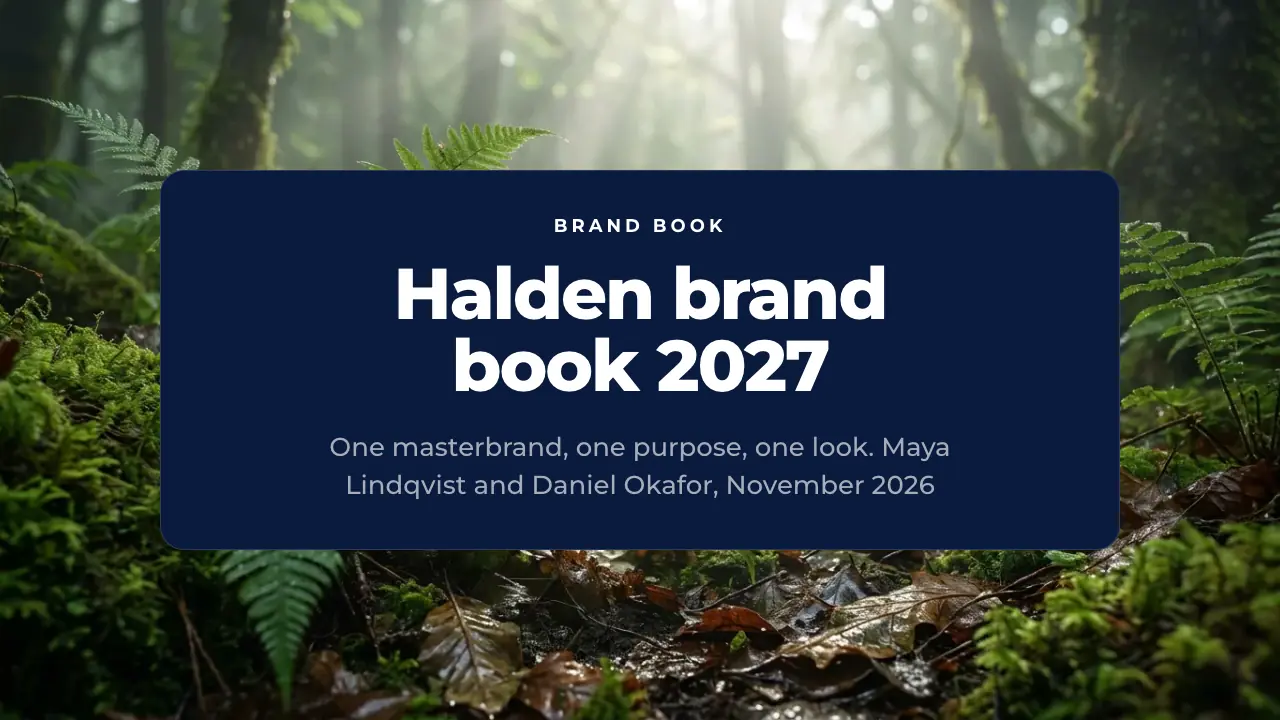
1 · TitleThe opening slide of a brand deck: the brand book's name, the presenters and the date over one calm photo. Use it to open an internal brand launch or an agency presentation.
2 · AgendaThe five chapters of the brand book in their order. Use it right after the title so the audience knows the path from diagnosis to rollout.
3 · Why nowSets the scene for the brand book: why the brand changes now and the three ideas behind it. Use it to frame the deck before any figures.
4 · Executive summaryThe whole brand book on one page: situation, plan and target. Use it for executives who read one slide, and fill it with the brand study's figures and the rollout budget.
5 · Chapter: Where we standOpens the chapter on the brand's starting point: history, brand health, research and competitors. Use it to mark the move from the overview to the evidence.
6 · Brand historyThe company's story in six milestones on a rail. Use it early in a brand deck to show where the brand comes from before you change it.
7 · Brand healthThe brand's health in four figures from the latest brand study. Use it as the baseline every later target is measured against.
8 · Awareness trendOne brand metric over six years and what it means. Use it to show that sales growth and brand growth are not the same thing.
9 · Research findingsThe three findings of the brand research that the new brand answers. Use it to tie every brand decision to evidence from customers.
10 · Competitor scorecardHalden against the average of Crestline Supply, Ironwood Gear, Valla Outdoor and Kestrel Peak on four criteria. Use it to show where the brand already wins and where it must catch up.
11 · Positioning mapA positioning map in four fields with the rivals, today's sub-brands and the new lines. Use it to show why a scattered portfolio confuses buyers and where the new brand plays.
12 · Problem and solutionThe core problem of the old brand and the structural answer of the new one. Use it to justify the move to a masterbrand before showing the details.
13 · Chapter: Who we areOpens the chapter on the brand's core: purpose, positioning, audience, personality and voice. Use it to move from the diagnosis to the brand strategy.
14 · Purpose statementThe brand's purpose in one line, standing alone. Use it to give the audience the sentence every product, store and post must prove.
15 · Positioning formulaThe positioning statement split into audience, need and offer. Use it to brief agencies and line teams in one line they can test their work against.
16 · Brand valuesThe four values of the brand, each with a concrete proof. Use it so teams can test any product, post or store against values that can be checked.
17 · Target audienceThe core audience of the new brand in three figures and one line. Use it to make every brief start from the same person, not from a product.
18 · Customer journeyThe customer's path from first contact to repair and resale, with touchpoints and feelings. Use it to show where the brand must look and sound the same.
19 · Brand pyramidThe brand pyramid from product attributes at the base to the brand essence at the top. Use it to explain how proof, feeling and personality build one idea.
20 · Personality pairsThe brand personality as pairs of what we are and what we are not. Use it to keep writers and designers from drifting to either extreme.
21 · Tone of voiceThe voice of the brand as dos and don'ts. Use it in every copy brief and as the checklist for agency and store texts.
22 · Chapter: How we lookOpens the chapter on the visual identity. Use it to move from strategy to the logo, colours, type and imagery.
23 · Logo variantsThe logo and its three forms, each with when to use it. Use it to show which version goes where before teams open the master files.
24 · Logo dos and don'tsThe rules for using the logo as two cards of dos and don'ts. Use it for printers, agencies and partners who place the logo.
25 · Colour paletteThe brand palette with the role of each colour. Use it as the reference for print, screen and store, with the hex codes in the guidelines.
26 · Colour proportionsHow much of each brand colour appears on a page, a screen or a shelf. Use it so the palette is used in the right balance, not just the right colours.
27 · TypographyThe brand's two typefaces with a sample and their use. Use it to replace the nine typefaces in use today with one clear pair.
28 · Photography styleThe photography style of the brand in one paragraph and one example. Use it to brief photographers and to choose pictures from the library.
29 · Graphic elementsThe supporting graphic elements beside logo, colour and type. Use it to show designers the building blocks that make a layout recognisably Halden.
30 · Key visualThe creative concept of the launch and its key visual. Use it to show agencies and store teams the one image idea every launch piece builds on.
31 · Chapter: Brand in useOpens the chapter on the brand in use: architecture, packaging, stores, digital and partners. Use it to move from the identity to its applications.
32 · Brand architectureThe masterbrand and its four parts by use, price and channel. Use it to show where every product and service sits after the old sub-brands are retired.
33 · PackagingThe packaging of the new brand with its key specifications. Use it to show suppliers and product teams what changes on every item from 2027.
34 · Store conceptThe retail concept of the new brand, shown in the Bend flagship. Use it to brief store design and operations on what customers see first.
35 · Concept test resultsThe results of the identity concept test by market. Use it to show that the new brand was tested with customers before the rollout.
36 · Digital touchpointsWhere the brand lives on screen and what each channel does. Use it to align web, app, social and email teams on one type, palette and voice.
37 · Partner quoteA wholesale partner's voice on the new brand. Use it to show that the change makes selling easier for the people who stock the products.
38 · Store pilot resultsThe results of the two-store pilot against the same weeks a year earlier. Use it to prove the new brand works before rolling it out to every store.
39 · Chapter: LaunchOpens the chapter on rollout, campaign, budget and governance. Use it to move from what the brand is to how it gets into the world and stays right.
40 · Rollout roadmapThe rollout of the new brand quarter by quarter. Use it so every team sees when its part changes and what has to be ready before.
41 · Launch campaignThe channels of the launch campaign and what runs in each. Use it to show how the brand is introduced to the public in its first ten weeks.
42 · Rebrand budgetThe rebrand budget by area, share and timing. Use it to show the board and finance what the brand change costs and when the money is spent.
43 · Approval processHow a new brand asset goes from brief to publication. Use it to make approvals fast and predictable for every team and agency.
44 · Brand governanceWho decides on the brand and who applies it. Use it to make clear where questions go and who may change the rules.
45 · Rollout risksThe main risks of the rebrand and how each is handled. Use it to show leadership that the rollout has been thought through.
46 · Brand KPIsThe brand metrics today, the targets for 2028 and the gap between them. Use it to agree how the success of the new brand is measured.
47 · Launch checklistEverything that must be ready before the public launch. Use it in the weekly launch meeting to tick off each item.
48 · FAQThe questions teams ask most about the rebrand, with short answers. Use it near the end to clear doubts before the open questions.
49 · Key takeawaysThe four things to remember from the brand book. Use it to close the content before the thank-you slide.
50 · Thank youThe closing slide with thanks, the next date and the contact channels. Use it to end the presentation and send people to the brand portal.
What this brand presentation template holds
Title, agenda, why now and an executive summary; the brand's history, brand health figures, an awareness trend, research findings, a competitor scorecard, a positioning map and the problem; purpose, positioning, values, audience, customer journey, brand pyramid, personality and voice; logo, logo rules, palette, colour proportions, type, photography, graphic elements and the key visual; architecture, packaging, store, digital, a concept test, a partner quote and a pilot; then roadmap, campaign, budget, approvals, governance, risks, KPIs, a launch checklist, FAQ and takeaways.
How to use this brand deck template
01
Open it
Open the brand deck template in the editor with a free account, no credit card. All 50 slides are there, every text, chart and table editable.
02
Make it your brand
Pick your colours and fonts in the bar above the slides, or apply your own Design Kit, so the deck already wears the brand it presents.
03
Fill in your content
Replace the Halden case slide by slide, or use Fill with AI: type your brand or attach your guidelines, and the AI writes your content into these layouts.
04
Present or export
Present it in the browser, download it as PowerPoint on Pro and Business, or export a PDF on any plan — on Free the PDF carries the ExpertSlides mark.
What each part of a brand deck is for
The first chapter earns the right to change anything. The history shows where the brand comes from, the brand health figures and an awareness trend give the baseline, the research slide names what customers actually said, and the competitor scorecard and positioning map show where the brand wins and loses. The chapter ends on the problem in one sentence. A brand deck that starts with the new logo invites a debate about taste; one that starts with evidence invites a decision.
The strategy chapter says who the brand is before anyone sees how it looks. Purpose, the positioning formula, the values with their proofs, the core audience, the customer journey, the brand pyramid, the personality as we-are and we-are-not pairs, and the tone of voice as dos and don'ts give writers, designers and agencies the same brief. Each of these slides can be tested against: if a post or a product proves none of it, it is off-brand.
The identity and application chapters turn strategy into rules people can follow. The logo and its three forms, logo misuse, the palette with each colour’s role and proportion, the typefaces, photography, graphic elements and the key visual sit next to the brand architecture, packaging, the store concept, digital touchpoints, a concept test and a store pilot — so the audience sees the brand working in the places customers meet it, not just drawn on a page.
How to adapt it to your brand
Start with the facts that will be checked: your brand study, your awareness and NPS figures, your colour codes and typefaces, your budget and dates. Put them in first, then make the purpose, positioning and targets agree with them. A start-up keeps the strategy and identity chapters and shortens the rollout; a corporate rebrand keeps the architecture, budget, governance and risk slides, because that is where the questions from finance and the board come.
Or let the AI do the first draft: type your brand, attach your guidelines or your latest brand study, and it writes your content into the same 50 layouts. It keeps the structure that makes a brand book usable — strategy before identity, rules before examples, owners and dates at the end. Then check every figure, colour code and name before the deck leaves your hands.
Questions about the template
What slides does a brand deck need?
A good brand deck covers where the brand stands, what it stands for, how it looks and how it is rolled out. That means research and positioning, purpose, audience, personality and voice, then logo, colours, type and imagery, then applications, launch and governance. This brand deck template has all of them in 50 slides, in that order.
Is the template free, and is there a brand presentation template free download?
Yes, the template is free to open, edit and present with a free account, and every plan exports a PDF. As a free download in PowerPoint format it is part of Pro and Business; on Free the PDF carries the ExpertSlides mark.
Can I see brand deck examples before I start?
The gallery above is a full worked example: every slide of the Halden brand book, from the brand study to the rollout budget. Open any slide in the lightbox to read it, and use it as a model for your own case.
How long should a brand presentation be?
An internal brand launch usually takes 45 to 60 minutes, which suits the full 50 slides. For a board or an agency pitch, keep the executive summary, the strategy and the identity chapters and cut the rest to about 20 slides.
Can I open it in PowerPoint?
Yes. On Pro and Business you download it as a PowerPoint file with editable text, native charts and tables. On every plan you can also present it in the browser or export a PDF.
Can the AI make a brand deck for my own brand?
Yes. Use Fill with AI, describe your brand or attach your guidelines, research or agency brief, and the AI writes your content into these 50 layouts. It works with what you give it and does not invent figures, so check colour codes, names and numbers before you present.
Try ExpertSlides AI for free — the ultimate AI presentation maker
Describe any topic or upload a document, and ExpertSlides designs and writes the whole deck — editable in the browser and as a PowerPoint file.