
Template · Business Plan
Business plan PPT template: a 50-slide plan for a bank loan, ready to edit
A complete 50-slide business plan for a lender: executive summary, market sizing, customers, pricing, competition, unit economics, operations, team, P&L, cash flow, break-even, the funding request, milestones and risks. Fill it by AI, download it as PowerPoint, or edit it slide by slide.
- 50 slides
- 16:9
- PowerPoint
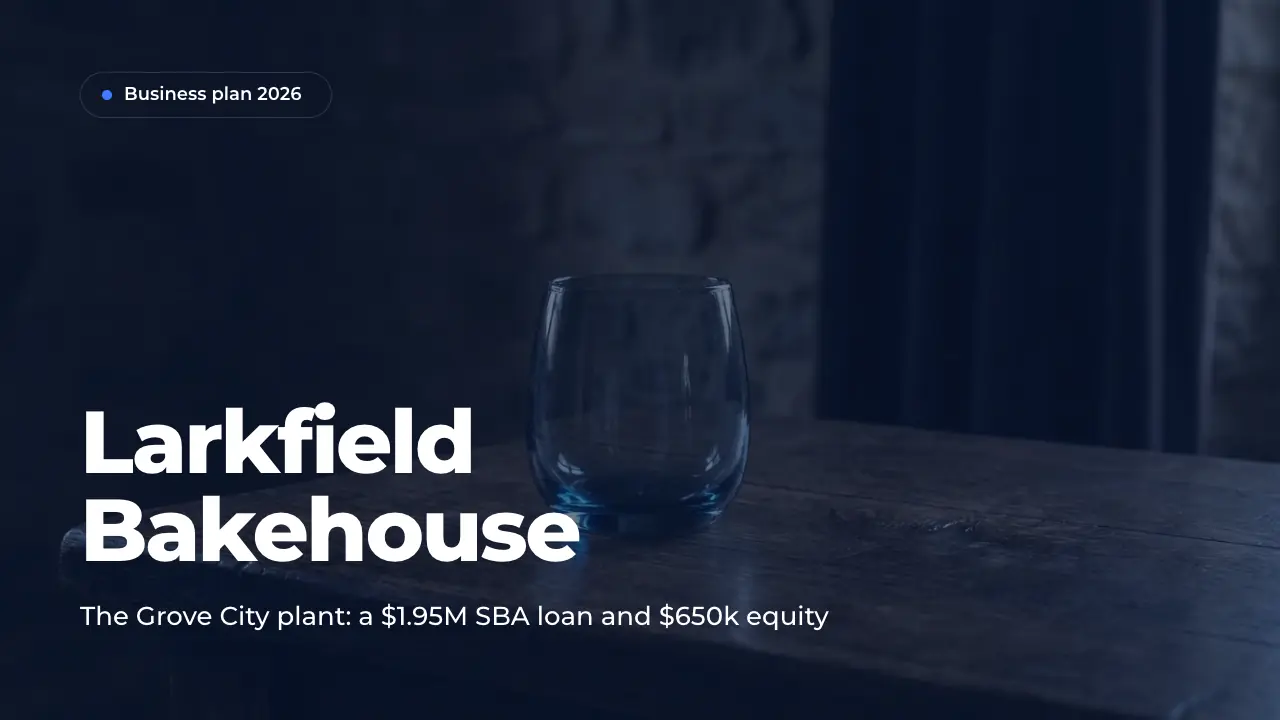
Most business plan PPT files are a cover, ten headings and empty boxes. This one is a complete plan of 50 slides, written for a made-up company: Larkfield Bakehouse, an artisan bakery in Columbus, Ohio, that asks for a $1.95M SBA loan and $650k of equity to build a production plant. Market, customers, offer, competition, sales, operations, team, profit and loss, cash flow, break-even, funding, milestones and risks are all filled in.
Use it as a business plan presentation template in PPT for your own company: replace Larkfield's figures with yours, drop the slides you do not need, or let the AI write your business into all 50 slides at once. Every slide comes from the ExpertSlides library, so it stays editable and on brand.
A business plan presentation template for PowerPoint with P&L, cash flow and break-even
Title, agenda, an executive summary and the business today in key numbers; the company, its history, the problem and the strategy; market size, demand drivers, customer segments, a customer quote, a case study and account growth; value proposition, products, pricing, a competitor table, SWOT, go-to-market, sales funnel, unit economics, marketing plan and sales process; the new site, a before-and-after comparison, the build-out roadmap, team, organisation and hiring; profit and loss, EBITDA, cash flow, break-even, lender metrics, the funding request, milestones, risks, lender questions, takeaways, next steps and a closing slide.
How to use this business plan template
Open it
Press Use this template. The business plan PPT is copied into your account — free, no credit card — and opens in the editor.
Put in your numbers
Replace Larkfield's revenue, margins, cash flow, loan and break-even with yours, table by table and chart by chart. Or ask the AI to rewrite a slide for your business.
Fit it to the reader
For a bank, lead with cash flow, debt coverage and collateral; for an investor, with growth and margins. Drop the slides your case does not need.
Present or export
Present it from the browser or export it. On Pro and Business you download an editable PowerPoint file. Every plan exports PDF; on Free a PDF carries the ExpertSlides mark.
What each part of the business plan is for
The opening tells a busy reader the whole plan before any detail. The title names the business and the period, the agenda shows the six chapters, and the executive summary puts the situation, the plan and the ask on one slide. The first chapter then shows who the company is and why it must act now: its history, the problem it runs into — here a kitchen at 96 % of capacity that turned away $640k of orders — the revenue so far and the three strategic moves that answer it.
The middle chapters prove that the plan can be sold and delivered. Market and customers size the opportunity as TAM, SAM and SOM, name the demand drivers and segments, and back them with a buyer's quote, a customer case and the growth of accounts. Offer and sales show the products, the price tiers, a competitor table, a SWOT analysis, the channels, the sales funnel, unit economics with CAC, LTV and payback, the marketing budget and the sales process. Operations and team show the new site, its capacity, the build-out schedule, the leaders, the organisation and the hiring plan.
The last chapters are the ones a lender reads twice. The financial plan holds a three-year profit and loss, EBITDA by year, a cash flow table, the month of break-even and the figures a credit committee checks first: debt service coverage, the owners' equity, collateral and the lowest cash balance. The funding chapter states the request and its use of funds, the milestones the company commits to, a risk matrix, the questions lenders ask with their answers, the key takeaways and the next steps to closing.
How to adapt it to your own business
Start with the financial plan, not the story. Put your revenue, margins, EBITDA, cash flow, debt service and break-even into chapter five first, then make every other slide agree with them: the market share you need, the customers you must win, the people you hire. A bank reads coverage ratios, collateral and cash; an equity investor reads growth, margins and the return. Keep both in the deck and lead with what your audience decides on.
A service business swaps the plant for its team and its tools, a shop or a restaurant keeps the site slides, and a start-up without revenue replaces the history and traction with pilots and letters of intent. Drop or hide what does not apply; the six chapters and the order of the argument still hold for any business that asks for money.
Questions about the template
Is this business plan PPT template free?
Yes. Opening it costs no credits and needs no credit card, and it stays in your account like any of your presentations. Unlike most templates it comes written out, so you change a working business plan instead of filling empty boxes. Every plan exports PDF; on Free a PDF carries the ExpertSlides mark.
What slides does a business plan presentation template need?
The core is about fifteen slides: executive summary, the company, the problem and the opportunity, market, customers, offer, competition, marketing and sales, operations, team, financial plan, funding and risks. This deck adds what lenders ask for in a second meeting: a cash flow table, the month of break-even, debt service coverage, collateral, milestones and their questions with answers.
What do banks and investors look for in a business plan PPT?
A bank looks at whether the business can repay: cash flow, debt service coverage, the owners' equity and collateral. An investor looks at growth, margins and how large the business can become. Both check that the figures agree from the first slide to the last, which is why every number in this deck comes from one case.
How long should a business plan presentation be?
A plan presented to a credit committee or an investor usually runs fifteen to twenty-five slides in twenty to thirty minutes. Keep all 50 slides in your file and hide the ones a given meeting does not need; the rest serve as an appendix for questions.
Can I download it as a PowerPoint file?
On Pro and Business you download it as an editable PowerPoint (PPTX) file: its texts, tables and charts stay editable in PowerPoint. On every plan you can present it from the browser or export a PDF.
Can the AI make a business plan like this for my own company?
Yes. Press Fill with AI, describe your business and what you need the money for or attach your written plan and financial model, and the AI writes your content into these slides. You can also describe your company in the prompt on the home page and choose any design.
Try ExpertSlides AI for free — the ultimate AI presentation maker
Describe any topic or upload a document, and ExpertSlides designs and writes the whole deck — editable in the browser and as a PowerPoint file.
Use the business plan template
A free account, no credit card. The deck opens in the editor, every slide editable.