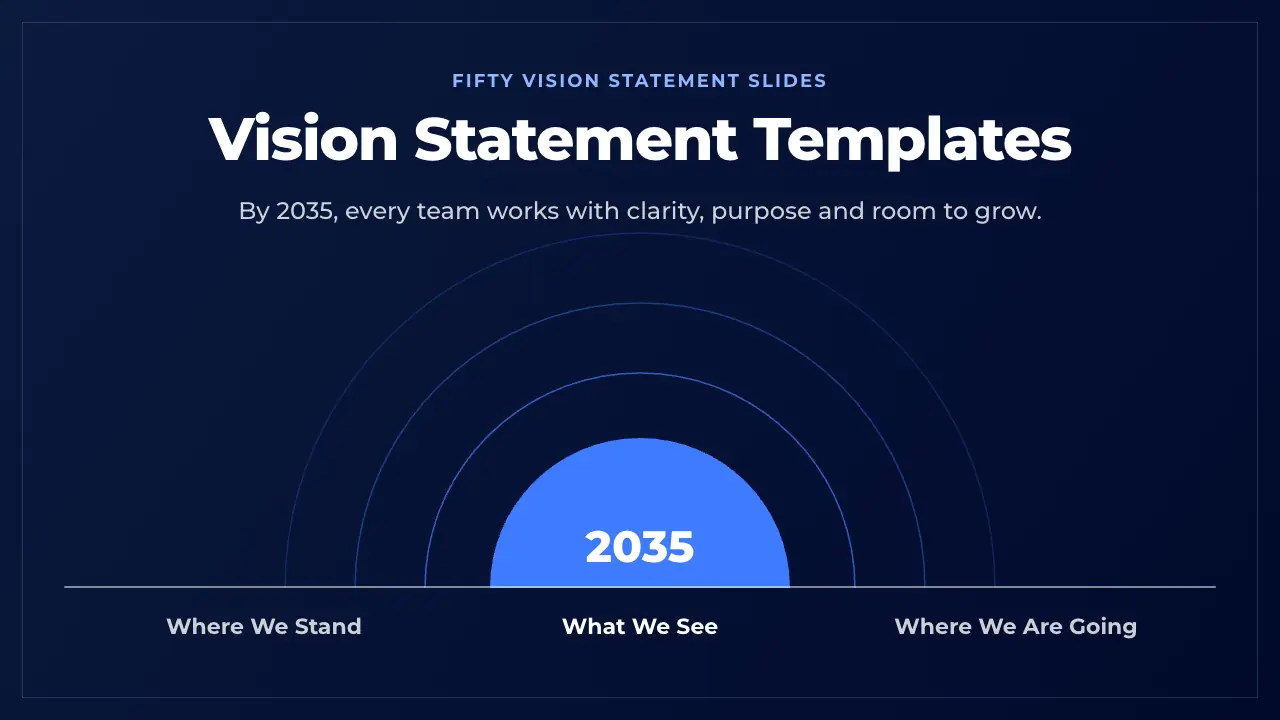
Vision Statement Template: 50 Editable Vision Statement Slides For PowerPoint
Fifty vision statement slides in one blue look, each a different way to show the future you want to reach: the vision in one large sentence, today against tomorrow, pillars and horizons, a compass, a road to the horizon, a letter from 2035 and real charts of your progress. Change the colours and fonts of all of them at once, let the AI build your own vision deck in this look, download them as PowerPoint or edit each slide in the editor.
This vision statement template gives you 50 ways to say where your organisation is going and to make that future easy to picture. A vision statement describes the state you want to reach, years from now, in one sentence people can remember. These slides set that sentence large, explain its parts and show what will be different once it has come true.
Every slide is neutral and ready for your own words, with general sections and round sample figures that fit a company, a non-profit, a public body or a single team. Use a few of them to open a strategy day, or build a full vision talk from the first sentence to the habits that keep it alive.
Your Vision In This Look
Describe the future you want to reach, or attach a strategy paper or workshop notes. ExpertSlides builds your own vision deck in this look in a few minutes, with your sentence, your horizons and your goals.
Every slide is a different form of a vision statement, with its own words and sample figures. Open any of them in the editor and make it yours.
1 · Rising Sun Vision CoverThe opening slide of the pack: the vision as a sun rising over the horizon, with the sentence that says where you are going. Use it to open a strategy day or a vision talk, and replace the sentence with your own.
2 · One Large Vision SentenceThe whole vision in one large sentence with its three key words underneath. Use it when the statement itself should carry the slide, and explain each key word in one line.
3 · Vision Beside A Tall PhotoThe future state in calm, large type beside a tall photo. Use it as the moment the vision is first spoken, and name who agreed it underneath.
4 · Today To Tomorrow PanelsTwo panels show where you stand today and the state you want to reach, joined by one large arrow. Use it to make the distance to the vision visible, with three plain lines on each side.
5 · Giant Year With Four StatementsA giant year in the middle with four short statements of what the world looks like by then. Use it to paint the future state in plain words, one statement for each field that matters to you.
6 · Before And After RowsFour rows set today against the future state, each joined by an arrow. Use it to say concretely what the vision will change, in pairs of short plain lines.
7 · Vision On A Full PhotoThe vision alone on a wide landscape, under a calm navy overlay. Use it as a pause in a talk: show it, say it once and let the room read it.
8 · Vision Carried By Three PillarsThe vision lies like a beam on three pillars that stand on one base. Use it to name the few commitments that carry the vision, each with a short line.
9 · Anatomy Of A Vision SentenceThe sentence in three underlined parts, each explained underneath. Use it to teach how a good vision is built: a time, the people it is for and the state you want to reach.
10 · Vision And Mission CardsTwo tall cards set the vision against the mission: the future you want to see, and what you do every day to get there. Use it whenever the two are mixed up.
11 · A Day In The Future With PhotoOne ordinary working day once the vision has come true, in four moments on a vertical line beside a photo. Use it to make a distant future feel close and concrete.
12 · Three Nested HorizonsThree nested half circles on one baseline show the near, middle and far horizon of a vision. Use it to explain that a distant future is reached in stages, with one short line for each.
13 · Four Key Figures Of The VisionFour large figures show what will be true when the vision has come true. Use it to make the vision measurable, with sample targets you replace with your own.
14 · Vision Path Against Present PathA real line chart sets the present course against the course of the vision from 2027 to 2035, with the gap as one key figure. Edit the data to show your own measure.
15 · Quote From The FutureA round portrait and one sentence as a customer might say it once the vision is real. Use it to hear the future in the words of the people it is for.
16 · Rising Stairs To The VisionFive rising steps lead from agreeing the vision to living it, with a flag on the last. Use it to show that a distant future is reached one step at a time.
17 · Three Questions Before A YesThree narrowing bars hold the questions each decision has to pass, ending in one yes. Use it to show how the vision works in daily choices, and write your own three questions.
18 · One Vision Above Five TeamsOne vision at the top, joined by thin connectors to five teams beneath it. Use it to show that every part of the organisation pulls towards the same future.
19 · Three Reasons Beside A PhotoThree short reasons why a vision matters, each with an icon, beside a tall photo. Use it to explain to a team why time spent on the vision is time well spent.
20 · Compass With The Vision As NorthA large compass with the vision as north, and four points you read every decision against. Use it to show that a vision is a direction to hold, not a destination on a map.
21 · What The Vision Welcomes And Rules OutTwo columns set what the vision welcomes against what it rules out. Use it to make the vision useful in daily decisions, because a clear no is as helpful as a clear yes.
22 · Circles Growing Towards 2035Five circles on one line grow from one team in 2027 to every team in 2035. Use it to show how the reach of a vision widens year by year.
23 · Four Ways With A Photo BandA wide photo band over four columns: tell the vision, show it, ask about it and repeat it. Use it when you plan how a new vision reaches the whole team.
24 · Cascade From Vision To ActionsFour widening bars break the vision down into strategy, goals and daily actions. Use it to show how a sentence about 2035 reaches the work of this week.
25 · A Letter From The FutureA letter on a white card, written by the team of 2035 to the team of today. Use it to tell the vision as a story, and rewrite the lines with what you hope will be true.
26 · Progress Bars Towards The VisionA real horizontal bar chart shows how far each measure of the vision has come, with the average as one large figure. Edit the data once a year to show the progress.
27 · Formal Statement With Wide PhotoThe formal vision statement as it would hang on the wall, beside a wide photo and signed off by those who stand behind it. Use it when the vision is presented for the first time.
28 · The Vision In Three Huge WordsThree huge words carry the whole vision, each with a line under it and a short explanation. Use it when you want a room to remember the vision by heart.
29 · Now, Next And Beyond ColumnsThree rising columns say what the vision asks of you now, next and in the long run. Use it to turn a distant picture into a clear order of work.
30 · Six Marks Of A Good VisionSix marks of a good vision in two columns of checks. Use it in a workshop to test a draft, line by line, before it goes out to the team.
31 · Landscape Over Three StatementsA wide landscape carries the headline, with three statements of what is already in sight beneath it. Use it to open the part of a talk that looks ahead.
32 · Four Groups On Icon CardsFour cards with icons say what the vision means for customers, colleagues, partners and the community. Use it to answer the question everyone asks: what does it mean for me?
33 · Donut Of Effort Towards The VisionA real donut chart shows how the effort towards the vision is shared between four fields, with a line for each. Edit the data to show your own priorities.
34 · Five Chevrons To Write A VisionFive chevrons in one row take a team from imagining the future to sharing the finished sentence. Use it to plan how the vision gets written, with one line for each step.
35 · Workshop Agenda Beside A PhotoA half-day workshop agenda on a vertical line beside a photo. Use it to invite a team to write the vision together, and change the times to fit your day.
36 · Weak Statement To Strong RewriteA vague statement above and its vivid rewrite below, joined by one arrow. Use it in a workshop to show what an honest edit does to a vision.
37 · Road Running To The HorizonOne road narrows towards the horizon, with four stages beside it and the vision as the sun ahead. Use it to tell the way to the vision as a single journey.
38 · Three Sliders For A Good VisionThree sliders show where a good vision stands between modest and bold, vague and vivid, next year and decades away. Use it to discuss how far your own draft should reach.
39 · Three Futures In Three PhotosThree photos in a row show the future you want for your people, your customers and the world around you. Use it when a vision should be seen as well as read.
40 · Key Figure Beside An Area ChartOne key figure beside a real area chart that rises towards 2035. Use it to show the scale of the vision, and edit the chart data to fit your own measure.
41 · Four Sample Vision StatementsFour cards hold sample vision statements for a service business, a product business, a non-profit and an internal team. Use them as a starting point and write your own in the same shape.
42 · Four Questions With Short AnswersFour large questions about the future with a short answer to each. Use it to draft a vision from scratch, or to check that an existing one answers what people will ask.
43 · Three Figures On A Full PhotoThe future state in three key figures on a wide photo under a navy overlay. Use it as a strong, simple summary of what the vision means in numbers.
44 · Mountain With The Vision At The TopA mountain of layered triangles with the vision at its summit and four stages listed from base camp to the top. Use it to show that the climb is long, but each stage is in reach.
45 · Column Chart Of Who Knows ItA real column chart shows how many colleagues can say the vision, rising to 95 per cent by 2035. Run the same one-question survey each year and edit the data.
46 · Four Role Cards For The VisionFour role cards say what the CEO, the leaders, the team leads and every colleague do for the vision. Use it to make clear that a vision is carried by everybody.
47 · Four Rhythms Beside A PhotoA photo beside four rhythms on one vertical line: daily, weekly, quarterly and yearly. Use it to agree how the vision stays alive once the launch is over.
48 · Vision Board MosaicA vision board: two photos and four short phrases in a mosaic, as a team would pin it up on the wall. Use it to make the future feel tangible, and swap in pictures of your own.
49 · Calm Invitation To ImagineA calm, centred invitation to picture one ordinary day in the future, in three plain lines. Use it to open a vision session and give the room a quiet moment.
50 · Closing Slide With Three CallsThe closing slide: three short calls that say what each person can do from tomorrow, beside a tall photo. Use it to end a vision talk with something to act on.
What Is Inside The Pack
One large sentence (slide 2), today against tomorrow (slides 4 and 6), three pillars (slide 8), the anatomy of a vision (slide 9), vision and mission side by side (slide 10), three horizons (slide 12), a compass for decisions (slide 20), a letter from 2035 (slide 25), a writing workshop (slide 35), sample visions (slide 41) and real, editable charts (slides 14, 26, 33, 40 and 45).
How To Use This Vision Statement Template
01
Write One Sentence
Start this vision statement template with your own sentence: name a year, say who it is for and describe the state you want to reach. Slide 9 shows the three parts.
02
Pick Your Slides
Choose the forms that suit your talk: a large statement to open, a before and after to show the change, and pillars or horizons to explain how you will get there.
03
Make It Your Own
Replace the sample words and figures, edit the charts by their data, and set your colours and fonts for the whole deck in one step.
04
Share It With The Team
Present it, download it as PowerPoint or send a link. Slides 23 and 47 help you plan how the vision reaches everyone and stays alive after the launch.
What Makes A Good Vision Statement
A good vision statement looks ahead. It describes a future state rather than a task, and it is vivid enough that people can picture it. It should be ambitious enough to take more than one good year, yet believable enough that a team can see a real way to get there.
Keep it short enough to say in one breath. Slide 30 turns these marks into a checklist for testing a draft, and slide 36 shows how a vague sentence becomes a clear one after an honest edit.
Vision Statement Or Mission Statement
The two are often mixed up. A mission statement says what you do today, for whom and why. A vision statement says what the world looks like once that work has succeeded, so it points to a time ahead rather than to the present.
Most organisations need both, and slide 10 sets them side by side. Once the vision is agreed, slide 24 breaks it down into strategy, goals and the actions each team takes this week.
Vision Statement Template FAQ
What Is A Vision Statement?
A vision statement is one sentence that describes the future an organisation wants to bring about. It names a state to reach rather than the work to get there, and it gives everyone the same direction for their decisions.
Is This Vision Statement Template Free?
Yes. You can view all 50 slides, change their colours and fonts and download this vision statement template as a PowerPoint file with a free account.
How Long Should A Vision Statement Be?
One sentence, usually between ten and twenty words, is enough. If people cannot repeat it from memory, it is too long. The sample vision in this pack has twelve words.
What Is The Difference Between A Vision And A Mission?
A mission says what you do today and for whom. A vision says what will be true in the future because of that work. Slide 10 compares the two on one page.
Can The AI Write My Vision Deck?
Yes. Describe your organisation and the future you want, or attach a strategy paper, and the AI builds your own deck in the look of this vision statement template. You can then edit every slide.
Can I Edit The Charts And Shapes?
Yes. The charts are real charts you edit by their data, and they stay PowerPoint charts in the export. Texts, icons, shapes and connectors can all be moved, resized and recoloured.
How Do I Share A Vision With My Team?
Say it often and in plain words, show what it means for each group and come back to it on a fixed rhythm. Slides 23, 32 and 47 give you a ready structure for this.
Try ExpertSlides AI For Free — The Ultimate AI Presentation Maker
Describe any topic or upload a document, and ExpertSlides designs and writes the whole deck — editable in the browser and as a PowerPoint file.