
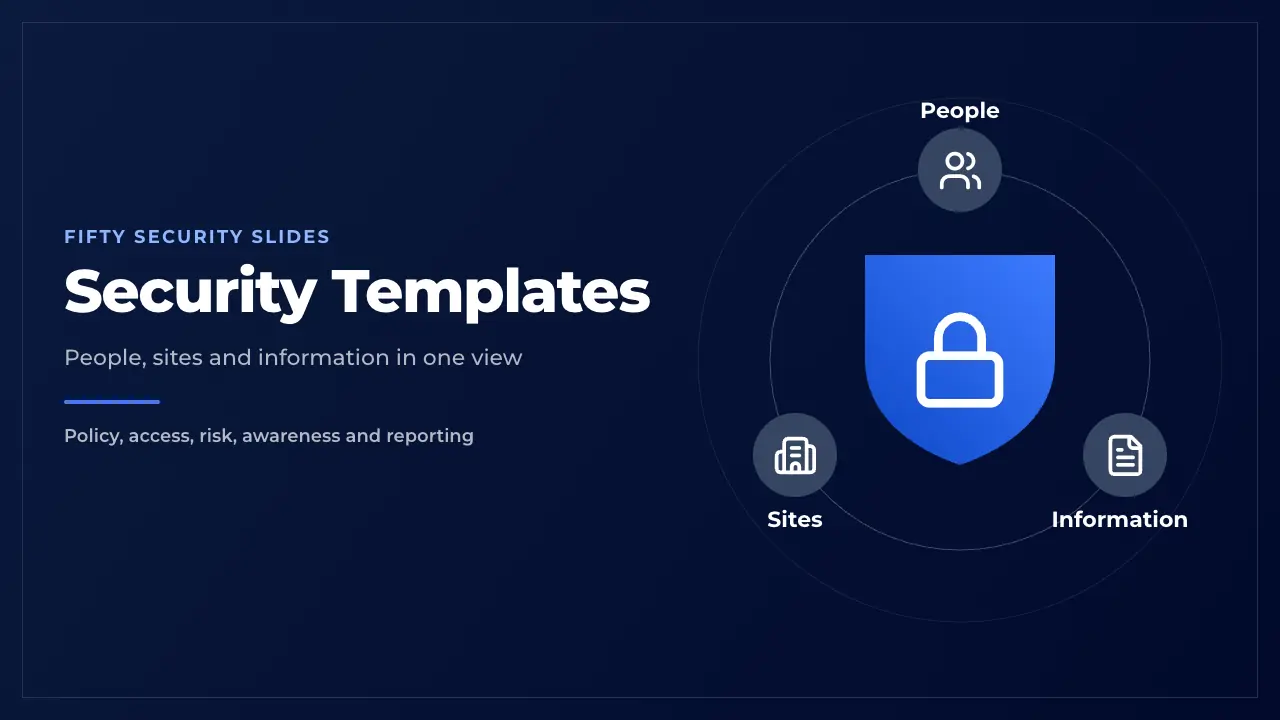
Template Pack · Security
Security Template: 50 Editable Security Slides For PowerPoint
Fifty security slides in one blue look, each a different form: the three domains, a policy page, roles, building zones, visitor routines, risk matrices, drills and a sample report. Change the colours and fonts of all of them at once, let the AI build your own security deck in this look, download them as PowerPoint or edit each slide in the editor.
- 50 slides
- 16:9
- PowerPoint
This security template pack holds 50 slides on security in the broad sense, across people, sites and information. Each slide takes one part of a security programme and gives it a form of its own: a temple of four pillars, a policy drawn as a page, an organisation chart of roles, a building in four nested zones, three ID badges, a bow-tie view of a risk and a one-page report. As a security template PowerPoint file it opens with every text and shape editable, and all 50 share one blue look on light, white and navy grounds.
Every slide is written out with neutral sample content that fits any organisation: roles instead of names, general routines and round figures that are marked as samples. The slides stay general and protective. They help you explain a policy, brief a team or report to a board, and they do not replace professional advice or the procedures of your site. Where a slide touches an emergency, it says to follow local procedures and the emergency services.
Similar Template Packs
 Sports Presentation Templates50 slides
 Pharmacy Presentation Templates50 slides
 Technology Presentation Templates50 slides
 Real Estate Presentation Templates50 slides
 World Map Templates50 slides
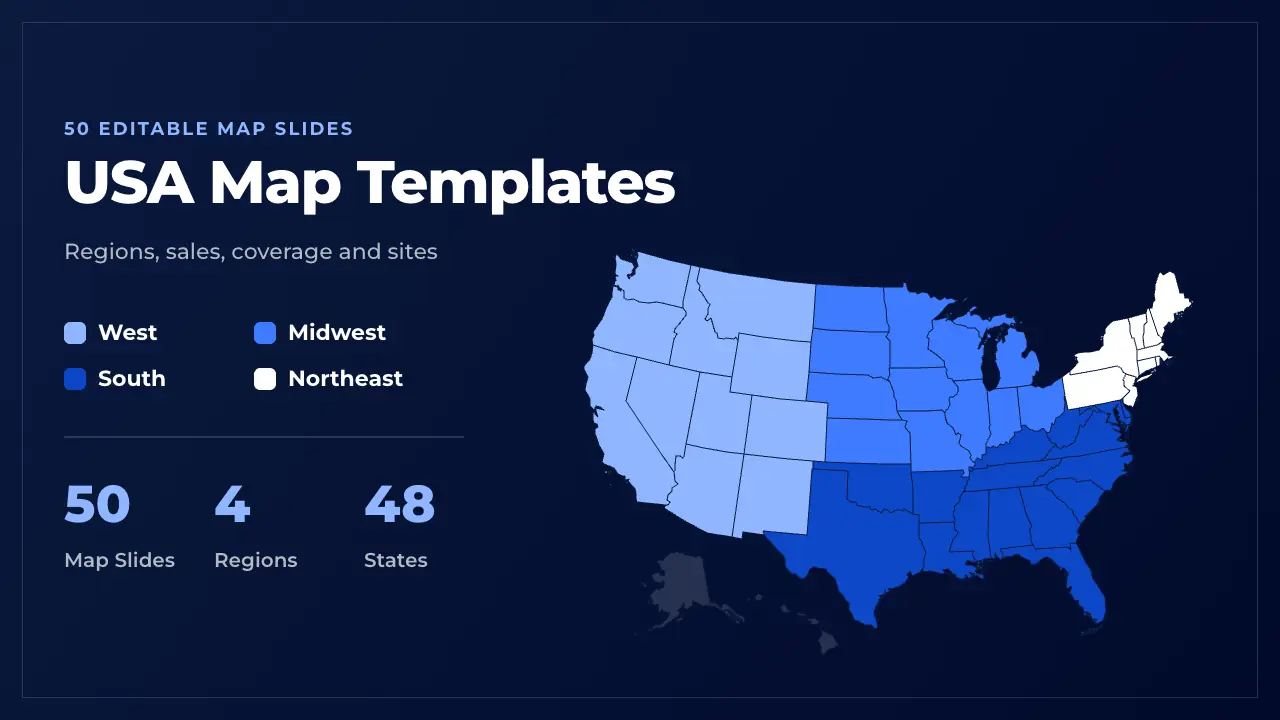 USA Map Templates50 slides
 Architecture Presentation Templates50 slides
 Science Presentation Templates50 slides
Fifty Security Slides In One Blue Look
A cover with a shield and the three domains, and those domains again as a Venn diagram; why security matters, the four pillars of a programme, a policy drawn as a page and a pyramid from policy to records; who does what as an organisation chart, the roles on every site in round portraits and five levels of maturity; the sites: four nested zones of a building, a plain schematic floor plan, the visitor journey in chevrons, a reception checklist on a photo, three ID badges, guarding around the clock on a 24-hour scale, an alarm routine in a honeycomb, cameras and privacy between Do and Do Not, and layers of protection as nested rings; people on the move: contractors on a zigzag, joiners, movers and leavers in swimlanes, travelling for work and lone working check-ins; information: four levels on rising stairs, its life along one long arrow, the clean desk habit, three questions before you share and devices away from the desk; reporting: a decision tree, four ways to report and the road from a report to its closure; emergencies and drills as a routine, always under the words to follow local procedures and the emergency services; risk: the steps of an assessment, a matrix, a bow-tie, a register and four ways to treat a risk; and the results: awareness over four years, training by domain, culture as an iceberg, concerns by domain and by year, a budget as a block map, audit scores by site, a one-page report, a walk round the site, a programme track and Now, Next, Later. Seventeen slides stand on navy, seventeen on light blue and sixteen on white, thirteen of them with a photo.
How To Use This Security Template
Pick Your Security Slides
Look through the 50 slides and note the ones your session needs: the roles and the visitor journey for an induction, the risk matrix and the register for a review, the one-page report for the board. Most briefings need five to ten of them.
Set Colours And Fonts
Choose your colours and your font in the bar above the slides. The whole security template changes at once, so you see your brand on every form before you download anything.
Put In Your Content
Press Fill With AI and describe your topic, or press Edit Slides and replace the sample roles, routines and figures by hand. Check every routine against your own policy and local procedures.
Download Or Present
Download the slides as a PPTX file with a free account and copy them into your own PowerPoint deck, or present them straight from the browser.
Which Security Slide Fits Which Meeting
For an induction, start with the three domains (slide 2) and the roles on every site (8), then show the zones of a building (11), the three badges (15) and the four ways to report a concern (30). New colleagues leave knowing where they may go, who to ask and how to speak up.
For a management review, use the risk matrix (35), the risk register (37) and the audit scores by site (46), and close with the one-page sample report (47). For an awareness session, take the clean desk habit (26), the three questions before you share (27) and the year of awareness themes (40).
How To Keep A Security Presentation General And Useful
A security briefing is often seen by more people than it was written for. Keep it to roles and routines, and leave out what should stay inside: exact floor layouts, door codes, guard rotas, camera positions or the names of people. The floor plan (slide 12) is a plain schematic for that reason, and the shift bands (16) are a sample.
Say plainly what a routine can and cannot do. No slide can promise that people or sites are safe, so point to the procedures of your site, name the contact people should turn to, and use the emergency slide (32) as a reminder to follow local procedures and the emergency services.
Security Template FAQ
Is This Security Template Free?
Yes. All 50 slides of the security template are free. You can look at every slide and try colours and fonts on this page without an account; a free account, with no credit card, downloads the PPTX file or opens the slides in the editor.
Can I Use It As A Security Template PowerPoint File?
Yes. Press Download PPTX and open the file in PowerPoint. Texts stay text boxes, charts stay PowerPoint charts you edit by their data and diagrams stay shapes, so you work on this security template there like on any slide of your own, and you can copy single slides into an existing presentation.
What Does The Pack Cover?
Security across three domains. People: roles (slides 7 and 8), contractors (20), travel (22) and lone working (23). Sites: zones (11 and 12), visitors (13), reception (14), badges (15), guarding (16), alarms (17) and cameras (18). Information: its levels (24), its life (25), the clean desk (26) and sharing (27). Risk, reporting, drills and a sample report run across all three.
Is This A Cyber Security Deck?
No. The pack looks at security in the broad sense, across people, sites and information. Only a few slides touch IT at all, such as devices away from the desk (slide 28) and access for joiners, movers and leavers (21), and they stay at the level of everyday habits.
Which Slides Help With Security Risk?
The steps of an assessment are on slide 34, the likelihood and impact matrix on 35 and the bow-tie view of one risk on 36. The register by rating is on 37, and the four ways to treat a risk are on 38. All risks and figures on them are samples to replace with your own.
Can I Use The Emergency Slides As Our Procedure?
No. The emergency slide (32) and the drill calendar (33) show a general routine for a briefing. Your site's written procedures come first, so check every step against them, and in a real emergency follow local procedures and the emergency services.
Can The AI Build My Own Security Deck?
Yes. Press Fill With AI and describe your topic, or attach a policy, a report or a spreadsheet. The AI builds your own security deck in this look, with your roles, your routines and your figures, and you can ask for changes slide by slide afterwards.
Are The Figures On The Slides Real?
No. Every figure is a sample and marked as one, such as the training rates (slide 41), the concerns reported (43 and 44), the budget (45) and the audit scores (46). The pack names no company, person or place. Open a chart to enter your own data, and the slide redraws it.
Try ExpertSlides AI For Free — The Ultimate AI Presentation Maker
Describe any topic or upload a document, and ExpertSlides designs and writes the whole deck — editable in the browser and as a PowerPoint file.
Use This Security Template
A free account, no credit card. The 50 slides open in the editor, every text and shape editable, and download as PowerPoint.