Travel Template PPT: 50 Editable Slides For Trips And Tours
Fifty travel slides in one blue look, each a different form: a winding road of stops, a day-by-day itinerary, destination profiles, a packing list, a budget donut, an abstract route map, a tour offer with price tiers and a season calendar. Change the colours and fonts of all of them at once, let the AI build your own deck in this look, download them as PowerPoint or edit each slide in the editor.
This travel template ppt holds 50 slides, and each one shows a part of a journey in a different form: the trip at a glance, the itinerary day by day, destinations by type such as the coast, the mountains and a city break, packing, the budget, routes and transport, accommodation, travel tips, safety and documents, a tour offer and a guide to the seasons. All of them share one blue look on light, white and navy grounds, so any ten of them sit in one trip briefing without looking borrowed.
Every slide is finished, with neutral sample content that fits any traveller, tour operator, travel club or school trip: one sample journey of 10 days, 3 stops and 1,200 km, a budget of $2,400 per person, and roles such as Tour Guide or Local Host instead of names. If you searched for a travel template powerpoint, a free account downloads the slides as a PPTX file whose texts and shapes stay editable; you can also pick your colours and fonts above the slides, let the AI build your own deck in this look or open the slides one to one in the editor.
Your Next Trip In This Travel Look
Describe your trip, a tour offer or a travel talk, or attach your itinerary and notes. ExpertSlides builds your own deck in this look in a few minutes, with your stops, your dates and your figures.
Every slide with its words, from the title slide to the closing slide. Pick the ones your trip needs.
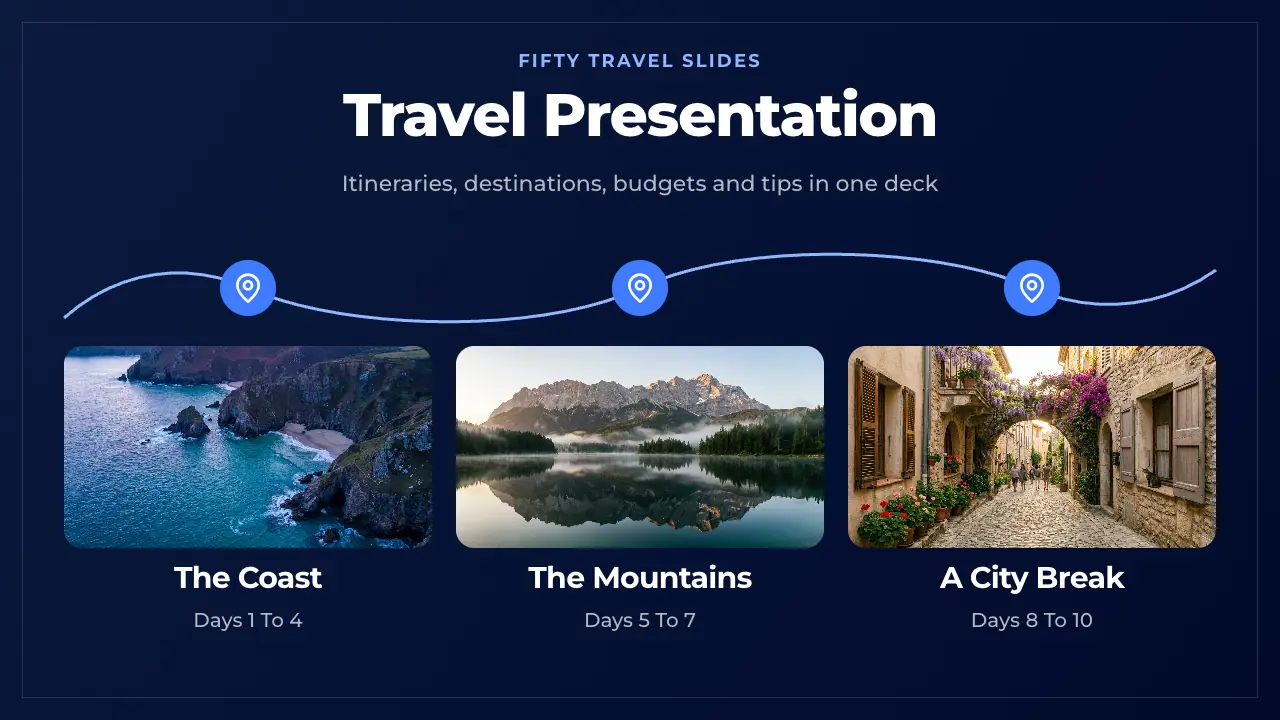
1 · Travel Cover With Three PostcardsThe opening slide of a travel presentation: the title over one winding route that links three destinations, each shown as a postcard. Use it for a trip plan, a tour offer or a travel talk, and swap the three stops for your own.
2 · Four Key Figure CardsThe whole trip in four numbers: days away, stops, distance and the budget per person. Use it right after the title so everyone knows the shape of the journey.
3 · Three Stops Beside A PhotoA trip told in its three stops, next to one large landscape photo. Each row has an icon, the name of the stop and what happens there. Replace the stops and days with your own route.
4 · Curved Road With Five StopsA ten-day trip drawn as one winding road, with five stops placed above and below it. Use it to show the order of a journey at a glance, and put your own days and places on the stops.
5 · Day Pills Over Five CardsA ten-day itinerary in five blocks: a row of day pills on one axis, and a card under each with what happens. Use it as the overview of any trip and change the days and the words.
6 · Hourly Schedule Beside A PhotoOne day of a trip, hour by hour, on a vertical line beside a tall photo. Use it for the day that matters most on a tour, and replace the times and activities with your own.
7 · Six Destination HexagonsSix kinds of destination side by side, each a hexagon with an icon, a short description and what it is best for. Use it to help a group choose where to go next.
8 · Three Photo Destination CardsThree destinations to compare, each on a card with a photo, a line about it, its best season and how long to stay. Use it when a group has to choose one place.
9 · Destination Profile With PhotoA one-page profile of a destination: the best season, how long to stay, the daily budget and the one thing not to miss. Copy the slide for every stop of your trip.
10 · Full Photo With Three FiguresA destination on a full photo, with its three key figures large along the bottom. Use it to give a stop of the trip a strong moment, and change the figures to your own.
11 · Two Day Columns With RailsA short city break planned over two days, with morning, afternoon and evening on a rail in each card. Use it for a weekend trip and put in your own stops.
12 · Island Route In Four StopsAn island-hopping trip as four circles on one calm sea route, each with its type of island and the ferry that reaches it. Use it for any trip with several short hops.
13 · Elevation Profile In Four StagesA hiking or cycling stage as an elevation profile: one filled curve that climbs from the valley to the pass, with the height of each stage. Use it whenever the shape of the route matters.
14 · Three Column Packing ListA packing list in three groups, with a tick beside every item. Use it before a group trip so that nobody forgets the basics, and change the items to suit the season.
15 · Two Bags Around A PhotoWhat goes in the cabin and what goes in the hold, on either side of one photo. Use it in a travel briefing so that everyone packs the right bag.
16 · Stacked Bar Of One SuitcaseThe weight limit of a suitcase as one stacked bar, split into clothes, shoes, toiletries, tech and spare room. Use it for packing advice, or for any limit shared between a few parts.
17 · Budget Donut With LegendThe trip budget as one donut with the total in its centre, and a legend with the share and the amount of each part. Use it whenever a group needs to see where the money goes.
18 · Daily Cost Bars By DestinationFive kinds of destination ranked by what a day costs per person. Use it to compare options quickly, and replace the sample figures with your own prices.
19 · Big Figure With Progress RowsOne big number for the daily budget and five thin bars for what it pays. Use it to make a budget easy to remember and easy to keep to while travelling.
20 · Rising Stairs Of SavingsA saving plan as six rising steps, one for each month, up to the budget of the trip. Use it to show that a big trip is only a small amount a month.
21 · Four Transport ColumnsFour ways to make the same journey, each with its time and its sample price. Use it to decide how to travel, and replace the figures with those of your own route.
22 · Route Legs On A Full PhotoThe whole route on a full photo: five stops on one line and the distance of each leg between them. Use it to show how a long journey breaks into short, easy parts.
23 · Two Routes, One DestinationTwo ways between the same two places: the short, fast one above and the longer, scenic one below with its viewpoints. Use it when a group has to weigh time against experience.
24 · Route On An Abstract MapA journey on an abstract dotted map, so it fits any region: five pins, one route and the distance reached at each stop. Move the pins to match your own trip.
25 · Four Stays With Night PricesFour kinds of accommodation with a large price per night and who each suits best. Use it when planning stays, and replace the sample prices with real offers.
26 · Two Stays Compared With PhotosTwo kinds of stay compared in two wide cards, each with a photo, one line and three strengths. Use it when a group has to decide where to sleep, and change the points to fit your trip.
27 · Rating Rows Of Five DotsWhat guests look for in a stay, scored with five dots a row. Use it to rate one place, or copy it to compare several stays against the same four points.
28 · Five Chevrons Of ArrivalThe arrival day in five chevrons, from landing to a first walk. Use it for a group briefing, so that everyone knows what happens after the journey.
29 · Six Tip Cards In Two RowsSix practical travel tips on six calm cards. Use it in a trip briefing or a travel talk, and swap the tips for those your audience needs most.
30 · Safety Rows Beside A PhotoFour simple safety rules beside a photo of a traveller. Use it before a group leaves, and add the emergency number of your destination to the notes.
31 · Six Document CardsThe six documents every traveller should have at hand, each on its own card with one line of advice. Use it in a pre-departure briefing and adapt it to your destination.
32 · Do And Do Not PanelsGood manners abroad in two panels: what to do and what to avoid. Use it to prepare a group for a new place, and fill it with the customs of your destination.
33 · Three Payment GaugesHow money is spent on the road, as three round gauges for card, cash and mobile. Use it for travel advice, or for any share split between three options.
34 · Gentle Travel Beside A PhotoFour simple ways to travel with less impact, next to a calm forest photo. Use it for a sustainability section of a trip plan or a tour offer.
35 · Tour Offer With Price CardA tour offer on one slide: a strong price card on the left and the five highlights on the right. Use it to sell a trip, and put in your own dates, price and programme.
36 · Included And Not IncludedWhat the price of a tour covers and what it does not, in two clear lists. Use it in an offer so that travellers know exactly what to budget for.
37 · Three Price TiersOne tour at three price levels, with the most popular in the middle. Use it to present options in an offer and change the prices and the inclusions.
38 · Four Round PortraitsThe people who look after a tour, as four round portraits on one line with their role and what they do. Use it to build trust in an offer, and replace the photos with your own team.
39 · Six Numbered Hexagon StepsBooking a trip in six numbered steps on one line, from choosing a destination to getting ready. Use it to explain a booking process to customers or a group.
40 · Four Season CardsA year of travel in four seasons, each with its months and the kind of trip it suits best. Use it to help a group pick the right time of year.
41 · Season Calendar Of Twelve MonthsThe travel year as twelve columns: the taller the column, the busier the month. Use it to pick the best time to go, and adjust the seasons to your own destination.
42 · Four Tall Season PhotosOne trip for every season, shown as four tall photos side by side. Use it as a strong visual overview of a travel year and swap in your own pictures.
43 · Sunshine Chart With Rainy SeasonSunshine hours for every month as a column chart, with the rainy months set apart. Use it to show when a destination is at its best and replace the figures with local ones.
44 · Countdown To DepartureThe run-up to a trip as a countdown in five steps, with the weeks left as large numerals. Use it to plan a group trip, so that nothing is left to the last minute.
45 · Four Traveller TypesWho goes on a trip, split into couples, families, solo travellers and groups. Use it for a market overview in a tour offer, and replace the shares with your own figures.
46 · Lollipop Ranking Of WishesWhat matters most to travellers, ranked as six lines that each end in a dot with its share. Use it in a market overview or to shape a new tour around what people want.
47 · Trip Review With PhotoHow a trip went, in four figures beside a photo from the journey. Use it for a review after a tour, or as proof of quality in your next offer.
48 · Eight Point ChecklistThe last jobs before leaving home as a checklist of eight, with a bar for how many are done. Use it the evening before a trip, and tick off your own items.
49 · Rising Cards Of Future TripsThe next four trips as cards that climb from left to right, each with its season, year and destination. Use it to plan a travel year or the programme of a tour operator.
50 · Closing Slide On A Full PhotoA calm closing slide on a full landscape photo, with the three next steps for the audience. Use it to end a trip briefing or a tour presentation with a clear call to action.
Fifty Forms Of Travel Slides In One Blue Look
A title slide with three destination postcards on one route; the trip as four key figures and three stops beside a photo; the itinerary as a winding road, day pills over cards and an hourly schedule; destinations as six hexagons, three photo cards, full profiles of the coast and the mountains, a 48-hour city break, an island route and an elevation profile; packing as a checklist, carry-on against hold bag and one stacked suitcase bar; the budget as a donut, daily costs by destination, a daily figure and rising savings steps; routes as four ways to travel, legs on a photo, fast against scenic and an abstract map; stays as night prices, hotel against apartment, a dot rating and arrival chevrons; tips, safety, documents, local customs, money and gentler travel; a tour offer with its price card, inclusions, three tiers, tour team and booking steps; and a season guide with four seasons, a twelve-month calendar, sunshine columns and a countdown to departure.
How To Use This Travel Template
01
Pick Your Travel Slides
Look through the 50 slides of this travel template ppt and note the forms that fit your topic: a road and a day plan for an itinerary, price tiers and inclusions for a tour offer, a checklist and documents for a group briefing. Most decks need eight to twelve of them.
02
Set Your Colours And Fonts
Choose a colour scheme and a font in the bar above the slides. Every slide follows at once, so the whole deck stays in one look, whichever slides you keep.
03
Fill In Your Trip
Replace the sample stops, days and prices with your own, or use Fill With AI: describe your trip and the AI builds your own deck in this look.
04
Download Or Present
Download the deck as a PPTX file with a free account, keep editing it in PowerPoint, or present it straight from the ExpertSlides editor.
Which Slide Fits Which Travel Topic
For a trip plan, start with the overview on slide 2, the road of stops on slide 4 and the day blocks on slide 5, then add the hourly schedule on slide 6. For the money, the donut on slide 17 shows where the budget goes, slide 18 compares the cost per day and slide 20 turns the total into a monthly saving.
For a tour offer, combine the price card on slide 35, the inclusions on slide 36 and the three tiers on slide 37. For a group briefing, use the packing list on slide 14, the documents on slide 31 and the countdown on slide 44. To choose a date, the four seasons on slide 40 and the twelve months on slide 41 do the work.
Built For Any Trip, Tour Or Traveller
The slides speak about travel in general, so they suit a family holiday, a school trip, a club outing, a company retreat or the programme of a tour operator. No slide names a real country, landmark, airline or hotel, and the route map is abstract, so you can place your own stops on it.
The sample figures agree across the pack: the same ten days, the same three stops and the same budget appear wherever they are mentioned. Replace them once with your own and the deck tells one consistent story from the first slide to the last.
Questions About The Travel Template
Is This Travel Template Free?
Yes. You can view all 50 slides without an account, and a free account lets you download this travel template ppt as a PPTX file and edit it in the ExpertSlides editor. No credit card is needed.
Is There A Travel Template PowerPoint Can Open?
Yes. The download is a standard PPTX file that opens in PowerPoint, with editable texts, shapes and pictures, so you can change every stop, date and price there.
What Does The Travel Template PPT Include?
This travel template ppt has 50 slides on the trip overview, the itinerary, destinations by type, packing, the budget, routes, accommodation, travel tips, safety and documents, a tour offer and a season guide.
Can I Use It For A Tour Offer?
Yes. Slides 35 to 39 are made for an offer: a price card with highlights, what is and is not included, three price tiers, the tour team and the booking steps. Put in your own programme and prices.
Can The AI Build A Deck About My Own Trip?
Yes. With Fill With AI you describe your trip or attach an itinerary, and ExpertSlides builds your own deck in this look, with your stops, dates and figures.
Can I Change The Colours And Fonts?
Yes. Pick a colour scheme and a font in the bar above the slides and all 50 change at once. In the editor you can also apply your own Design Kit.
Can I Replace The Photos?
Yes. Every photo is a normal picture frame: replace it with a photo of your own destination in the editor or in PowerPoint, and it keeps its size and its place on the slide.
Try ExpertSlides AI For Free — The Ultimate AI Presentation Maker
Describe any topic or upload a document, and ExpertSlides designs and writes the whole deck — editable in the browser and as a PowerPoint file.

 Sports Presentation Templates50 slides
 Pharmacy Presentation Templates50 slides
 Technology Presentation Templates50 slides
 Real Estate Presentation Templates50 slides
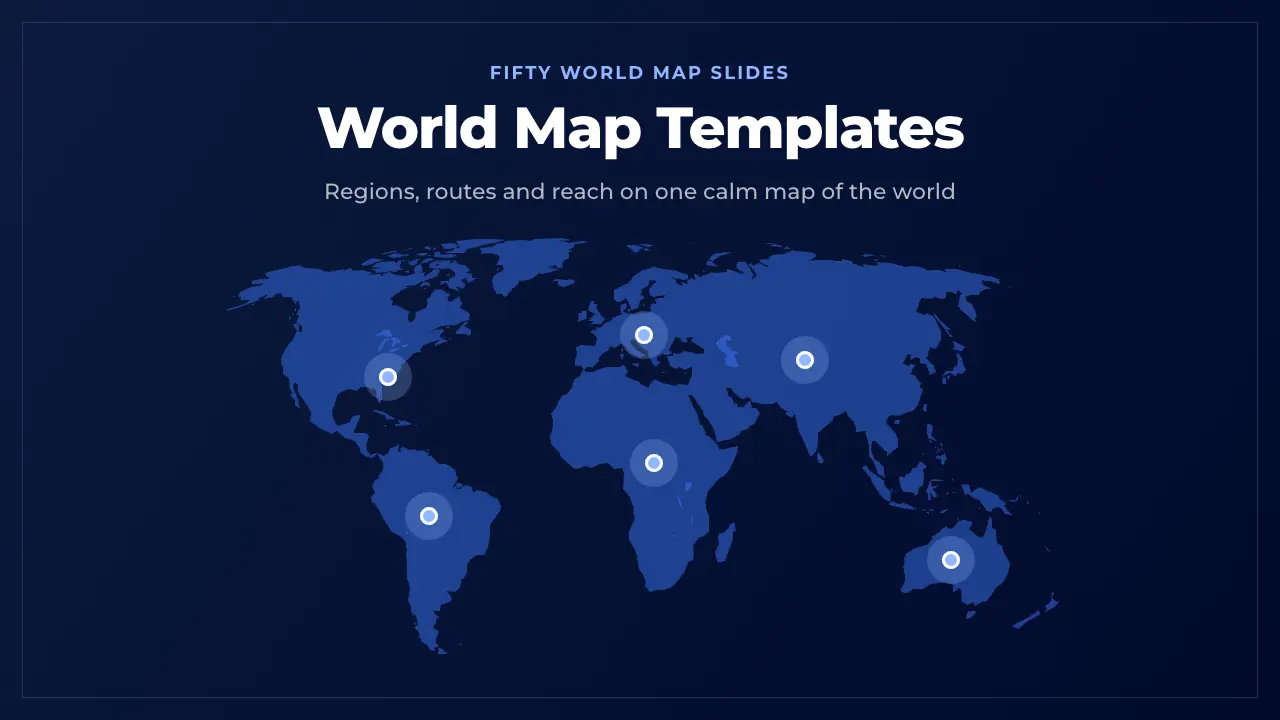 World Map Templates50 slides
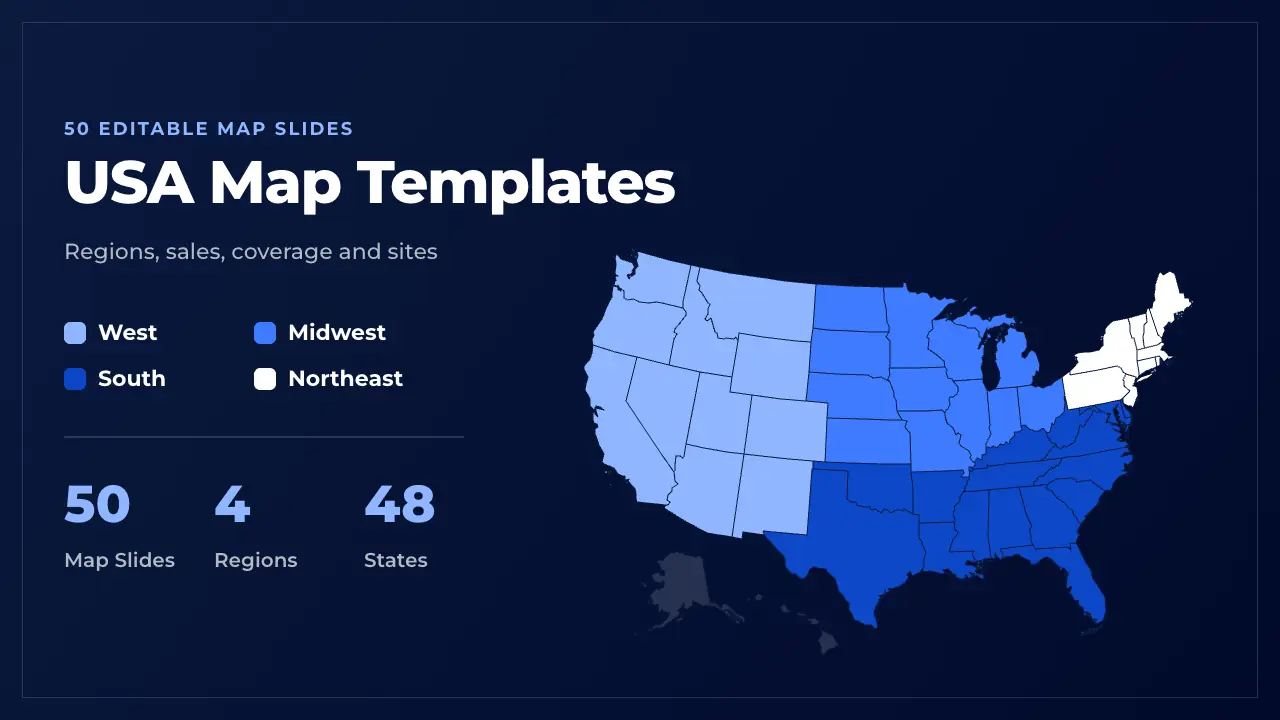 USA Map Templates50 slides
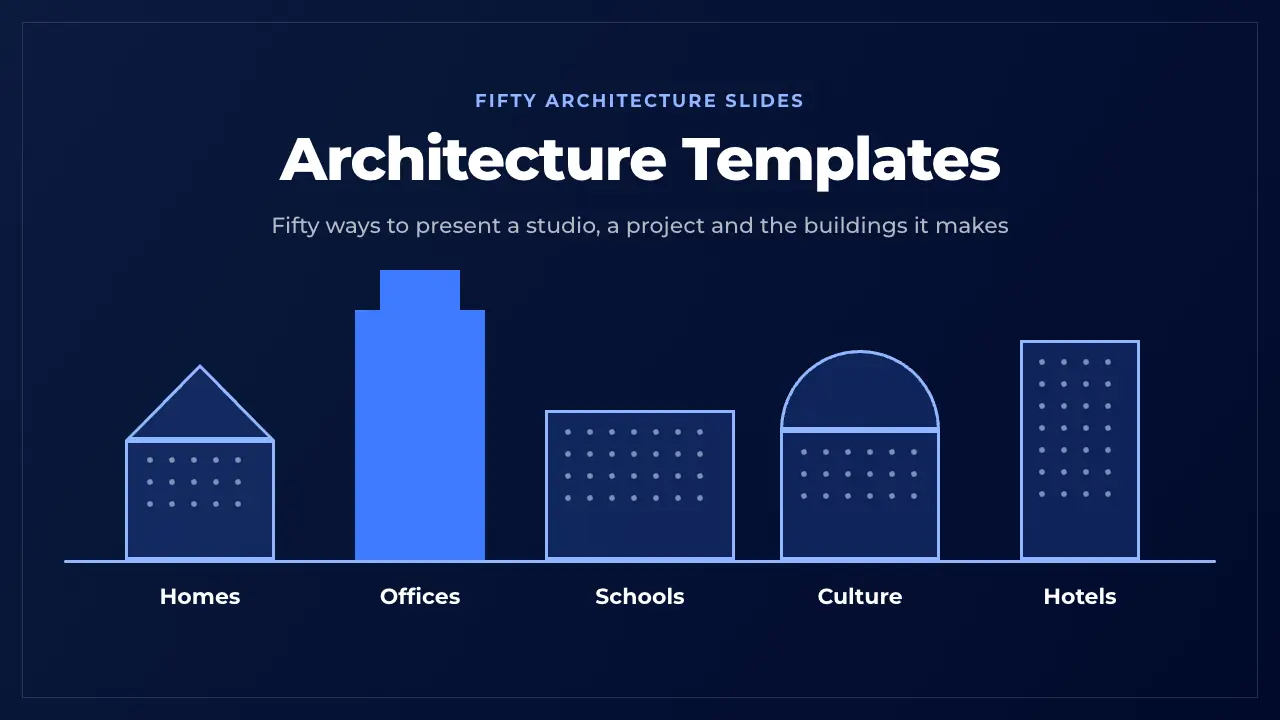 Architecture Presentation Templates50 slides
 Science Presentation Templates50 slides