Startup Pitch Deck: The Slide Order Investors Expect
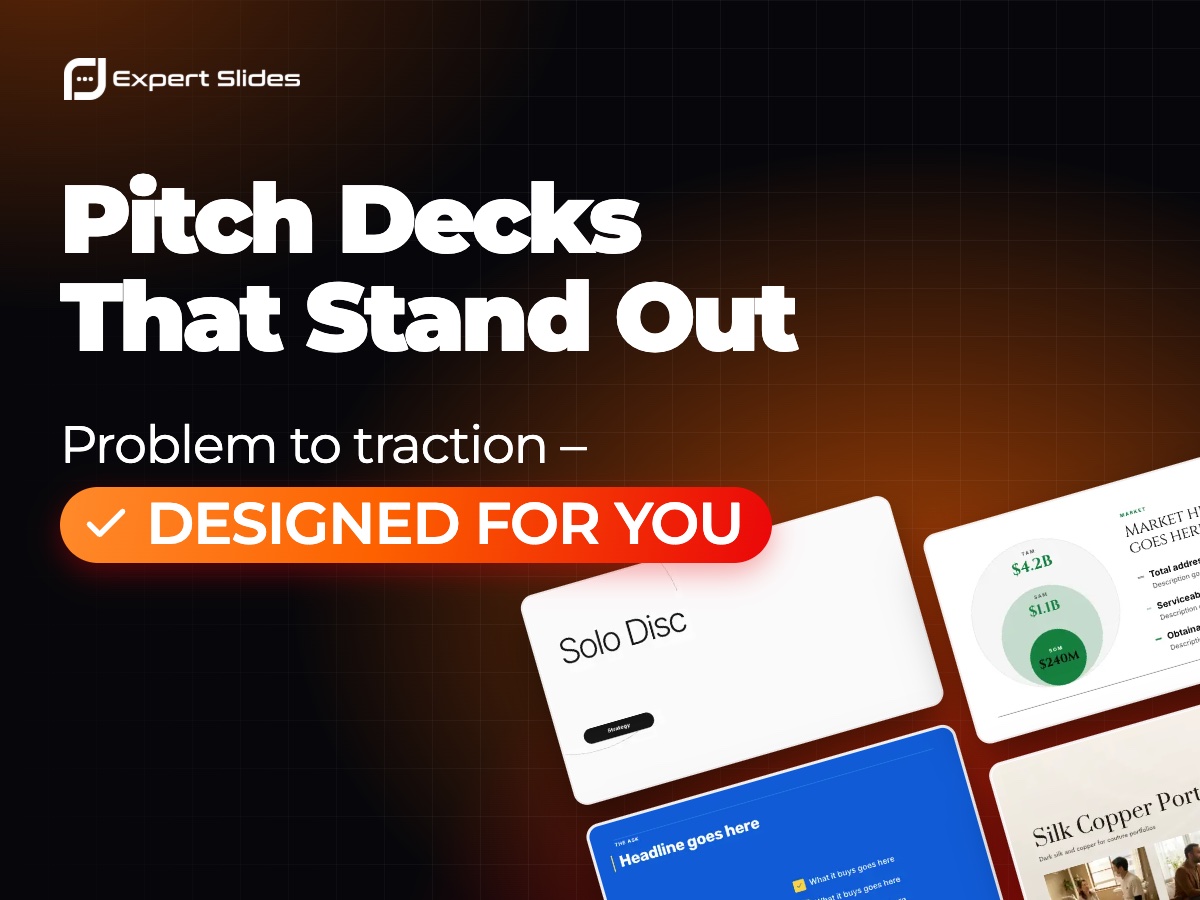
What does an investor need to believe before agreeing to a second meeting? That the problem is real, that you can solve it, that enough people will pay, and that your team is the one to do it. A startup pitch deck is those beliefs in order, each backed by evidence.
The core sequence
Most strong decks share a similar spine. Treat it as a checklist rather than a law:
- Problem: one customer, one pain, ideally with a number that shows its cost.
- Solution: a screenshot, a product still or a before-and-after, not a paragraph.
- Market: start with the first customers you can actually reach, then show how it widens.
- Traction: revenue, users, pilots or signed letters of intent, plotted over time.
- Team: why these people, with the relevant experience in one line each.
- The ask: how much you are raising and the milestones the money buys.
Business model, competition and go-to-market usually sit between market and traction. Give each of them one slide.
Mistakes that cost a meeting
The most frequent is a market slide that claims a vast total market without saying who buys first. A bottom-up estimate, reachable customers multiplied by your price, is more convincing than a large top-down figure. The second is a traction slide built as a table. If the line goes up, let people see it go up in a chart. The third is length: Guy Kawasaki's 10/20/30 rule, ten slides for twenty minutes, is a sensible ceiling for a first meeting.
Design should stay out of the way. Large type, plenty of space and one consistent look help investors read quickly; clever effects rarely do.
Drafting it with AI
Describe your startup in a few sentences, including your stage, your customer and your numbers, and the ExpertSlides pitch deck maker drafts the whole sequence in the design you choose, with charts you can edit. Then rewrite the problem and the ask in your own voice, because those are the two slides people remember. For the business model and competitor slides, the guide to business cases and competitors goes deeper.