Sunset Card Presentation Template for Workshops
A workshop deck has a different job from a talk deck. In a talk, slides support what you say. In a workshop, slides tell people what to do next, often while you are walking between tables. That changes how you build it.
Build the deck around the clock
Start with an agenda slide that shows times, not only topics: 09:30 warm-up, 09:45 framing the problem, 10:15 group work, and so on. Then give each exercise its own instruction slide with three parts: the task in one sentence, the output you expect (a list, a sketch, a ranking), and the time allowed. Leave that slide on screen during the group work so nobody has to ask what they were meant to be doing. Close each block with a slide that collects the results, and end with an implementation plan: who does what, by when.
- Times on the agenda, not only titles
- One instruction slide per exercise, visible during the work
- A results slide after each block
- An implementation plan as the last real slide
Why Sunset Card suits it
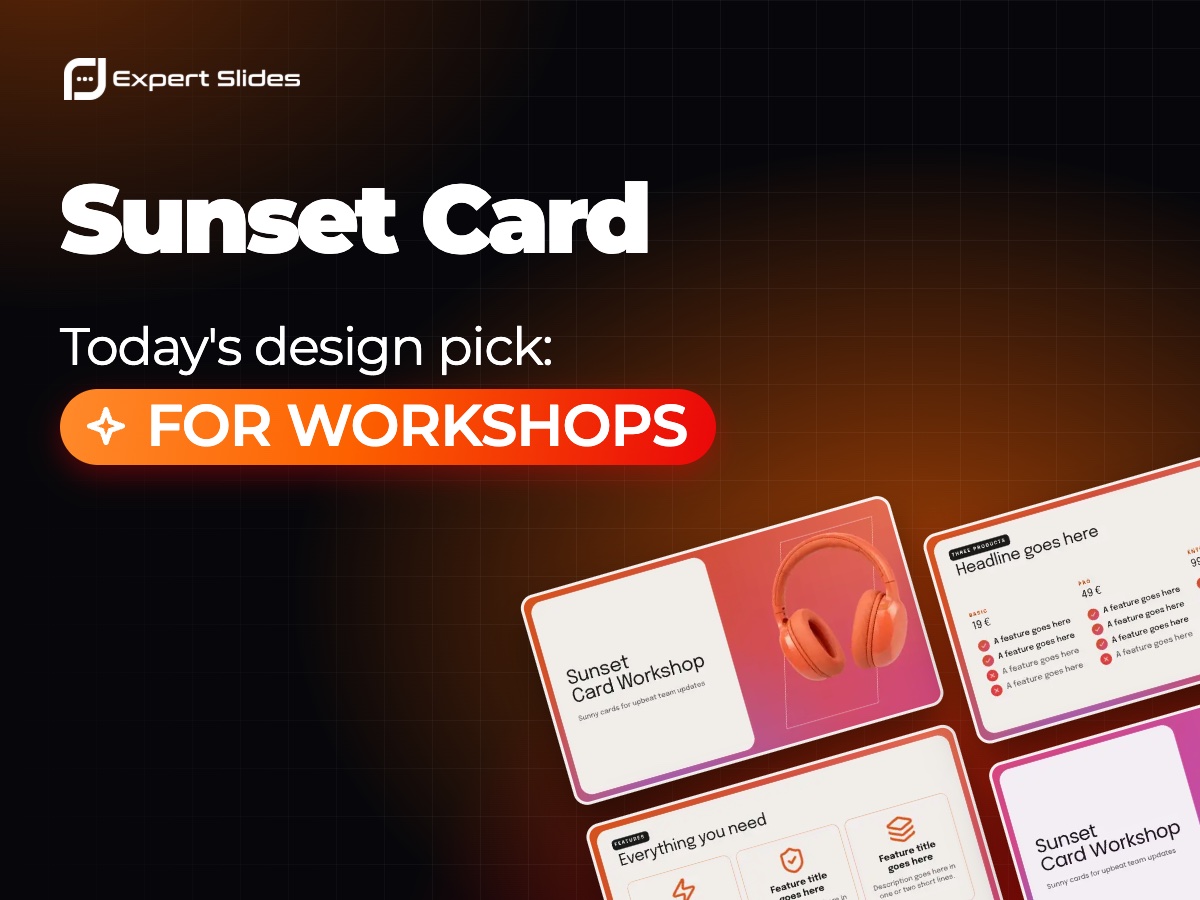
Sunset Card is built from sunny cards made for upbeat team updates, and cards are a natural fit for workshops: one card per task, one per group, one per idea. Its ready-made slides include product comparisons, implementation plans and architecture diagrams, which cover three common workshop moments: weighing options, agreeing next steps, and sketching how a system fits together. The type is Epilogue, and there are three colour styles, Tangelo, Reef and Berry. Pick one and keep it for the whole day, so the room learns what the look of an exercise slide means.
Using it in ExpertSlides
On the ExpertSlides homepage, type your workshop topic in the prompt, for example "half-day workshop for our support team on reducing reply times, with two group exercises", then choose Sunset Card in the design gallery below. The AI fills every slide with your content in that design, and you can change times, wording and colours in the editor afterwards. Other looks are in the design catalogue, and the guide to agenda and contents slides helps with that all-important timed opening slide.