Sepia Archive: A Research Talk Template With Character
A research talk fails most often in its first two minutes: the speaker starts with background and methods before the audience knows what question is being answered. Flip the order and the same material suddenly makes sense.
The shape of a clear research talk
Open with the question, stated so a newcomer to the field could repeat it. Follow with why it matters, in one slide. Then the method, ideally as a diagram rather than a paragraph: a flowchart of sampling, measurement and analysis lets people see the logic at a glance. Results come next, one finding per slide, each with a title that states what the data shows. Close with the take-home message and what remains open.
- The question first, background second
- Method as a flowchart, not a block of text
- One finding per slide, with a stating title
- A closing slide with the one message to remember
References can sit in small type on the slides where you use them, with a full list in an appendix for anyone who downloads the deck.
Why Sepia Archive works for it
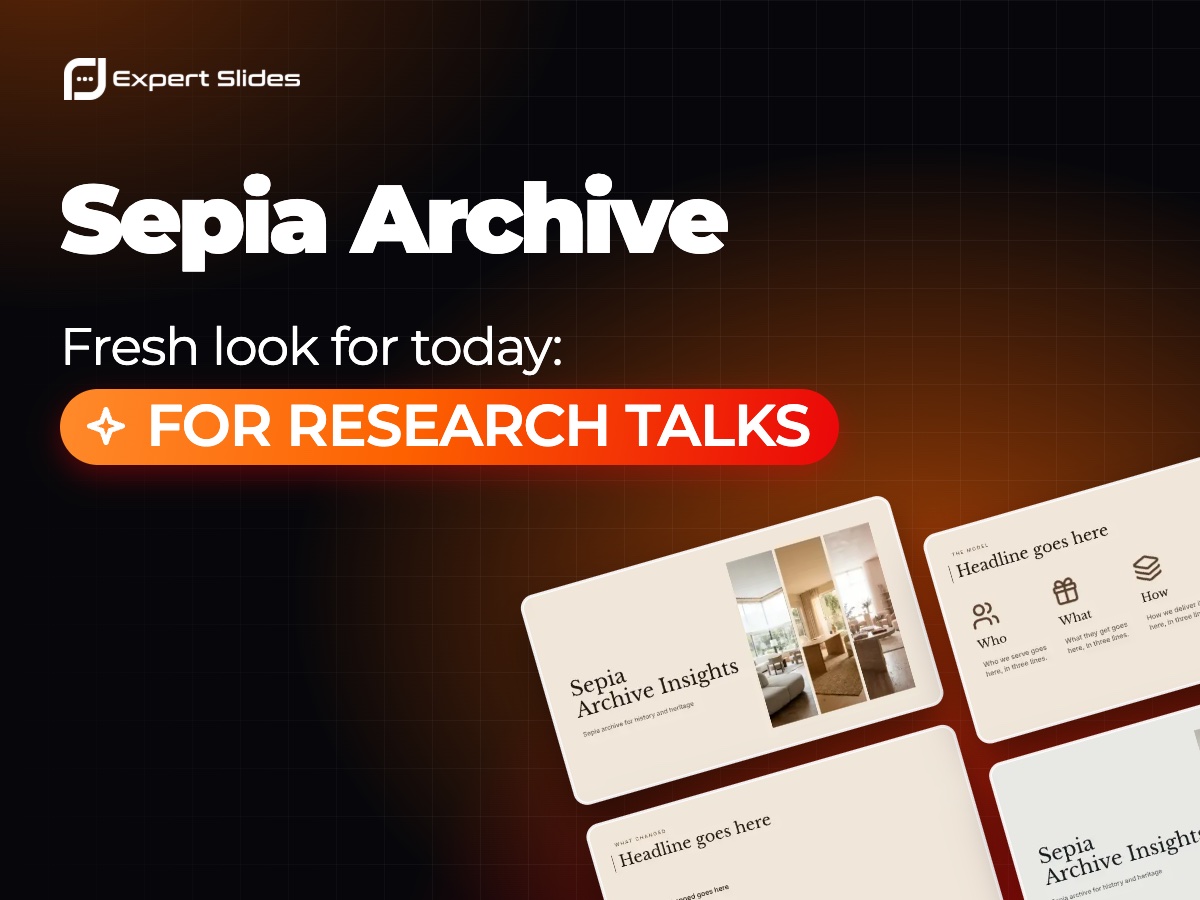
Sepia Archive is a sepia archive look made for history and heritage, which makes it a natural choice for talks in history, archaeology, archival studies or any research with a long view. Headings are set in Libre Baskerville, a classic serif with a scholarly feel, and the text in Inter, which stays legible for dense captions and labels. Its ready-made slides include flowcharts for your method, analytics slides for results and closing slides for the take-home message. It comes in four colour styles: Sepia Umber, Sepia Olive, Sepia Slate and Sepia Night, the darkest for a dim lecture hall.
Creating your talk
On the ExpertSlides homepage, type your topic in the prompt, for example "20-minute conference talk on parish records as a source for 18th-century migration", and pick Sepia Archive in the design gallery below. The AI fills every slide with your content in that design, and every slide stays editable. If your paper already exists, the guide on scientific presentations covers turning it into slides, and the design catalogue shows other looks for academic work.