Stepped Mono: A Roadmap Template for Technical Teams
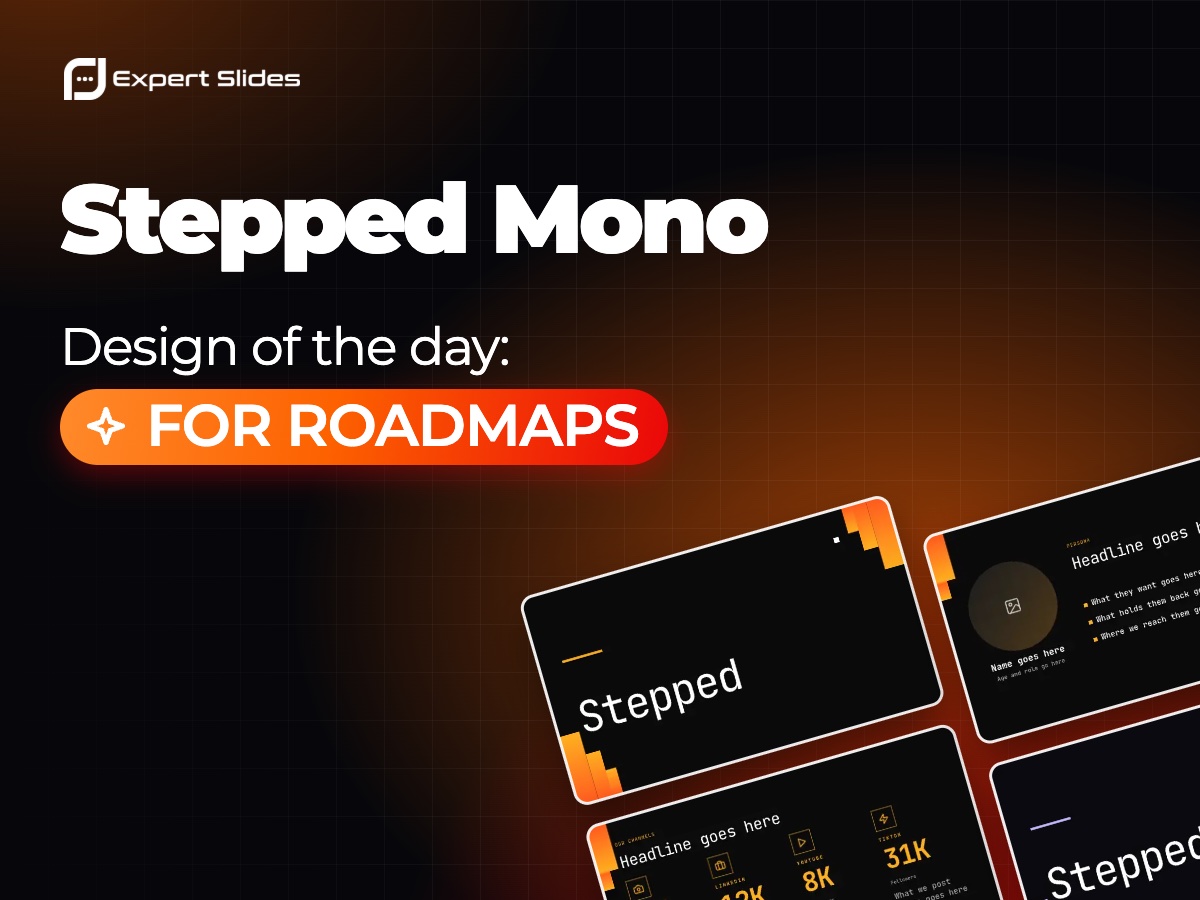
Is a roadmap a promise or a plan? Engineers tend to hear a plan that will change; everyone else hears a promise with dates. Most roadmap trouble comes from that gap, and the deck is where you can close it.
Structure that admits uncertainty
Group the work into three horizons instead of exact months: now, next and later. Items in "now" can carry dates, because the team is already on them. Items in "next" carry a quarter at most. Items in "later" carry no date at all, only the problem they will solve. This keeps you honest without sounding vague.
Describe each item as an outcome, not a ticket: "Faster search for large accounts" says more than "Elasticsearch migration". Then make dependencies visible: if the mobile release waits for the new API, show that link on the slide rather than explaining it later in a retrospective.
- One slide for the three horizons
- A status update slide for what changed since last time
- A ranking slide that shows why items are in this order
- A slide for what you decided not to do
Why Stepped Mono fits
Stepped Mono is a stepped monochrome design made for technical roadmaps, and the steps echo the idea of work moving forward stage by stage. It is set in JetBrains Mono, a monospaced typeface that feels at home in front of developers. Its ready-made slides include status updates, rankings and funnels; a funnel works well for showing how many ideas entered discovery and how many reached delivery. There are four colour styles: Mono Flame, Mono Mint, Mono Violet and Mono Day, the last being a light option for rooms with bright projectors.
Making the deck
On the ExpertSlides homepage, type your topic in the prompt, such as "Q1 roadmap review for the platform team: three horizons, status since last quarter, ranked priorities", and pick Stepped Mono in the design gallery below. The AI fills every slide with your content in that design, and everything can be changed in the editor. For more ways to lay out phases, see the guide to timelines, or browse other looks in the design catalogue.