
Claude vs. ExpertSlides
ExpertSlides — the supercharged version of Claude for presentations
ExpertSlides is built on Anthropic’s Claude and adds what a presentation needs beyond a chat: a slide engine that builds every slide precisely, an editor, image models, native PowerPoint export and add-ins.
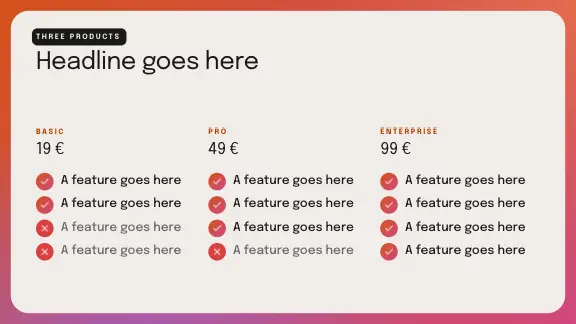
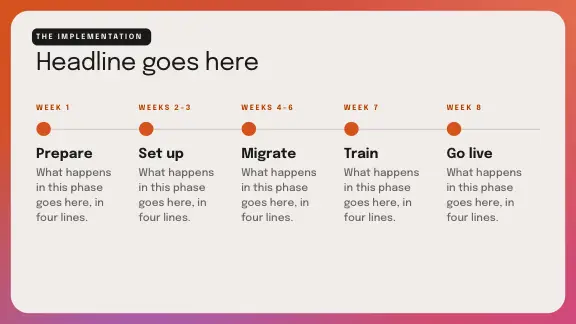
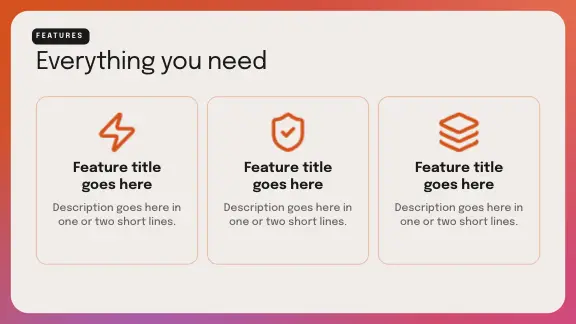
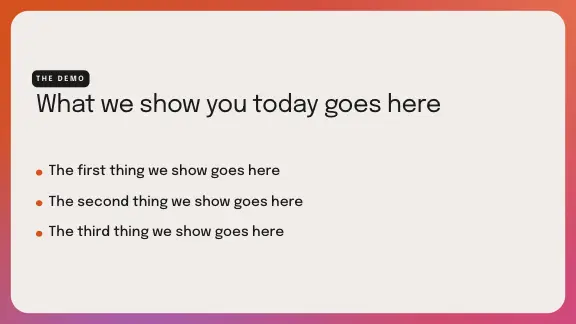
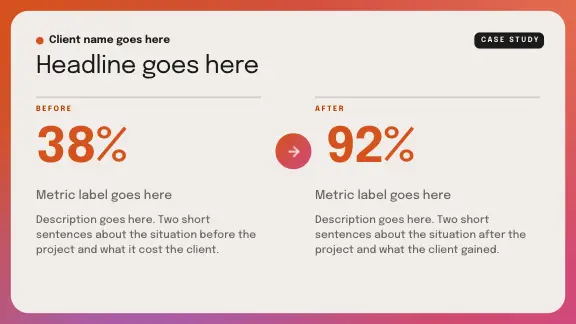
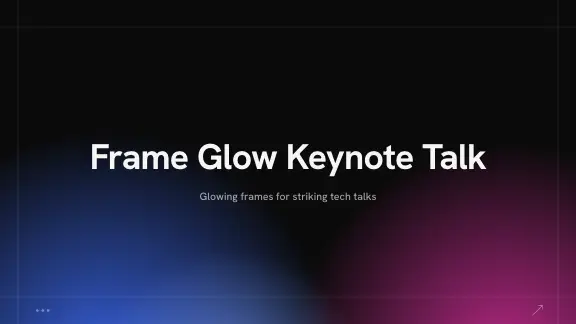
Designs ready before you type
Real covers of the designs a deck is made in — every one a full set of slide layouts in several colour styles.







Claude and ExpertSlides side by side
Claude is a general assistant; ExpertSlides is a presentation tool built on it. The first row is what they share — the rest is what ExpertSlides adds for slides.
| Compared | ExpertSlides | Claude |
|---|---|---|
| Built on Claude | Ultra Mode designs each deck with Claude Opus 5.5, fills its slides with Claude Sonnet 5.5 and reads your reference with Claude Haiku 5.5 | Claude itself: Anthropic’s family of frontier models |
| What you get | A finished 16:9 deck in a slide editor, ready to present or export | Answers in a chat: text, code and the files you ask it to write |
| 127+ AI models | Text models of Anthropic, OpenAI and Google and 127 image models in one interface, each task given the model that suits it | Claude’s own models |
| Image generation | Photos and illustrations made for each slide: a deck’s first pictures at a higher quality, cut-outs without a background, edits of a picture you have | No picture generation of its own; it can draw diagrams with code |
| Accurate tables | Tables from your spreadsheets, CSV and documents are placed on the slide by code, cell for cell — no figure is retyped | Tables written out by the model as text or code |
| Scanned documents | Scanned PDFs are read by text recognition, and the tables in them become editable tables on your slides | Reads the PDFs and pictures you attach |
| Charts | Native, editable charts from your data, in the editor and in the PowerPoint file | Charts drawn by code or described in text |
| Slide engine | Each slide is built from a layout and brought to its content: margins, sizes and alignment held by code | Layout as the model writes it, slide by slide |
| Editor | Move, resize and restyle every element, ask for changes in plain words, and Magic Fix tidies a slide in one click | Changes by asking again in the chat |
| Slide library and designs | A library of ready slide layouts and a catalogue of designs, each in several colour styles | A new layout each time you ask |
| Design Kits | Your brand read from your PowerPoint, PDF or website — colours, fonts, logo and your own slides (Pro and Business) | Your brand described in the prompt |
| PowerPoint export | Native .pptx with editable text, charts and tables, animations PowerPoint plays and fonts embedded where their licence allows (Pro and Business) | A file it writes by code, where your plan allows it |
| Your own PowerPoint files | Open a .pptx in the editor and change it with AI; a file exported here opens again as it was | Reads the file you attach |
| Add-ins | An add-in for PowerPoint and an add-on for Google Slides that put slides into the deck you are working on | Anthropic’s own integrations — check its site for the current ones |
| Icons and fonts | 14,425 icons and 1,000 Google Fonts in the editor | Whatever the code it writes draws |
| Interactive slides | Tabs, quizzes and polls on a slide (Pro and Business) | Interactive artifacts in the chat |
| Web links and presenting | A read-only web link of the deck, presenting in the browser with a presenter view | A shared chat or artifact |
| Teams and live editing | Shared folders and editing together, live, with the others’ pointers on the slide (Business) | Team plans with shared projects |
| Research | Web research for a new deck (Pro and Business), and your files as the source | Web search and your files |
| Languages | The interface in 43 languages, and decks in the language you write in | Writes in many languages |
| Inside Claude | A connector: ask Claude for a deck, and its link opens the deck in ExpertSlides — or export a deck back to Claude as Claude reads it best | The assistant you ask |
Claude’s features differ by plan and change often. Check Anthropic’s own site for what Claude offers today.
Built on Claude, not against it
Claude is not our competitor — we work closely together with Anthropic. Claude’s models design and write; ExpertSlides’ slide engine turns their work into slides you can present.
Claude Opus 5.5 designs
In Ultra Mode, Claude writes each deck’s design system and the layout of every slide from scratch.
Claude Sonnet 5.5 fills
Claude writes the words of each slide into the layout it was given, slide by slide.
Claude Haiku 5.5 reads
A reference you upload — a deck or a document to follow — is read page by page as pictures.
Claude Sonnet 5.5 reads your brand
The style of a Design Kit is read from pictures of your own slides and pages.
An editor a chat does not have
In a chat, every change is a new request and a new answer. In ExpertSlides the deck stays in front of you, and you change exactly the part you mean.
Every element yours
Click a heading, a picture or a chart and change it — move it, resize it, recolour it — like in PowerPoint.
Instructions in plain words
Type what should change: “make the chart a bar chart”, “shorter bullets”, “add our logo”. The slide changes, the rest stays.
Magic Fix
One click brings a slide back into order after you have moved things around: aligned, spaced, readable.
Your own pictures
Upload pictures, and they are placed on the slides they fit; or have a picture made for a slide.
Native charts and tables
Charts and tables stay data: change a figure, and the chart follows.
Present from the browser
Present the deck full screen with a presenter view, notes and the next slide.
Ultra Mode: Claude designs every slide
With Ultra Mode on (Pro and Business), a deck is not taken from a layout: Claude Opus 5.5 designs it from scratch, slide by slide, and the slide engine holds it to its grid.
A design system for each deck
Colours, type and the shapes of the deck are written for its topic before the first slide is drawn.
Held by code
Margins, alignment, icons in their tiles and pictures inside their frames are checked by code, not by eye.
Follows your reference
Upload a deck or a document you like, and Ultra Mode follows its look.
Still editable
An Ultra deck is a deck like any other: every element can be changed, and it exports to PowerPoint.
Design that stays on brand
Claude can describe a style; ExpertSlides keeps it, on every slide of every deck.
Designs in colour styles
Pick a design, and every slide of the deck takes its layouts; switch the colour style, and the whole deck follows.
Design Kits
Read from your PowerPoint template, a PDF or your website: colours, fonts, logo and your own slides, on Pro and Business.
Readable type
Every slide holds its text to a readable minimum size, so a full slide is not solved with tiny type.
14,425 icons
Outline, solid and colour icons, flags and brand marks, coloured to the deck.
A real PowerPoint file at the end
A deck often ends where Claude’s chat does not reach: in PowerPoint, on a projector, in a client’s inbox.
Native PowerPoint
Editable text, native charts and tables, animations PowerPoint plays — on Pro and Business.
Fonts embedded
The fonts the deck uses travel inside the .pptx where their licence allows it, so it looks the same on another computer.
PDF and HTML
Every plan exports PDF; on Free a PDF carries the ExpertSlides mark. A deck can also be saved as one HTML file that opens in any browser.
Back to Claude
Export a deck for Claude: its words, tables and figures as Claude reads them best, to work on in the chat.
Claude and ExpertSlides together
The two work best side by side: think with Claude, build the deck with ExpertSlides.
Ask Claude for a deck
Connect ExpertSlides to Claude, ask for a presentation in the chat, and open the link it answers with: the deck is built in the editor.
Use Claude for the thinking
Draft the argument, the outline and the figures with Claude; paste or upload them, and the deck is built from them.
Work in PowerPoint
With the add-ins, slides go straight into the deck you have open in PowerPoint or Google Slides.
Claude for presentations: what ExpertSlides adds
Claude is an excellent general frontier model. Ask it for a presentation, and it writes the outline, the slide text and the speaker notes, and with the right tools it can write a file too. What it does not have on its own is a slide engine: a system that knows every layout, holds the margins, sizes the type, places the pictures and keeps slide eight looking like slide one.
That is what ExpertSlides is. It is built on Claude — Ultra Mode’s design and its slides are written by Claude models — and around it stand the parts a presentation needs: the editor, the image models, the designs and Design Kits, the native PowerPoint export, the add-ins and the team features. The result is a deck you can present, not a draft to rebuild.
When to use which
For thinking, writing and analysing, use Claude. For a deck that has to look right, follow a brand and end up in PowerPoint, use ExpertSlides — and use the connector to ask Claude for one directly.
Questions, answered
Could you configure the same settings in Claude directly?
Partly, but not really. ExpertSlides’ own slide engine builds every slide precisely — layouts, margins, type sizes, pictures and charts held by code — and around it stand the editor, the image models, the exports and the add-ins. Claude is an excellent general frontier model; for this precision and configuration, a specialised tool is the better choice.
Is ExpertSlides built on Claude?
Yes. Ultra Mode designs each deck with Claude Opus 5.5, fills its slides with Claude Sonnet 5.5 and reads references with Claude Haiku 5.5; Design Kits read your brand’s style with Claude Sonnet 5.5.
Is Claude a competitor of ExpertSlides?
No. Claude is not our competitor — we work closely together with Anthropic. Claude powers ExpertSlides, and ExpertSlides makes it a presentation tool.
Can I use ExpertSlides from inside Claude?
Yes. Connect ExpertSlides to Claude, ask for a presentation in the chat, and Claude answers with a link that opens the deck in ExpertSlides.
Can Claude make a PowerPoint file?
Claude can write files with code where your plan allows it. ExpertSlides writes a native .pptx from its own editor, with editable text, charts, tables, animations and embedded fonts, on Pro and Business.
Which other AI models does ExpertSlides use?
Text models of Anthropic, OpenAI and Google and 127 image models — each task is given the model that suits it, from a slide’s text to a picture without a background.
Is ExpertSlides free?
Start free — no credit card required. PowerPoint export and Ultra Mode are part of Pro and Business.
Claude is not our competitor — we work closely together with Anthropic. Claude and Anthropic are trademarks of Anthropic, PBC.

Create Slides in Under 90 Seconds
No credit card required · Instant access