Business Template For PowerPoint: 50 Editable Company Slides
Fifty business slides in one blue look, each a different form of a typical company slide: the agenda, who we are, mission and vision, services, the market, clients by type, strategy, key figures, the team by role, results and the next steps. Change the colours and fonts of all of them at once, let the AI build your own business deck in this look, download them as PowerPoint or edit each slide in the editor.
This business template for PowerPoint holds 50 slides, and each one shows a typical part of a company presentation in a form of its own: an agenda beside a photo, a statement with three facts, a story in four milestones, five values on columns, four service cards, the market as nested squares, revenue as a donut and as columns, a strategy pyramid, a leadership team on tall portraits, a client journey along a curved line and a closing slide without contact details. All of them share one blue look on light, white and navy grounds, so any ten of them sit in one deck without looking borrowed.
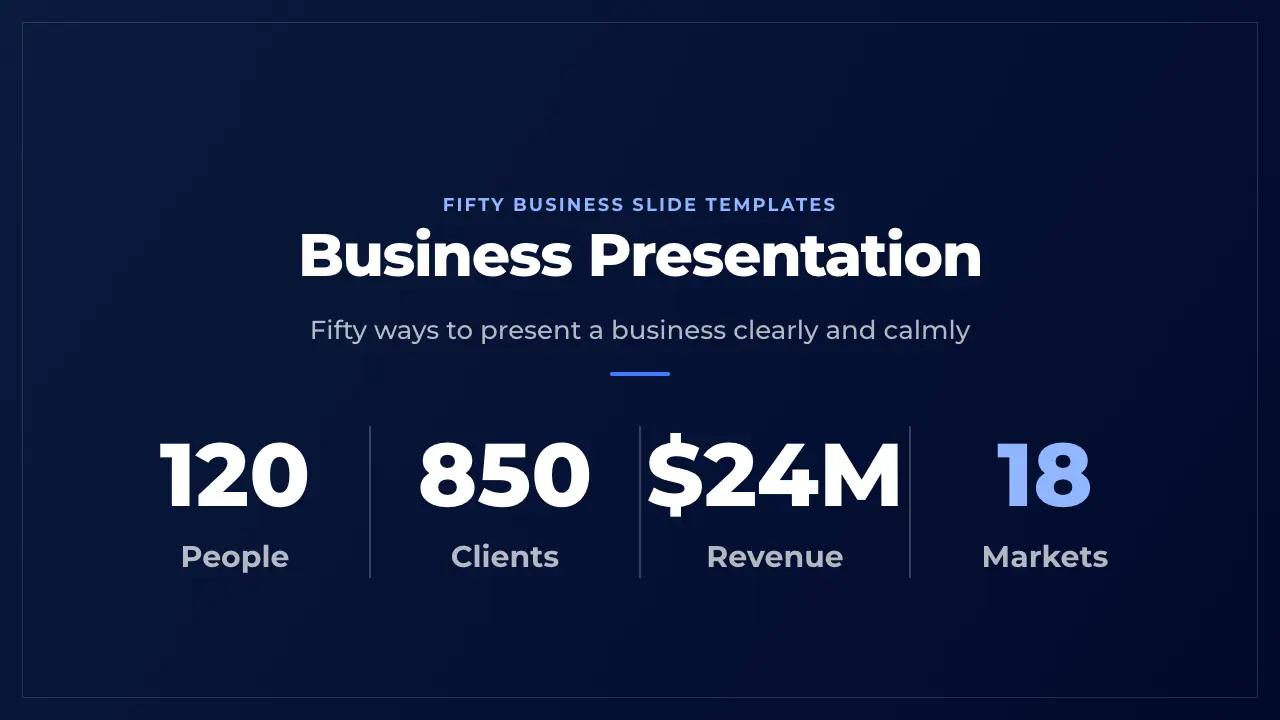
Most business decks offer empty boxes and leave the writing to you. Here every slide is finished, with neutral sample content for one round sample business that fits any organisation: 120 people, 850 clients, revenue of $24M and 18 markets, the same figures on every slide. Clients appear by type, the team by role and rivals by kind of provider, so nothing has to be removed before you use it. You see how much text each form carries before you choose it.
If you are looking for a business presentation template PowerPoint opens as it is, a free account downloads the slides as a PPTX file whose texts and shapes stay editable. You can also stay in the browser: pick your colours and fonts in the bar above the slides, describe your business and let the AI build your own deck in this look, or open the slides one to one in the editor.
Your Business In This Blue Look
Describe your company, your offer and the figures you want to show, or attach a report, a profile or last year's deck. ExpertSlides builds your own business deck in this look in a few minutes, with your services, your market and your team.
The 50 Slides Of This Business Template For PowerPoint
Every slide is a complete business slide with neutral sample content — one round sample company, general sections, roles instead of names and round figures — that fits any organisation. Replace the words and figures with yours.
1 · Title Slide With Four Key FiguresThe opening slide of a business presentation: a centred title and lead over four key figures of the business. Replace the figures with your own headcount, clients, revenue and markets, or swap one for the year you were founded.
2 · Agenda Beside A PhotoA six-point agenda for a company presentation, each item with its number and time. Use it at the start of a meeting so everyone knows what comes next; change the items and minutes to fit your session.
3 · Statement Beside Three FactsAn about-us slide: one clear sentence on what the business does, with three facts beside it. Put your own positioning in the statement and keep the facts short — a year, a headcount, a number of sites.
4 · Four Milestones Under A RailThe history of a business in four milestones hanging from one rail. Each column holds a year, a short title and two lines of context; the last one can be a planned step.
5 · Mission Beside A Full-Height PhotoA mission slide: one sentence on why the business exists, three words that carry it, and a photo of people at work. Keep the statement to three lines so it is read in one breath.
6 · Vision Statement On A Full PhotoA vision slide on a full photo under a navy overlay: one sentence about where the business wants to be, and three goals that make it measurable. Change the year and the three figures to your own long-term targets.
7 · Five Value Columns With IconsFive company values side by side, each with an icon, one word and a short promise. The middle column is highlighted; move the highlight to the value you want to stress, or keep all five alike.
8 · Four Service Cards With IconsThe offer of a business in four service cards: an icon, a name, a short description and the typical duration at the foot. Use it to give an overview before you go into one service in detail.
9 · Core Service Card Beside A PhotoOne service in focus: its share of the business, a one-line description and four features with check marks, next to a photo of the team at work. Use it after the overview to show what carries your business.
10 · Three Circles Of Growing SizeThree product lines as circles whose size follows their share of revenue, each with its name and a short line. Change the shares and the circle sizes together so the picture stays honest.
11 · Five Chevrons In One RowHow a business works with its clients, as five chevrons that lead from listening to improving. Each step has a one-word name and a two-line caption; use it for any process with five clear stages.
12 · Nested Market SquaresThe size of a market in three levels — total, served and target — as nested squares with a short explanation beside each. Replace the sample figures with your own market research and keep the squares roughly in proportion.
13 · Client Profile Beside A PhotoA profile of the ideal client as a type: company size, who decides, the main need and the typical budget, beside a photo. Use it to align sales and marketing on who the business is for.
14 · Bars By Client Type On CardsWho the clients are, as four horizontal bars on white cards: each client type with its share of revenue. Sort the rows from the largest share down and highlight the one you want to talk about.
15 · Key Figure Beside Six IndustriesThe industries a business serves, as six tiles with icons next to one large figure. Use it to show breadth at a glance; replace the industries with your own and keep each name to one or two words.
16 · Paired Bars Against The MarketWhere a business stands out, as four pairs of bars: its own result in blue over the market average in pale blue. Use it to back up claims of quality with figures; satisfaction is shown out of five.
17 · Three Blocks Joined By ArrowsA business model in one line: what goes in, what the business does and what clients get, joined by arrows, with the revenue streams on a band underneath. Keep each block to one idea and three lines.
18 · Donut Beside A LegendRevenue split into four streams as a donut with the total in its centre and a legend of shares beside it. Change the arcs and shares together; four or five streams read best.
19 · Three-Level Strategy PyramidA strategy on one page as a pyramid of three levels — the vision at the top, the priorities in the middle, the actions at the base — with a short explanation beside each. Use it to show how daily work connects to the long-term goal.
20 · Three Goal Cards With ProgressThree measurable goals on cards: the target as a large figure, a short line on how to get there and a progress bar with today's value. Use it in strategy reviews to show where the business stands against its targets.
21 · Four Key Figures On A Full PhotoThe key figures of a business on a full photo under a navy overlay: four large numbers, each with a short rule and a label. Use it as a strong opener for the figures section.
22 · Column Chart Of Seven YearsRevenue growth as seven columns, five actual years and two plan years drawn as outlined columns. Put your own figures above the columns and keep the plan years visibly different from the actual ones.
23 · Big Figure Beside Four KPI CardsThe financial year at a glance: revenue as one large figure on a navy card, and four smaller cards for margin, EBITDA, net profit and cash, each with its change on the year.
24 · Rising Line Chart With AreaOne figure over six years as a rising line with a soft area under it and the value over every point. Use it for a margin, a share or any rate you want to show improving; mark plan years in the lead.
25 · Market Share As One BandA whole market as one band, divided by type of provider, with the business's own share highlighted and called out underneath. Name competitors by type rather than by name, and keep the shares adding up to 100.
26 · Section Divider Beside A PhotoA chapter break inside a business presentation: a large pale number, the section's title and one line, beside a photo that fills half the slide. Duplicate it for every part of your talk and change the number.
27 · Four Tall Portrait CardsThe leadership team as four tall portraits, each with its role and area of responsibility on a navy band. Use roles rather than names when the deck is shared widely, or add names on a second line.
28 · Board Over Four UnitsHow a business is organised, in two levels: a management board and the units under it, each with an icon and its headcount. Keep it to four or five units so the slide stays calm.
29 · Four Figure Badges In A RowThe team in four figures, each in a round badge with a title and a short caption. Swap in the figures that matter to your audience: headcount, nationalities, average age, experience or growth.
30 · Two Photos And Three StatementsCompany culture in three short statements next to two photos of the team at work and at lunch. Use real photos of your own team where you can; keep each statement to a title and two lines.
31 · Five Stages Along A WaveThe client journey as one curved line with five stages, their names and captions alternating above and below. Use it for any path a customer takes, from first contact to repeat business.
32 · Phase Bars On A Week ScaleAn onboarding plan as four bars on a scale of eight weeks, each phase with its owner on the left. Use it for any short project plan; let the bars overlap where phases run in parallel.
33 · Hub With Four Partner TypesThe partners of a business by type, as four cards linked to one hub. Describe each kind of partner in one line; name actual partners only where you have their consent.
34 · Three Results Under A Photo BandClient results as three large figures on cards under a wide photo band. Name the client by type and size rather than by name, and say over what period the result was reached.
35 · Three Quote Cards By RoleClient voices on three cards, each with a large quotation mark, a short quote and the speaker's role and type of company. Keep quotes to one sentence and use real ones with permission.
36 · Six Reasons In Two ColumnsSix reasons to choose a business in two calm columns, each with a check mark, a short title and one line. Use the reasons your clients actually give; three to six is the right number.
37 · Three Package CardsThree packages side by side with a monthly price and four features each; the middle one is filled in navy and marked as the most chosen. Change the names, prices and features to your own offer.
38 · Shield Beside Four StandardsQuality promises as four measurable standards, each a figure with a title and one line, beside a large shield icon. Only promise what you measure, and say how often you report it.
39 · Three Commitments Beside A PhotoSustainability commitments as three figures with a title and two lines each, next to a calm photo. State every goal with a number and a year so it can be checked later.
40 · Roadmap In Three LanesA five-year roadmap in three lanes — services, markets and team — with bars across the years each initiative runs. Keep each bar's label short and add or remove lanes to match your plan.
41 · Quarter Columns Under A BandThe year ahead in four quarters: a band of four segments, and under each a focus word and two short actions. Use it for an annual plan or a team's year; keep each action to three or four words.
42 · Three Risk Cards With A MeterThe main risks of a business on three cards: each with a level meter from low to high and the response that meets it. Keep to the three to five risks that matter most and give each one an owner.
43 · Opportunity Bubbles On A PlaneGrowth opportunities as bubbles on a plane of value against effort, each bubble sized by its potential. Use it to agree priorities: the large bubbles high up and to the left are the quick wins.
44 · Positioning Map With A NoteA positioning map of a market by two axes — price and how tailored the work is — with the providers by type and the business highlighted, and a short note on the position. Place rivals by type, not by name.
45 · Vertical Sales FunnelA sales funnel of five stages, from leads to new clients, with the number at every stage and the conversion rate beside it. Replace the figures with a year of your own pipeline.
46 · Five Channels Beside A PhotoWhere new clients come from, as five channels with an icon, a bar and a share, beside a photo. Use it in a marketing review; sort the channels from the largest share down.
47 · Three Gauges Of SatisfactionClient satisfaction as three half-circle gauges, each with its score, a title and how it is measured. Swap in any three rates or scores you track, from quality to delivery on time.
48 · Five Takeaway ColumnsA summary of a business presentation in five numbered columns, each with one word and two lines. Use it before the next steps so the audience leaves with the five points that matter.
49 · Three Steps And A Call To ActionThe next steps after a presentation: three cards with the week, a one-word step and two lines, joined by arrows, and a call to action underneath. End every business presentation with a clear next step.
50 · Thank You On A Full PhotoThe closing slide of a business presentation on a full photo under a navy overlay: a large thank-you, one line and three prompts for what comes next. It carries no contact details by design, which keeps the slide clean when the deck is shared.
Fifty Forms Of A Business Slide In One Blue Look
A title slide with four key figures and an agenda beside a photo; who we are as one statement with three facts, a story in four milestones under a rail, a mission beside a full-height photo and a vision for 2035 on a full photo; five values on columns with icons; the offer as four service cards, one core service in focus, three product lines as circles sized by revenue and a way of working in five chevrons; the market as three nested squares, an ideal client as a profile, clients by type as bars on cards, six industries beside a key figure and paired bars against the market average; a business model of three blocks joined by arrows and revenue by stream as a donut; a strategy pyramid of three levels and three goals with progress bars; the figures on a full photo, as seven years of columns, as one big figure beside four KPI cards, as a rising line and as one band of market share; a section divider for the team, four leaders by role on tall portraits, a board over four units, four figure badges and a culture slide with two photos; a client journey along a wave, an onboarding plan on a week scale, partners around a hub, results under a photo band and three client quotes; six reasons with check marks, three packages and prices, four quality standards beside a shield and three green goals; a roadmap in three lanes, the year ahead by quarter, three risks with a meter, growth opportunities as bubbles, a positioning map, a sales funnel and five channels beside a photo; satisfaction as three gauges, five takeaways, three next steps with a call to action and a thank-you on a full photo. Seventeen slides stand on navy, seventeen on light blue and sixteen on white, thirteen of them with a photo.
How To Use This Business Template
01
Pick Your Business Slides
Look through the 50 slides of this business template for PowerPoint and note the forms your story needs: an agenda, who you are, your offer, your figures, your team and the next steps. Most company presentations need ten to fifteen of them.
02
Set Colours And Fonts
Choose your colours and your font in the bar above the slides. The whole pack changes at once, so you see your brand on every slide before you download anything.
03
Put In Your Content
Press Fill With AI and describe your business, or press Edit Slides and replace the sample texts and figures by hand, slide by slide, in the editor.
04
Download Or Present
Download the slides as a PPTX file with a free account and copy them into your own PowerPoint deck, or present them straight from the browser.
Which Slides Make A Strong Company Presentation
A first meeting with a new client wants a short, clear story. Open with the agenda (slide 2), say who you are in one sentence (3) and what you offer (8), show one result that matters (34) and end with the next steps (49). Five slides and fifteen minutes are often enough, and the thank-you slide (50) leaves room for questions.
A presentation to a board or to investors wants the figures and the plan. The key figures on a full photo (21), the revenue columns (22), the financial highlights (23) and the margin line (24) carry the numbers; the strategy pyramid (19), the goals with progress bars (20) and the roadmap in three lanes (40) carry the plan. The risks with their meter (42) show that the plan has been thought through.
A presentation of the company to new colleagues or partners wants the people and the values. The story in four milestones (4), the mission (5) and the vision (6), the five values (7), the leadership team by role (27), the organisation (28) and the culture slide (30) give a full picture of the business in a few minutes.
A sales or marketing review wants the market and the clients. The nested market squares (12), the market share band (25) and the positioning map (44) show where the business stands; the clients by type (14), the sales funnel (45), the channels (46) and the satisfaction gauges (47) show how it wins and keeps its clients.
How To Write A Good Business Slide
Give every slide one message and write it as the headline: not "Revenue" but "Revenue Growth" with the figures under it. A short lead line under the headline says what the audience is looking at, and the slide itself shows the evidence. The sample slides of this pack follow that pattern, so you can keep their structure and change only the words.
Use round figures and say where they come from. A share of 40 per cent reads faster than 39.7, and a lead such as "Share of revenue by client type" tells the audience what the bars mean. Name clients, rivals and partners by type unless you have their permission, as the sample slides do, and keep every text to two or three lines so it can be read from the back of the room.
Questions About The Business Template
Is The Business Template Free?
Yes. You can look at all 50 slides, change their colours and fonts and edit them in the browser for free. Downloading this business template for PowerPoint as a PPTX file needs a free account.
Is This Business Presentation Template PowerPoint Ready?
Yes. The download is a standard PPTX file. Its texts, shapes and pictures stay editable in PowerPoint, so you can change every word, figure and colour there, and the slides also open in Keynote and Google Slides.
Which Sections Does The Pack Cover?
Every section of a typical company presentation: agenda, about us, story, mission, vision and values, services and products, market and clients, business model and strategy, goals and key figures, team and organisation, results and quotes, prices, quality, roadmap, risks, sales and the next steps.
Can I Change The Colours To My Brand?
Yes. Pick your colours and fonts in the bar above the slides and all 50 change at once. With a Design Kit, the AI also uses your logo, your colours and your fonts for every deck it builds.
Can The AI Write The Slides For My Business?
Yes. Press Fill With AI and describe your company, or attach a profile or a report. The AI builds your own deck in the look of this business template for PowerPoint, with your services, your figures and your team, and you can change every slide afterwards.
Why Do The Slides Show No Company Names?
The pack is meant for any organisation, so its sample content describes one general business: clients by type, the team by role and rivals by kind of provider. That way no slide has to be cleaned of someone else's names before you use it.
How Is This Pack Different From A Business Plan?
A business plan asks for funding and sets out the finances in detail. This pack presents the company itself: who it is, what it offers, how it works and where it is going. For a plan or an offer to a single client, the business plan and business proposal packs fit better.
Try ExpertSlides AI For Free — The Ultimate AI Presentation Maker
Describe any topic or upload a document, and ExpertSlides designs and writes the whole deck — editable in the browser and as a PowerPoint file.

 Organizational Chart Presentation Templates50 slides
 Executive Summary Presentation Templates50 slides
 Business Case Presentation Templates50 slides
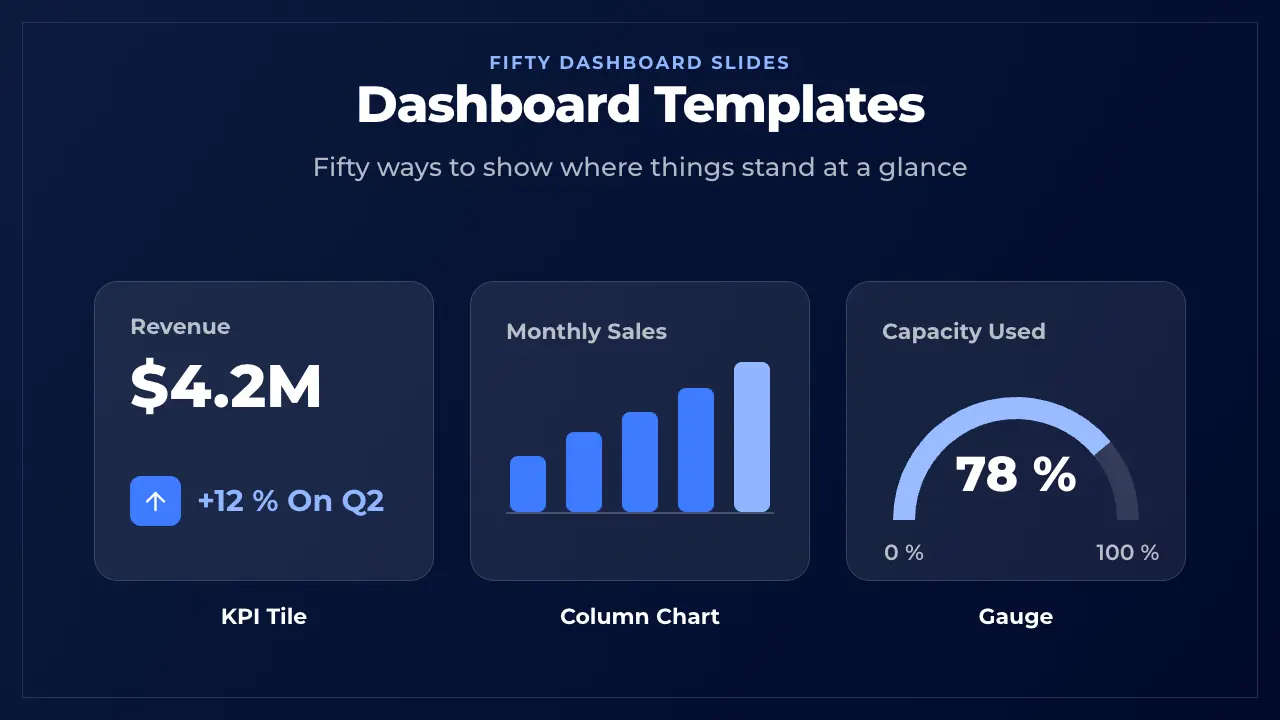 Dashboard Templates50 slides
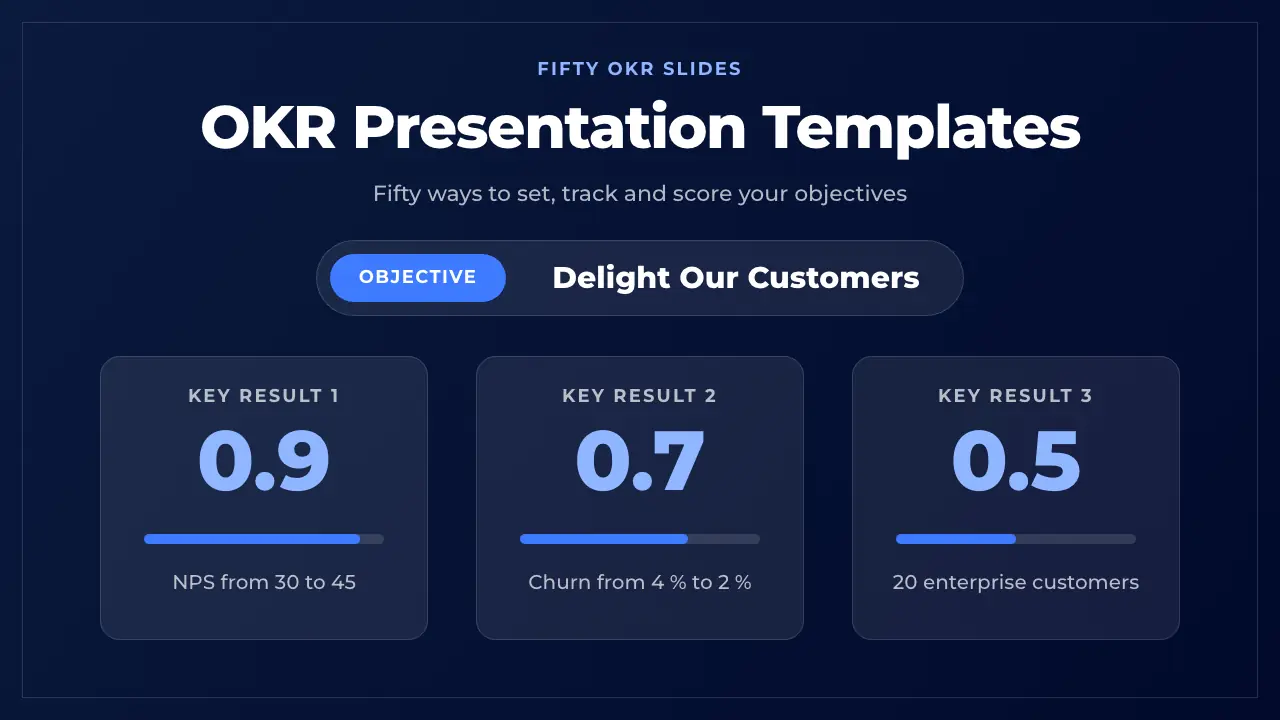 OKR Presentation Templates50 slides
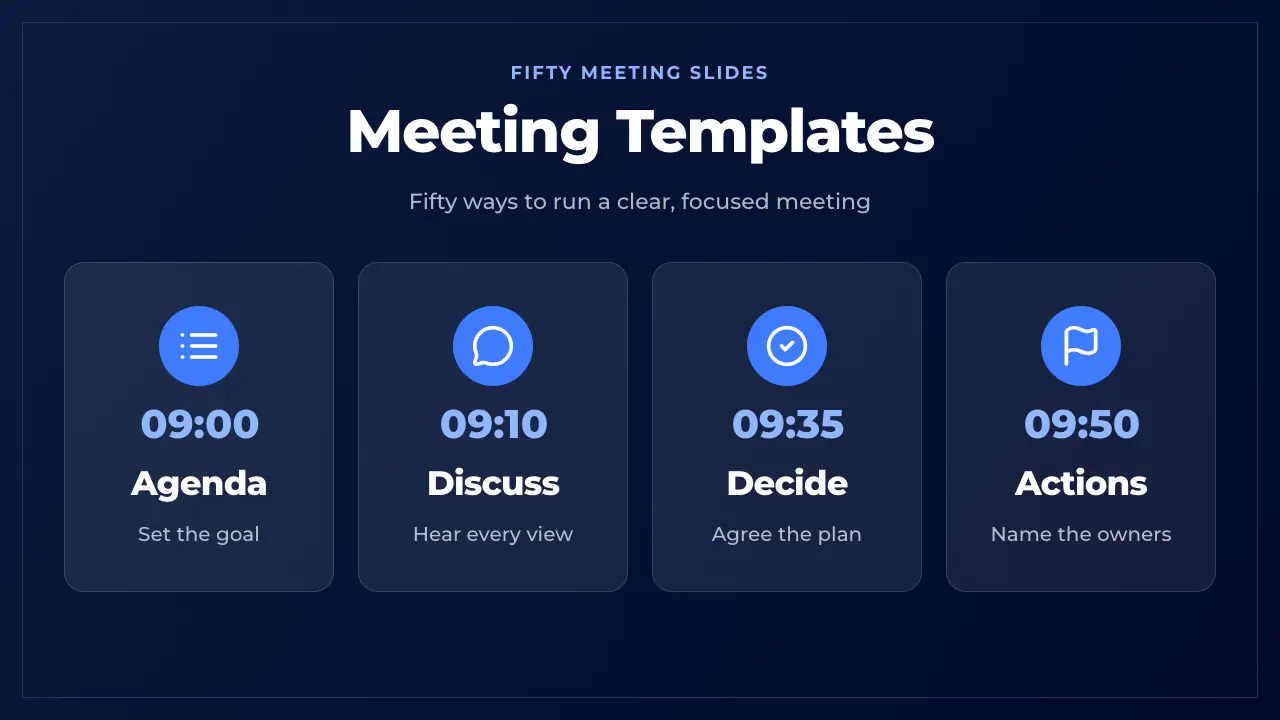 Meeting Presentation Templates50 slides
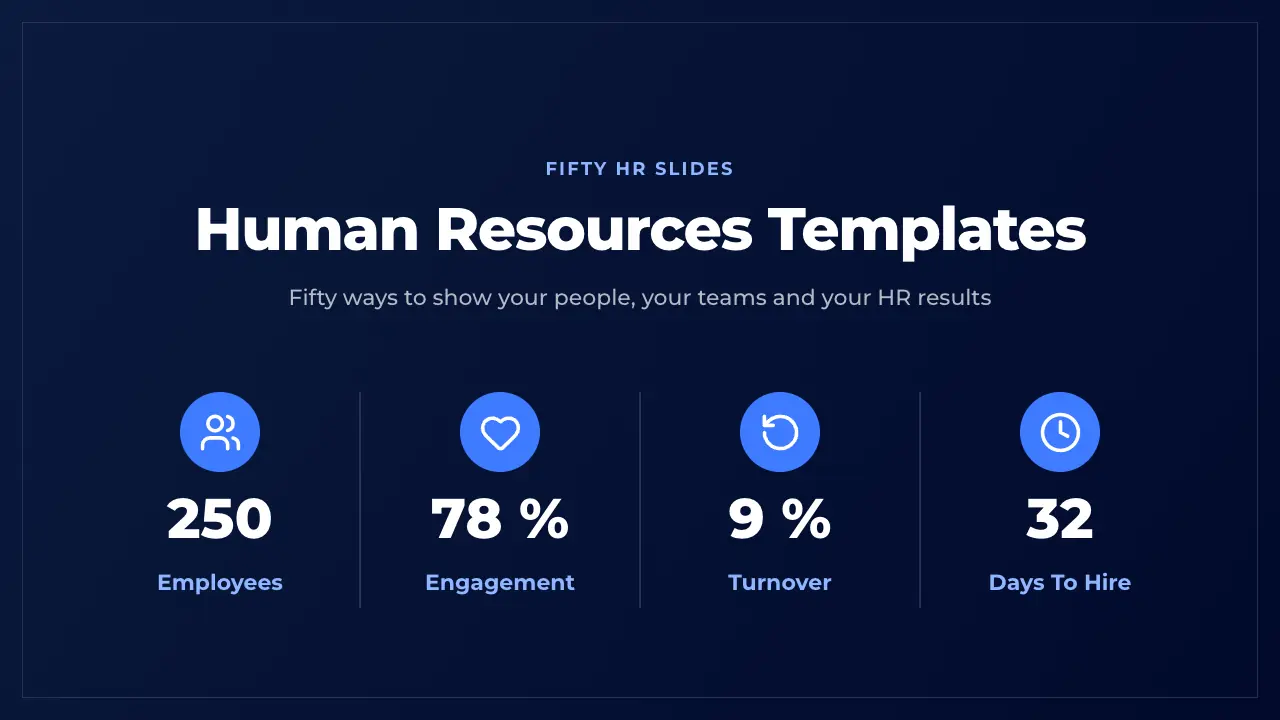 Human Resources Presentation Templates50 slides
 Annual Report Presentation Templates50 slides