Expert Slides
AI Presentation MakerDesign TemplatesPricingSolutionsDesign KitsFree Tools
Log inGet started freeMy ProjectsGet free credits
HomePresentation TemplatesProject Management Presentation
Project kickoff presentation title slide: Project Atlas, one CRM for all 14 regional sales teams by June
1 / 20

Template · Project Management Presentation

Project Management Template: A 20-Slide Kickoff Deck, Ready To Edit

A finished project kickoff deck of 20 slides: goals, scope, team, Gantt chart, budget, RACI, risks and a status report. Fill it with your own project by AI in seconds, download it as PowerPoint, or edit it slide by slide.

  • 20 slides
  • 16:9
  • PowerPoint
Edit slides 1:1 in editor

Most project management templates are empty frames. This one is a finished project kickoff presentation: twenty slides for a made-up project — goals, scope, team, plan, Gantt chart, budget, RACI, risks, status report and next steps — written the way a project manager would present them.

Open it in the editor, put your own project’s names and figures in, and you have a project management presentation for the kickoff and for every status meeting after it. Every slide comes from the ExpertSlides library, so the AI can rewrite, extend or restyle any of it.

Also: Project Management Template Pack20 slides of every kind for one project; the pack has 50 project management slides of one type in every form.

Your project, in these 20 slides

Type what your project is about, or attach your project plan. ExpertSlides writes your goals, dates and people into this deck in seconds — the pictures stay, nothing is made up.

Similar Template Packs

  • Timeline Templates50 slides
  • Gantt Chart Templates50 slides
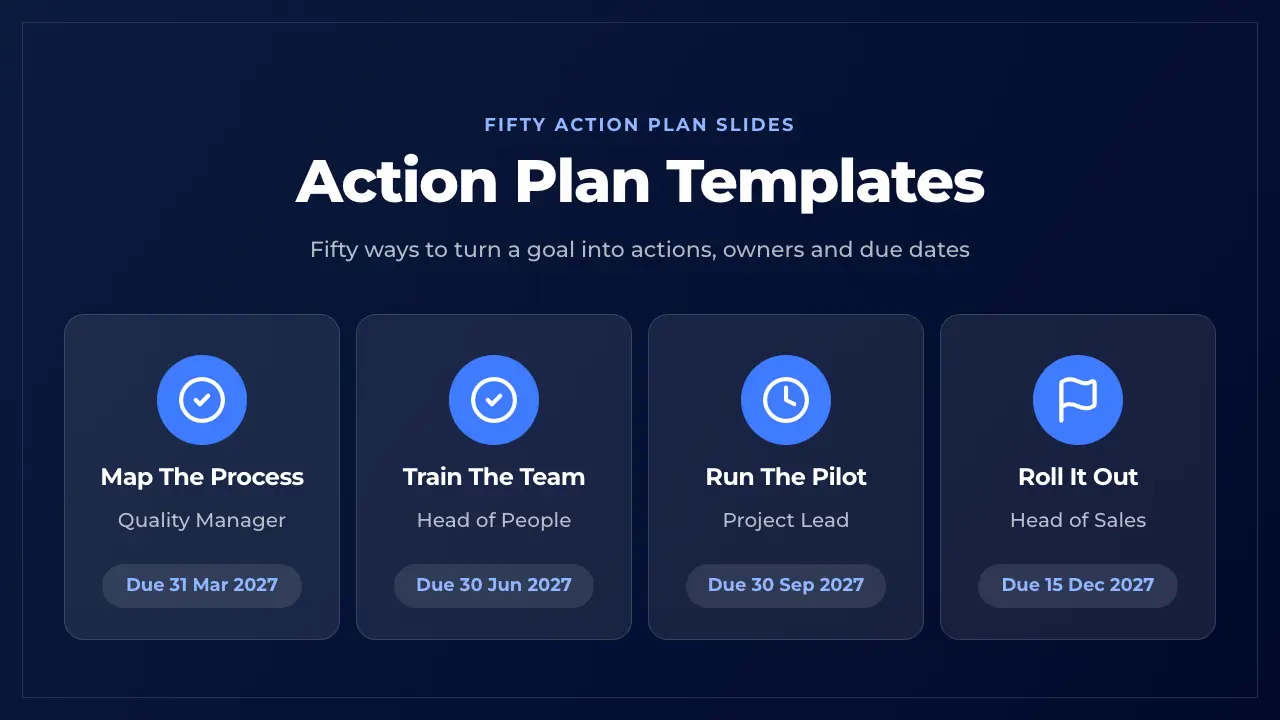
  • Action Plan Templates50 slides
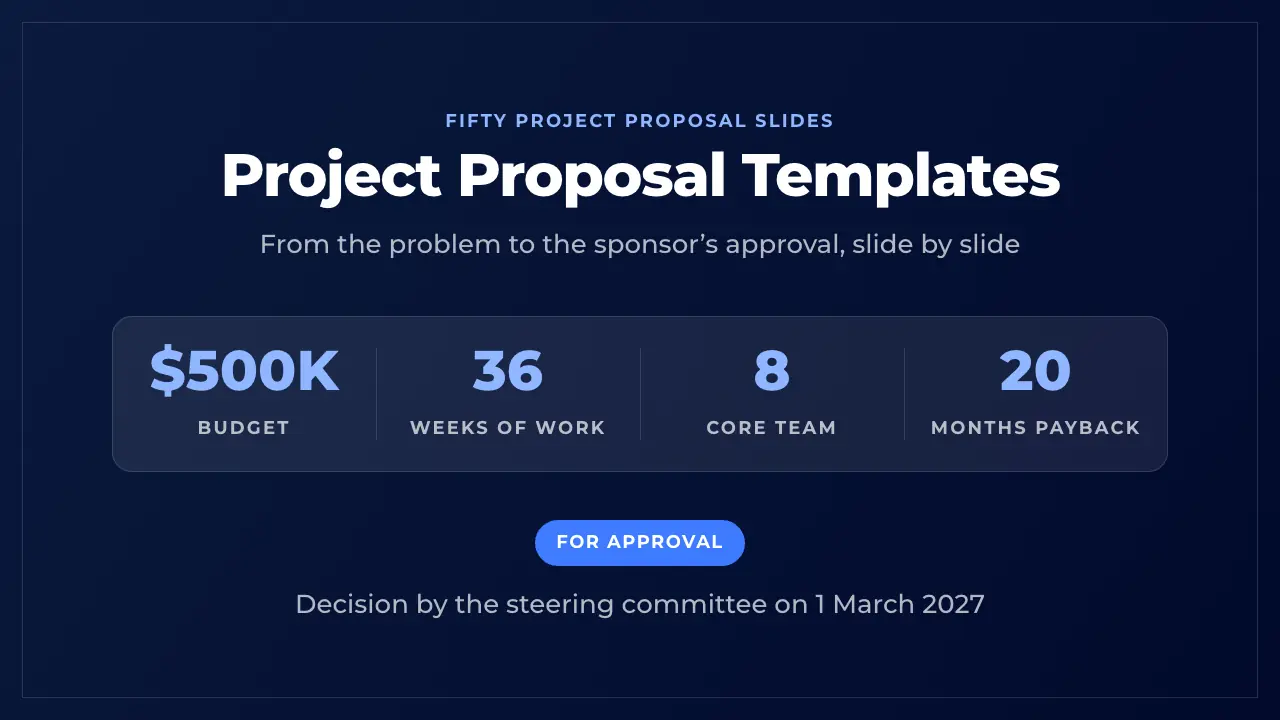
  • Project Proposal Presentation Templates50 slides
  • Project Management Presentation50 slides
  • Roadmap Templates50 slides
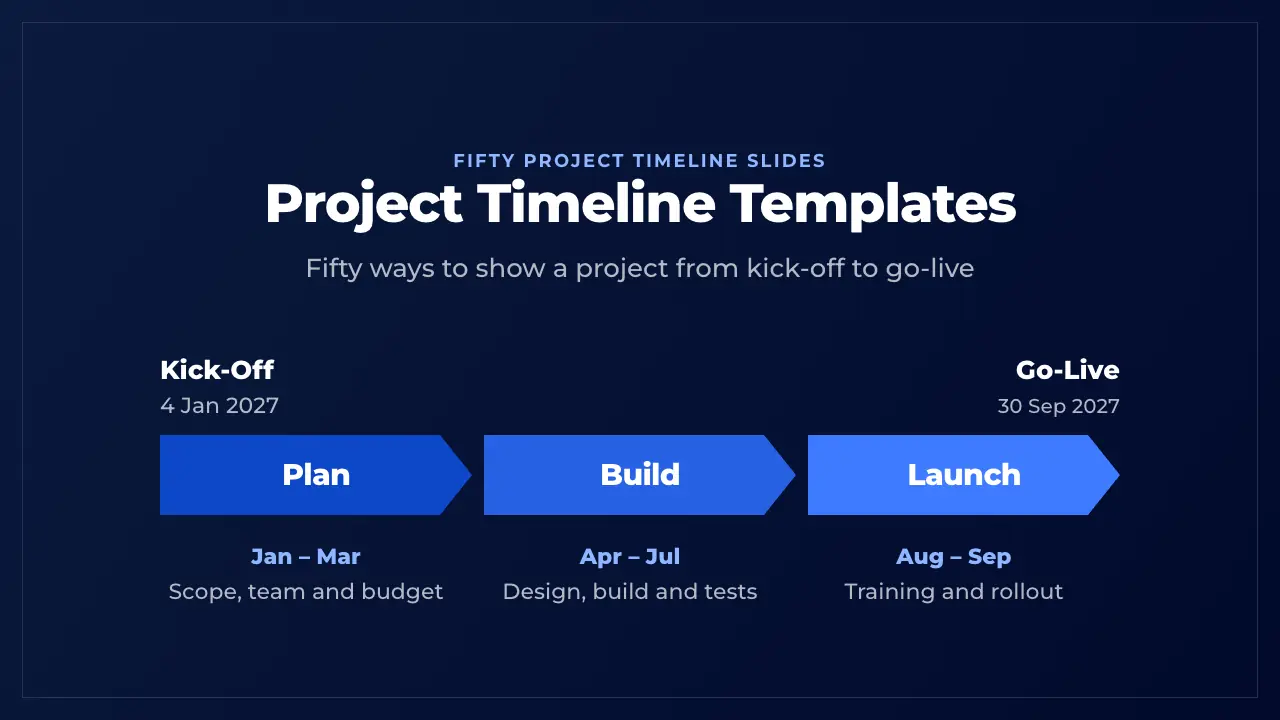
  • Project Timeline Templates50 slides
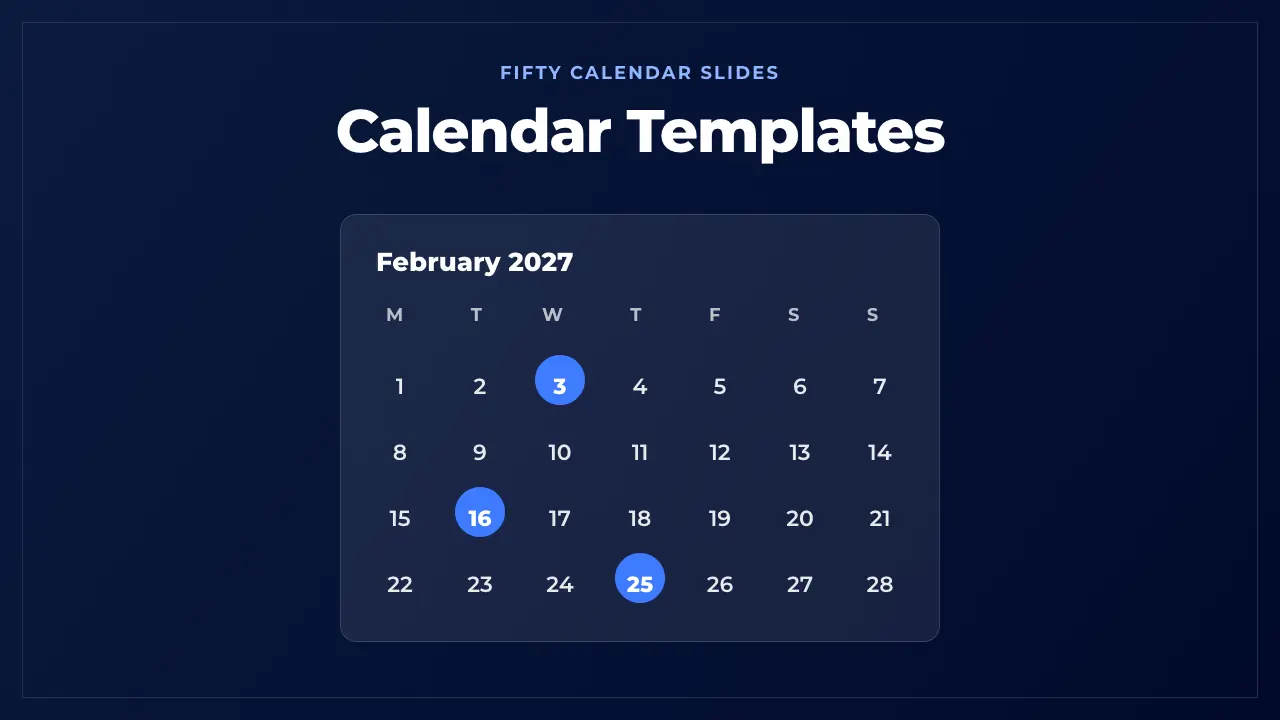
  • Calendar Templates50 slides

The 20 slides of the project kickoff presentation

Project Atlas: a sales organisation moves 14 regional teams to one CRM in six months. Replace it with your project.

  1. 1 · TitleThe opening slide names the project and its promise in one line, beside a photo of the team. Use it as the first thing the room sees at the kickoff. Put in the project’s name, the goal in under ten words and the year or the date of the meeting.
  2. 2 · AgendaSix numbered points tell the audience what the meeting covers and in what order. Show it right after the title so everybody knows when their part comes. Keep each point to a few words and match them to the sections that follow.
  3. 3 · OverviewThree facts sum the project up: how long it runs, how many people work on it and what it delivers. Use it for the sponsor who only has a minute. Pick the three numbers your stakeholders ask about first.
  4. 4 · GoalsFour goal cards turn the reason for the project into measurable targets, each with today’s value and a date. Use it to agree on what success means before the work starts. Write targets you can measure, and the date by which each must be reached.
  5. 5 · ScopeTwo columns set what the project delivers against what it deliberately leaves out. Use it at the kickoff and whenever new wishes come up. Be as concrete about what is out of scope as about what is in.
  6. 6 · StakeholdersFour groups are named with what the project changes for each of them. Use it to show that you know who is affected and why they should care. List the groups by name and give each one its benefit in a sentence.
  7. 7 · Team and rolesThe key people of the project, each with a role and a line about what they own. Use it so that everybody knows whom to ask. Put in names, roles and a one-line responsibility, and add the sponsor.
  8. 8 · RoadmapA project timeline of four phases with what happens, when and who leads it. Use it to give the big picture before the detailed Gantt chart. Name each phase by its result, not by an activity.
  9. 9 · Gantt chartFive phases drawn as bars over six months show how the work overlaps. Use it to discuss dependencies and the critical path. Change the months and give each bar the length of its phase.
  10. 10 · MilestonesFour milestones with their dates and what each one proves. Use it to agree on the checkpoints the steering group will judge the project by. Write each milestone as a result that can be checked, with its date.
  11. 11 · BudgetThe project budget split across its phases, with the total. Use it whenever money is approved or reviewed. Put in the amount per phase and say what the largest items are.
  12. 12 · RACI matrixA RACI matrix shows for five deliverables who is responsible, accountable, consulted and informed. Use it to settle ownership early and leave no gaps. Keep exactly one A per row and put people or roles in the columns.
  13. 13 · RisksThree risks, each with its likelihood, its impact and the answer to it. Use it at the kickoff and in every status meeting. Name a concrete mitigation and an owner for each risk.
  14. 14 · Status reportA red, amber and green summary of where the project stands. Use it as the first slide of every status meeting. Set each light honestly and add a line of explanation for anything that is not green.
  15. 15 · Work packagesSix tasks of the current sprint, each marked done, in progress or open. Use it to show progress at a glance in a weekly update. List the tasks by their outcome and update the marks before each meeting.
  16. 16 · KPIsFour KPIs with their progress towards the target. Use it to report results, not activities. Choose the measures of your goals slide, so the deck stays consistent.
  17. 17 · Communication planHow the project informs its people: the weekly update, the steering group and the project hub. Use it to set expectations about meetings and reports. Put in who receives what, how often and through which channel.
  18. 18 · Decision pointsThree go / no-go gates between the start and the launch, each with its date. Use it to show where the sponsor decides whether the project goes on. Write what has to be true for a go at each gate.
  19. 19 · Next stepsThree actions for each of the first four weeks. Use it to end the kickoff with clear work for everybody. Give every action an owner and keep the list short.
  20. 20 · ClosingA photo, the contact details and a last line close the presentation. Use it to leave the room with one message and a way to reach you. Put in the project lead’s contact and where the project’s documents live.

A project plan template for PowerPoint, with timeline and status report

Title and agenda, an overview, goals with targets, scope in and out, stakeholders, team and roles, a roadmap, a six-month Gantt chart, milestones, the budget by phase, a RACI matrix, risks with their mitigation, a red-amber-green status report, work packages, KPIs, a communication plan, go / no-go gates, the next four weeks and a closing slide.

How to use this project management template

  1. 01

    Open it

    Press Use this template. The deck is copied into your account — free, no credit card — and opens in the editor.

  2. 02

    Make it your project

    Click any text to put in your project: names, dates, budget, the letters of the RACI. Or ask the AI to rewrite a slide for your project.

  3. 03

    Shape the plan

    Add a milestone, a risk or a row of the RACI matrix, move a bar of the Gantt chart, or ask the AI for another point on a slide.

  4. 04

    Present or export

    Present it from the browser or export it. On Pro and Business you download an editable PowerPoint file. Every plan exports PDF; on Free a PDF carries the ExpertSlides mark.

What each slide of the project management presentation is for

The first slides set the frame. The title and the agenda say what the meeting is about; the overview gives the project in three facts; the goals turn the reason for the project into targets with a starting point and a date; and the scope slide says just as clearly what the project will not do, which saves arguments later.

The middle of the deck is the plan. Stakeholders and the team with its roles say who is affected and who decides. The roadmap and the Gantt chart show the phases over time, the milestones say what each phase has to prove, and the budget slide splits the money by phase. The RACI matrix settles who is responsible, accountable, consulted and informed for each deliverable.

The last part keeps the project on course: risks with their likelihood, impact and answer, a red-amber-green status report, the open work packages, KPIs against their targets, the communication plan, the go / no-go gates and the next four weeks.

When to use a project management deck

Use it for a project kickoff, when the sponsor, the team and the stakeholders hear the plan for the first time; for a steering committee, where the status, the risks and the decisions matter most; and for a monthly or weekly status meeting, where you duplicate the status slides and keep the plan and the reports in one deck.

It works for an IT rollout as well as for a marketing campaign, a move, a product launch or a construction job: every slide is an ordinary, editable slide, so you drop what your project does not need and add a slide where it needs more.

Questions about the template

Is this project management template free?

Yes. Opening it costs no credits and needs no credit card, and it stays in your account like any of your presentations. Unlike most free project management templates, it comes filled in, so you change a working deck instead of starting from empty boxes. Every plan exports PDF; on Free a PDF carries the ExpertSlides mark.

Can I download it as a PowerPoint file?

On Pro and Business you download it as an editable PowerPoint (PPTX) file: its texts and its table stay editable in PowerPoint. On every plan you can present it from the browser.

Does it include a Gantt chart template for PPT?

Yes. Slide 9 is a six-month Gantt chart with five phases, slide 8 a project timeline of four phases with what, when and who. Both are ordinary slides: change the months, the phases and the length of the bars as you like.

Can I use it as a project status report template?

Slides 14 to 16 are a status report: a red, amber and green summary, the tasks of the current sprint and four KPIs against their targets. Duplicate them for each weekly report, so the plan and the reports stay in one deck.

What does a project kickoff presentation template include?

Why the project exists, its goals and scope, who is involved and who decides, the plan with its milestones, the budget, the risks, how the team will communicate and the first steps. This template has a slide for each, in that order.

Can the AI make a deck like this for my own project?

Yes. Describe your project in the prompt on the home page, or upload your project charter, and the AI writes a deck like this one with your content, in the design you choose.

Try ExpertSlides AI For Free — The Ultimate AI Presentation Maker

Describe any topic or upload a document, and ExpertSlides designs and writes the whole deck — editable in the browser and as a PowerPoint file.

Try it for free

Use the project management template

A free account, no credit card. The deck opens in the editor, every slide editable.

Use this templateMore presentation designs
Expert Slides
AI presentation maker: type a topic, pick a style, get a finished deck in 60 seconds.
Product
AI Presentation MakerDesign TemplatesPricingSolutionsPowerPoint & Google Slides Add-insPowerPoint TemplatesPresentation TemplatesProject Management TemplateFree PowerPoint TemplatesFree Presentation Tools
Company
Help CenterGuidesContact
Legal
PrivacySecuritySubprocessorsTermsLicensingImprint
© 2026 ExpertSlides · ES Solutions GmbH