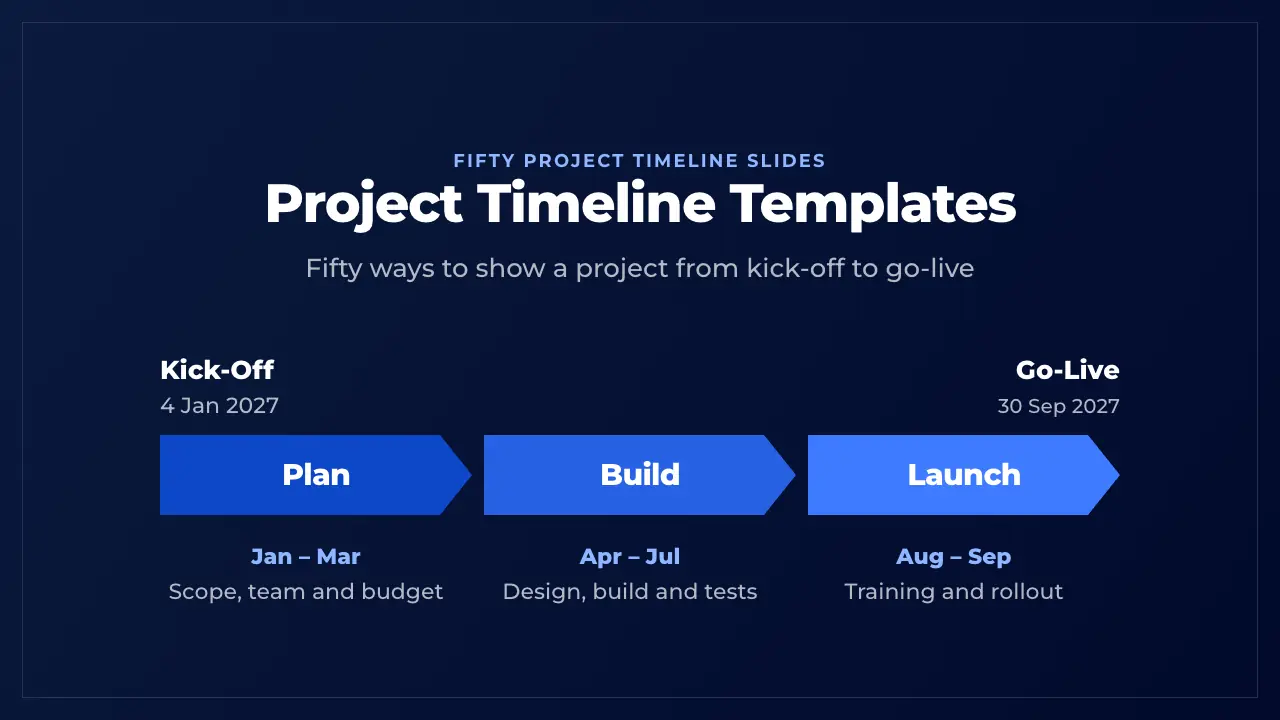
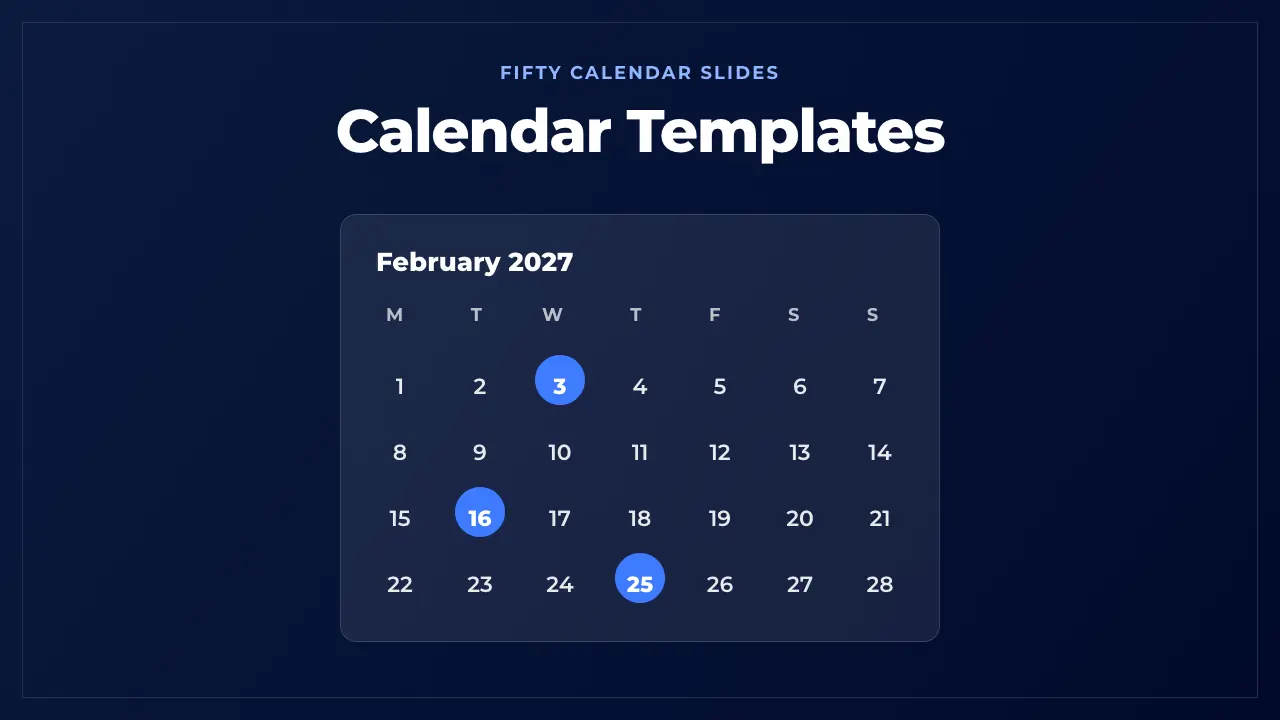
Fifty ways to show who or what happens when: a day by the hour, a week of fixed slots, shift plans, rotas, timetables and event programmes. Every slide is airy, editable and in one calm blue look.
This schedule PowerPoint template brings 50 slides for every plan that answers one question: who or what happens when. A working day on an hour ruler, a week of fixed slots, three shifts across 24 hours, a duty rota, a class timetable, a conference programme, a meeting series, opening hours and a monthly rhythm all stand in one blue look.
Each schedule template keeps to a few entries, so it can be read from the back of a room. The sample days and times are general and fit any team, school, event or service, every date falls on its real weekday, and the figures are real charts and shapes you can change in the editor or in PowerPoint.
Your Week In This Schedule Look
Describe who works when, paste your times or attach a rota or a timetable. ExpertSlides builds your own schedule deck in this look in a few minutes, with your days, your roles and your hours.
All 50 slides with their words: days, weeks, shifts, rotas, timetables, programmes and opening hours.
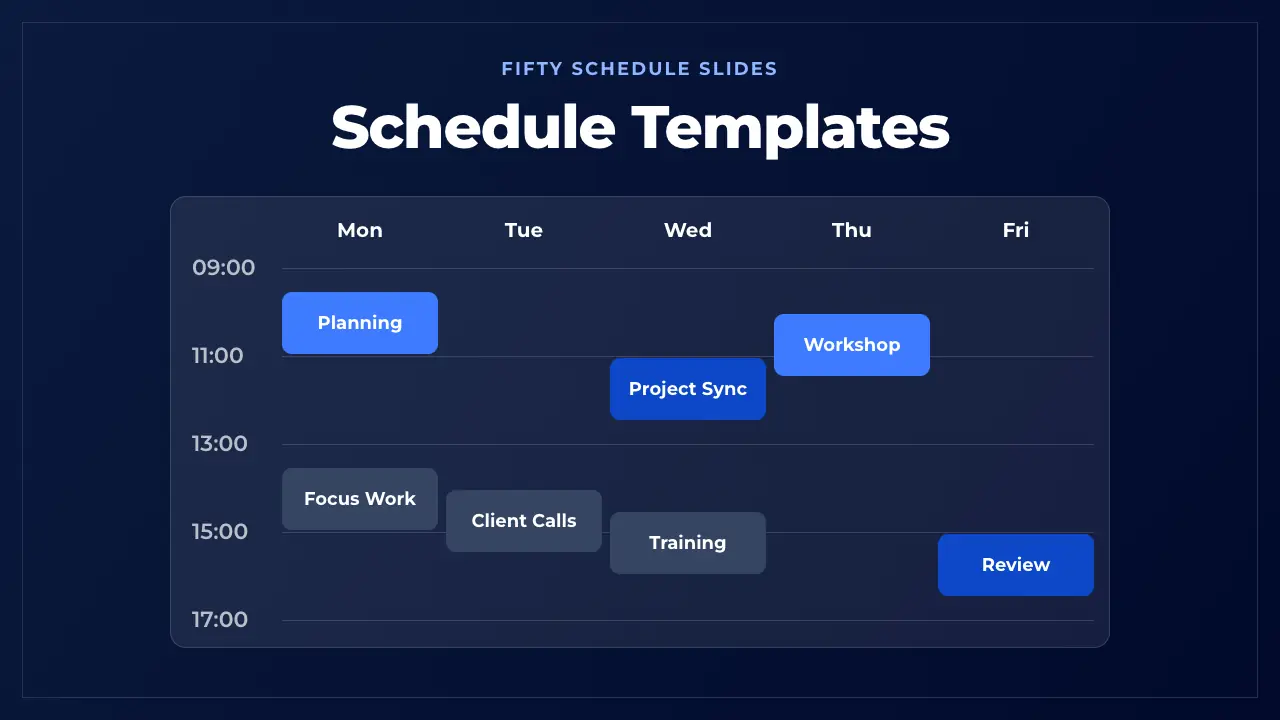
1 · Week Board Title SlideThe opening slide of the pack: a working week as a board of five day columns on an hour scale, with a few fixed slots in place. Use it as the title of any schedule, rota or programme.
2 · Day On One Hour RulerA working day on one hour ruler, each block as wide as it lasts, with the core hours marked underneath. Use it to show how a team, a shift or a single role spends its day.
3 · Five Day Columns On An Hour ScaleA weekly schedule of five day columns on a shared hour scale, one fixed slot in each. Use it for a team week, a course week or any routine that repeats every seven days.
4 · Three Shifts On A 24-Hour RulerEarly, late and night shift as three bars on one 24-hour ruler, the night shift running over midnight. Use it to show shift cover and who is in charge at any hour.
5 · Opening Hours Beside A PhotoA week of opening hours as seven bars on one scale, beside a photo. Monday to Friday run from 09:00 to 18:00, Saturday from 10:00 to 14:00 and Sunday stays closed. Use it for a shop, an office, a practice or a service desk.
6 · Programme In Two HalvesA one-day event programme in two halves, three timed sessions in the morning and three in the afternoon. Use it for a conference, a summit or an internal event day and write your own sessions and hosts into the rows.
7 · Class Timetable By PeriodA class timetable of five days and four periods, with only the lessons filled in so it stays calm. Use it for a school class, a course or a training programme.
8 · Duty Rota With Role RowsA rota of four roles across seven days, each duty day a filled disc on the role's line. Use it for duty plans, cover plans or any rota where one glance should show who is on.
9 · Meeting Series On Two WeeksFour meetings in their rhythm over two working weeks, each mark one meeting on its day. Use it to show a team's whole meeting series and how often each one comes round.
10 · Monthly Rhythm In Four StepsA month as four week cards stepping down, each with its one fixed appointment. Use it to show the recurring rhythm of a team, a board or a department across any month.
11 · Day List Beside A PhotoA single day as a list of five large times, with the slot that is running now highlighted, beside a photo. Use it at the start of a working day, a training or a workshop.
12 · Column Chart Of Staff By HourA real, editable column chart of how many people are on duty at each hour, with the peak hours in the highlight colour and a key figure beside it. Use it to plan staffing against demand.
13 · Three Parts Of The DayA day in its three natural parts, each a card with an icon, its hours and what belongs in it. Use it to explain how a team structures its day.
14 · Two Alternating WeeksTwo alternating weeks as two rows of day pills, office days in the highlight colour and remote days quiet. Use it for hybrid work plans, alternating shifts or A and B timetables.
15 · Three Shift ColumnsThree shifts as tall columns with their start and end times and the role in charge. Use it on a shift briefing, a handover or a staff notice.
16 · Role Lanes Under A Photo BandFour roles in four lanes on one hour scale, each with its eight-hour shift, so the overlaps are easy to see. Use it for shift plans in production, service or care.
17 · Bell Schedule On One BandA school day as one band cut into lessons and breaks, each as wide as its minutes, with the bell times at the joints. Use it for a school, a course or any day that runs in fixed periods.
18 · Course Weeks On Six CardsA six-week course as six cards in two rows, each with its week, topic and session date, the last one highlighted. Use it for training programmes, onboarding or a course outline.
19 · Two Day Cards Beside A PhotoA two-day programme as two day cards with three timed items each, beside a photo. Use it for a weekend event, a retreat or an open weekend.
20 · Rotation Handed On By WeekAn on-call rotation as four week cards handed on from left to right, the current week highlighted. Use it for on-call duty, support cover or any task that passes from role to role.
21 · Desk Rota With A Round PhotoA rota of five weekdays with a morning and an afternoon slot, each filled by a role, beside a round photo. Use it for a reception, a help desk or any post that must always be staffed.
22 · Team Shift PatternA rolling shift pattern of four teams over seven days, each tile an early, late or night shift and the gaps the rest days. Use it for production, care or any operation that runs all week.
23 · Progress Through The DayA day as five blocks on a progress track, marked done, running now and next. Use it at the start of a session or on a shared screen, so everyone sees where the day stands.
24 · Departure Board With A PhotoA departure board with six times, destinations and stops, beside a photo. Use it for a shuttle, a ferry, a company bus or any service that leaves at fixed times.
25 · Three Date CardsA three-day workshop as three date cards, each day with a theme and three timed sessions. Use it for an offsite, a design sprint or a training block.
26 · Consultation Bars By WeekdayConsultation hours of a week as five bars standing on one hour scale, so the different days are clear at a glance. Use it for a practice, an advice desk or office hours.
27 · Four Quarters Under A PhotoThe four review dates of a year as date cards under a wide photo, each with its quarter, weekday and date. Use it for board meetings, quarterly reviews or a series of fixed dates.
28 · Five Chevrons For The WeekThe working week as five chevrons, each day with one clear purpose. Use it to explain a team's weekly routine or to set the rhythm of a project.
29 · Chair Rota On One LineA rota of who chairs a recurring meeting, six Mondays on one line with the role above or below each. Use it for chairing, minute-taking or any duty that goes round the team.
30 · Working Days As Rising StairsA month-end close as five working days rising like stairs, each with its task and the role in charge. Use it for finance, reporting or any routine that runs on working days.
31 · Evening On A Full PhotoAn evening programme of five moments set over a full photo under a navy overlay. Use it for a gala, an awards night or a company celebration.
32 · Bar Chart Of Hours By RoleA real, editable bar chart of the planned weekly hours of five roles, beside a key figure for a full-time week. Use it for capacity planning and staffing discussions.
33 · Two Halves Of The DayTwo twelve-hour shifts as the two halves of one day, on a 24-hour ruler with the handover marked. Use it for operations that run around the clock in day and night shifts.
34 · Stacked Chart Of The WeekA real, editable stacked column chart of how each day's eight hours split into focus, meetings and admin, with the week's totals beside it. Use it to rebalance a team's calendar.
35 · Eight Week Discs In Two RowsAn evening course of eight weeks, each Tuesday a date disc with its topic, in two calm rows. Use it for a course, a lecture series or a recurring evening class.
36 · Meeting Rows Beside A PhotoA team's four standing meetings as calm rows with day, time and length, beside a tall photo. Use it for onboarding, or to agree how a team meets.
37 · Two Seasons Side By SideOpening hours for two seasons in two matching panels, each with weekdays, Saturday and Sunday. Use it for a shop, a venue, a visitor centre or any service with seasonal hours.
38 · Stages Against Time SlotsA festival or conference programme with three stages in columns and four time slots in rows, the sessions as calm cards. Use it where several things run at the same time.
39 · School Year On One LineThe three terms of a school year as bars on one line of months, with their first and last days in cards beneath. Use it for schools, universities and training providers.
40 · Half-Hour Slots Beside A PhotoSix half-hour one-to-one slots of an afternoon as calm cards, each with its time and role, beside a photo. Use it for appraisals, office hours or parent evenings.
41 · Cover Levels On A 24-Hour ScaleFour levels of service cover as widening bars on one 24-hour scale, from office hours to round the clock. Use it for support plans, service level agreements and on-call concepts.
42 · Eight Hour TilesA working day as eight equal tiles in two rows, each with a large time and what happens then. Use it for a daily routine, a training day or an onboarding day.
43 · Meeting Load With A Free DayThe meeting load of a week as five tall levels, one for each day, with Wednesday kept free for focus. Use it to agree meeting-free days in a team.
44 · Training Day Under A PhotoA training day as five timed session cards under a wide photo. Use it for team trainings, onboarding days and workshops.
45 · Holiday Cover By WeekA holiday cover plan of four weeks, each card naming the role that is away and the role that covers. Use it for summer planning, parental leave or any absence plan.
46 · Fortnightly Release FlagsA release schedule as five date flags on one baseline, one every second Thursday. Use it for software releases, publication dates or any fortnightly delivery.
47 · Programme Beside A Capsule PhotoAn open day programme of five timed points on one vertical line, beside a tall capsule photo. Use it for open days, visitor days or a guided tour.
48 · One Hour Cut Into Team SlotsOne hour as a single bar cut into four equal slots, one for each team. Use it to plan stand-ups, status rounds or short briefings that run back to back.
49 · Line Chart Of Bookings By HourA real, editable line chart of how many rooms are booked at each hour, with the peak as a key figure. Use it to plan rooms, desks or any shared resource.
50 · Closing Week Beside A PhotoThe closing slide: the three fixed points of the coming week with day, date and time, beside a photo. Use it at the end of a meeting, so everyone leaves knowing what comes next.
Fifty Forms Of A Schedule In One Blue Look
A title slide that is a week board itself; the day: an hour ruler, a list of times beside a photo, three parts of the day, a progress track and eight hour tiles; the week: day columns on an hour scale, alternating weeks, five chevrons and a meeting-free Wednesday; shifts: three bars on a 24-hour ruler, three tall shift columns, role lanes, a rolling pattern of four teams and two twelve-hour halves; rotas for duty, the front desk, on-call, the chair of a meeting and holiday cover; class timetables, a bell schedule, course weeks and term dates; event programmes for a conference, a weekend, a workshop, an evening, three stages and an open day; meeting series, opening hours, consultation hours, service cover and departures; and real charts of staff on duty, weekly hours, focus time and room bookings.
How To Use This Schedule Template
01
Pick Your Schedule Forms
Look through the 50 slides and note the forms your plan needs: a day by the hour for the detail, a week for the routine, a rota or a shift plan for who is on. Most decks need three to five of them.
02
Set Colours And Fonts
Choose your colours and your font in the bar above the slides. The whole schedule PowerPoint template changes at once, so you see your brand on every form before you download anything.
03
Put In Your Times
Press Fill With AI and describe your plan, or press Edit Slides and replace the sample days, times and roles by hand, slide by slide, in the editor.
04
Download Or Present
Download the slides as a PPTX file with a free account and copy them into your own PowerPoint deck, or present them straight from the browser.
Which Schedule Form Fits Your Plan
For one day, start with the hour ruler on slide 2 or the list of times on slide 11. For a repeating week, use the day columns on slide 3 or the five chevrons on slide 28. Shift work reads best on the 24-hour ruler of slide 4, the role lanes of slide 16 or the rolling team pattern of slide 22.
Schools and trainers will find a class timetable on slide 7, a bell schedule on slide 17 and term dates on slide 39. Events have their programmes on slides 6, 19, 31 and 38, and a service can show its opening hours on slide 5 and its seasonal hours on slide 37.
Keep A Schedule Easy To Read
A good schedule slide shows few entries and one clear scale. Size each block by how long it lasts, keep the same time format throughout and mark only what matters today, as the current slot on slide 11 or the running block on slide 23 does.
Where the question is how much rather than when, use a chart: staff on duty on slide 12, weekly hours by role on slide 32, focus time against meetings on slide 34 and room bookings on slide 49. They are real charts, so you change the figures and the bars follow.
Schedule Template Questions
Is This Schedule PowerPoint Template Free?
Yes. You can view all 50 slides here and download this schedule PowerPoint template as a PPTX file with a free ExpertSlides account.
Can I Edit The Times, Days And Roles?
Yes. Every time, day, role and title is ordinary text, and every block is a shape you can move or resize. You can edit them in the ExpertSlides editor or in PowerPoint after the download.
Which Schedule Template Suits Shift Work?
Slide 4 shows three shifts on a 24-hour ruler, slide 15 gives each shift its own column, slide 16 sets roles in lanes, slide 22 shows a rolling pattern of four teams and slide 33 splits the day into two twelve-hour shifts.
Does It Work For Schools And Courses?
Yes. This schedule PowerPoint template includes a class timetable on slide 7, a bell schedule on slide 17, a six-week course on slide 18, an evening course on slide 35 and term dates on slide 39.
Are The Weekdays Correct?
Yes. Wherever a slide gives a full date, its weekday is the real one for that year. When you change a date, check the weekday beside it too.
Are The Charts Editable?
Yes. The charts on slides 12, 32, 34 and 49 are real charts. They stay PowerPoint charts in the download, so you change the figures in their data.
Can AI Build A Schedule Deck For Me?
Yes. Press Fill With AI, describe your plan or attach a rota or a timetable, and ExpertSlides builds your own deck in this look, with your days, your times and your roles.
Try ExpertSlides AI For Free — The Ultimate AI Presentation Maker
Describe any topic or upload a document, and ExpertSlides designs and writes the whole deck — editable in the browser and as a PowerPoint file.